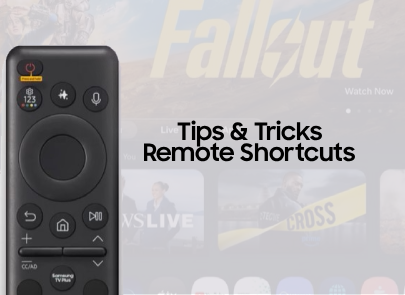
TV & Other Tips
TV & Other Device Tips
If your Tv’s home screen is slow or unresponsive after an update, it may be due to temporary memory buildup. Clearing the TV’s cache or a “Cold Boot” of the television can help restore normal performance. Cold boot using the Samsung TV remote With the TV turned on, press and hold the power button onView Post
5K
15
15
TV Apps aren’t working Samsung smart TVs are all-in-one entertainment systems, providing easy access to fantastic apps like Netflix, YouTube, and Amazon Prime. If you're experiencing issues with an app that isn't working, whether it is crashing or isn't opening at all, there are a few different trouView Post

6K
12
60
Having trouble redeeming your Art store credit? Following the steps below will get you access to your promotional offer and enjoying art in no time! Before we begin, make sure to sign in to your Samsung Account on your Frame television and mobile device. Once signed in, follow the following steps: 1View Post
12K
7
44
Multi-view - 2025 TVs When using multiple sources and apps on your Samsung TV, you can view them on the same screen with Multi View. Check out the video above, and if you need additional information about this topic, check out the following articles: Watch TV and mirror your phone with Multi View: hView Post

2K
1
12
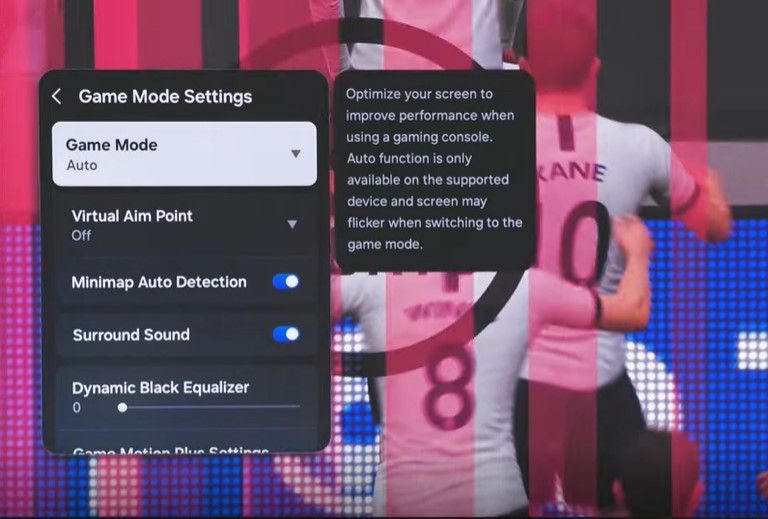
Game Mode Hey Everyone! Explore the features included in Game Mode for Samsung TVs and elevate your gaming experience to the next level! For additional information on this topic, visit the following articles. 1.) Game Bar on Your Samsung TV: https://www.samsung.com/us/support/answer/ANS10001584/ 2.)View Post
2K
2
9
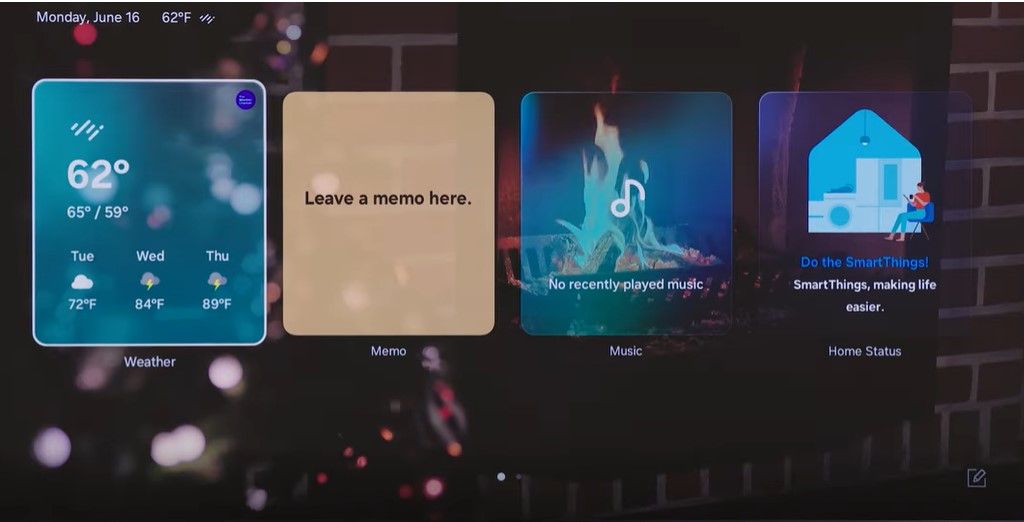
The Daily Board The Daily Board is a hub for information and entertainment options that can appear as an ambient mode for your Samsung TV! Check out the video above to learn how to enable, interact with, and customize your daily board on your 2025 Samsung Television. For more information on The DailView Post
2K
2
5
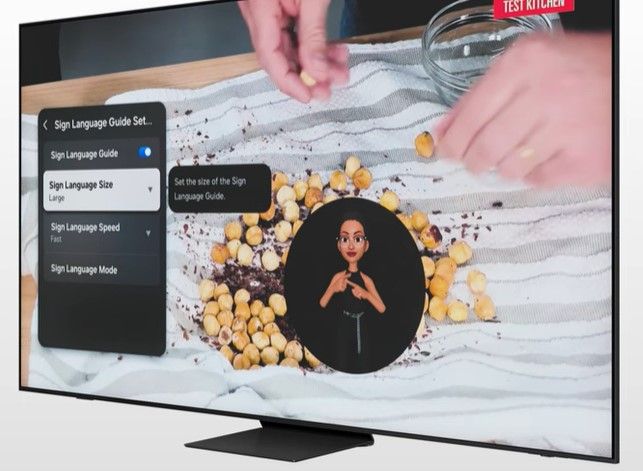
All Things Accessibility! Check out the following videos to learn more about the accessibility options for your 2025 Samsung television! From hearing impairment options, visual impairment, to voice guides & shortcuts. Get the best out of your Samsung television. Accessibility Shortcuts Using Voice GView Post
1K
1
7