
I left my (Samsung odyssey g70b) on overnight. When I came into my office it looked weird. I can't describe it any other way. Like the task bar is flickering up and down the screen. Any ideas?View Post
3K
3
1
I purchased the Samsung Odyssey OLED G9 49” monitor (Model: LS49DG910SNXZA) directly from Samsung, and it has only been 17 days since I started using it. Yesterday I noticed that the rear jog/power button had come apart into two pieces. The button sits behind the monitor, and since the monitor powerView Post
4K
3
7
Can anyone share link for firmware LS32FG502EWXXLM-F5000GGZA-1006.x.img ✅ Idid not find anywhereView Post
2K
2
4
I got a used PC monitor LS49DG954SNXGO with the smart hub, but the person before didn't remove his account nor factory reset it. How can I reset the pin or force the factory reset without his pin code ? And no, 0000 does not work.View Post
4K
3
1
Where can I find the changelog for firmware versions? How do I know what is in the update, i.e. what does it fix?View Post
4K
2
4
Hi all, I'm trying to update the firmware on my S27D702EAN 27" 4k monitor. I downloaded the firmware file M-D8000SGZZ-1005.0[03D1].img and put it on a usb fat 32 formatted drive. The firmware currently on the monitor is M-D8000SGZZ-1001.0 When I navigate through the menu to do a software update, it View Post
3K
6
1
Samsung Magician Bug on Windows 10 and Windows 11: Samsung T7 external SSD health status not shown after update to version 9.0. It only shows the tab for my internal drives and has a tag for non-Samsung. The tab for the Samsung T7 external SSD is missing. It used to work with prior versions of SamsuView Post
4K
1
0
My Samsung G5 Model LS32CG550ENXZA was working fine since purchase until today when it stopped detecting my display port. I tried multiple cables and using the same cable on another monitor with no issues. I tried updating my firmware and nothing. I tried using an HDMI cable and it worked however I View Post
2K
1
0
The receipt and monitor doesn't match and the computer store website doesn't have the IPS model on their site. (I have reached the limit of 10 will update with the rest image tmr of Cool 2 and the monitor power backlight bleed and other images of the bleed) There's a line of dead pixels: (Images posView Post
3K
1
3
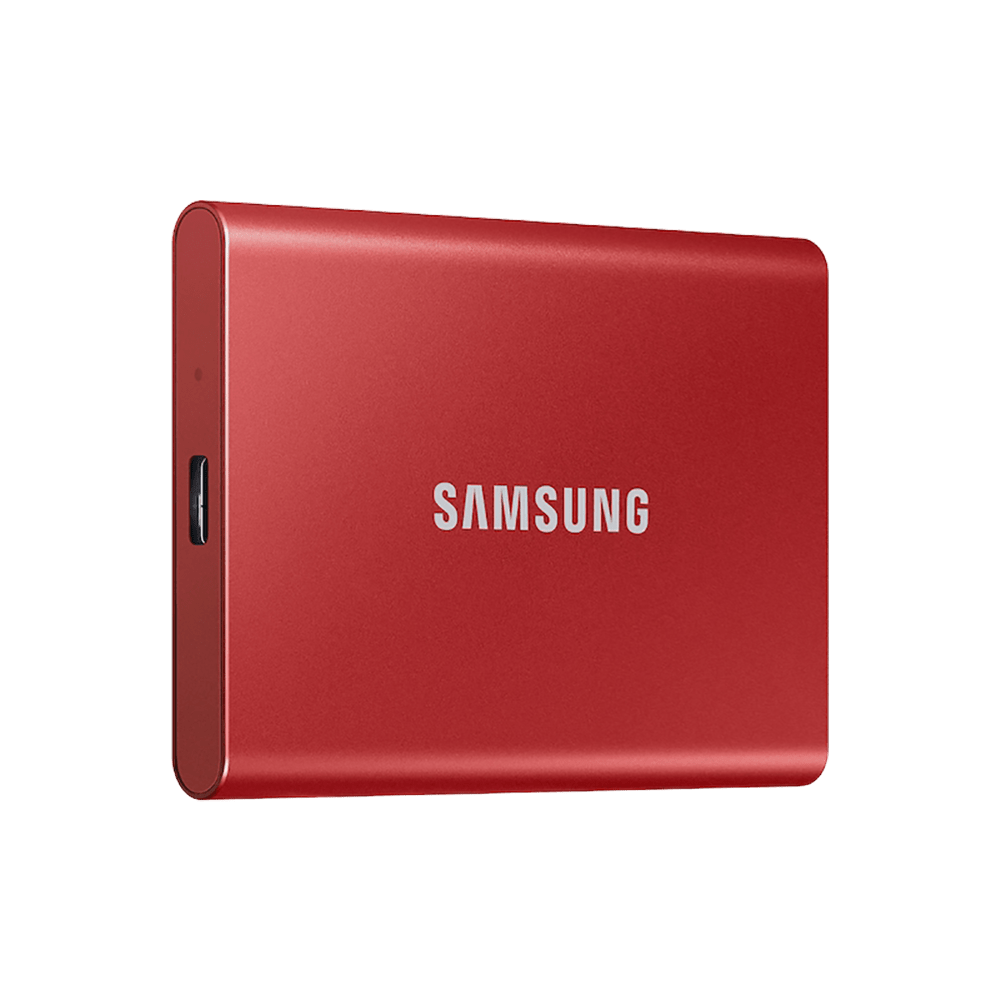
I recently purchased a 1TB T7 external SSD mainly for photo storage. I plan to leave it connected to my PC. I have Carbonite Basic for back-up on the PC. So far, I have read that Carbonite doesn't support the exFAT file system. Only NTSF or FAT32. Can I change the format, and which one would I changView Post
9K
3
15
Got this Samsung monitor about 2 years ago, and recently it's started to develop horizontal lines that show on darker colors. It's not a cable or computer issue because it also shows on the monitor's settings menu Model number: LS24R35A The third image shows different shades of gray, you can see theView Post
6K
2
0
Trying to connect to my 75" Neo QLED TV and for some reason it keeps saying "failed to connect" after pressing windows + k and then trying to connect to the tv. I haven't had this issue before and cannot seem to resolve it.View Post
1K
1
0
84% on a year and a half old 990? I'm imaging my system weekly now, cause I don't trust it anymore.View Post
3K
3
1
LC49G95TSSNXZA screen is detecting on my Mac but not showing anything on screen, No physical damage, no menu coming just light for 1 min then blue light blinking with off screen.View Post
2K
1
1
I connect my Samsung odyssey g8 OLED to computer my computer can tell there's another monitor being hooked up. My monitor is on the correct source but nothing. Just says to turn on a device to output anything. I've tried multiple different cords and nothing. Please someone help me. I made sure that View Post
3K
4
1
Hi all: I have this monitor: Now, I have no idea what type monitor it is. Have it for ages, so the box in which it came when I bought the monitor, is gone. The backside has no sticker, nor has Menu an "About" option. It is a Samsung 32", I think it is a LED monitor, with 1920x1080 resolution. Could View Post
3K
2
0
I have a monitor purchased from Amazon with the model number LS49CG950ENXZA. This is directly from the packaging, and the software menu in the monitor OSD itself. Nowhere on Samsung's websites can I find any reference to this monitor existing. There is certainly no support page. Nowhere I can get fiView Post
2K
4
2
I can't update the firmware It says "Failed to update firmware on the selected drive." I have only one drive, which is this SSD, in my PC. I don't have a compatibility issue either.View Post
124K
3
6