
Mobile Tips
Phones, Tablets, Wearable Tips
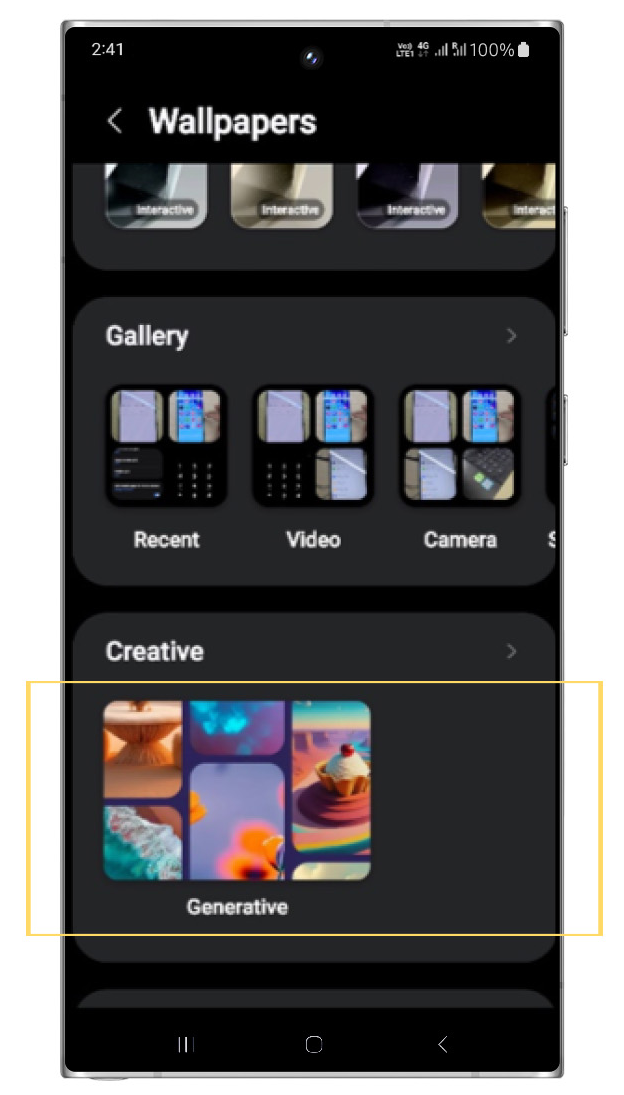
Generate Unique Wallpapers Did you know that you can generate unique wallpapers for your Home / Lock screen? Select a few keywords and let AI handle the rest! How to Generate a Unique Wallpaper With Galaxy AI: Step One: Long-press on a blank area of your home screen > Tap the Wallpaper & Style Icon View Post
7K
15
34
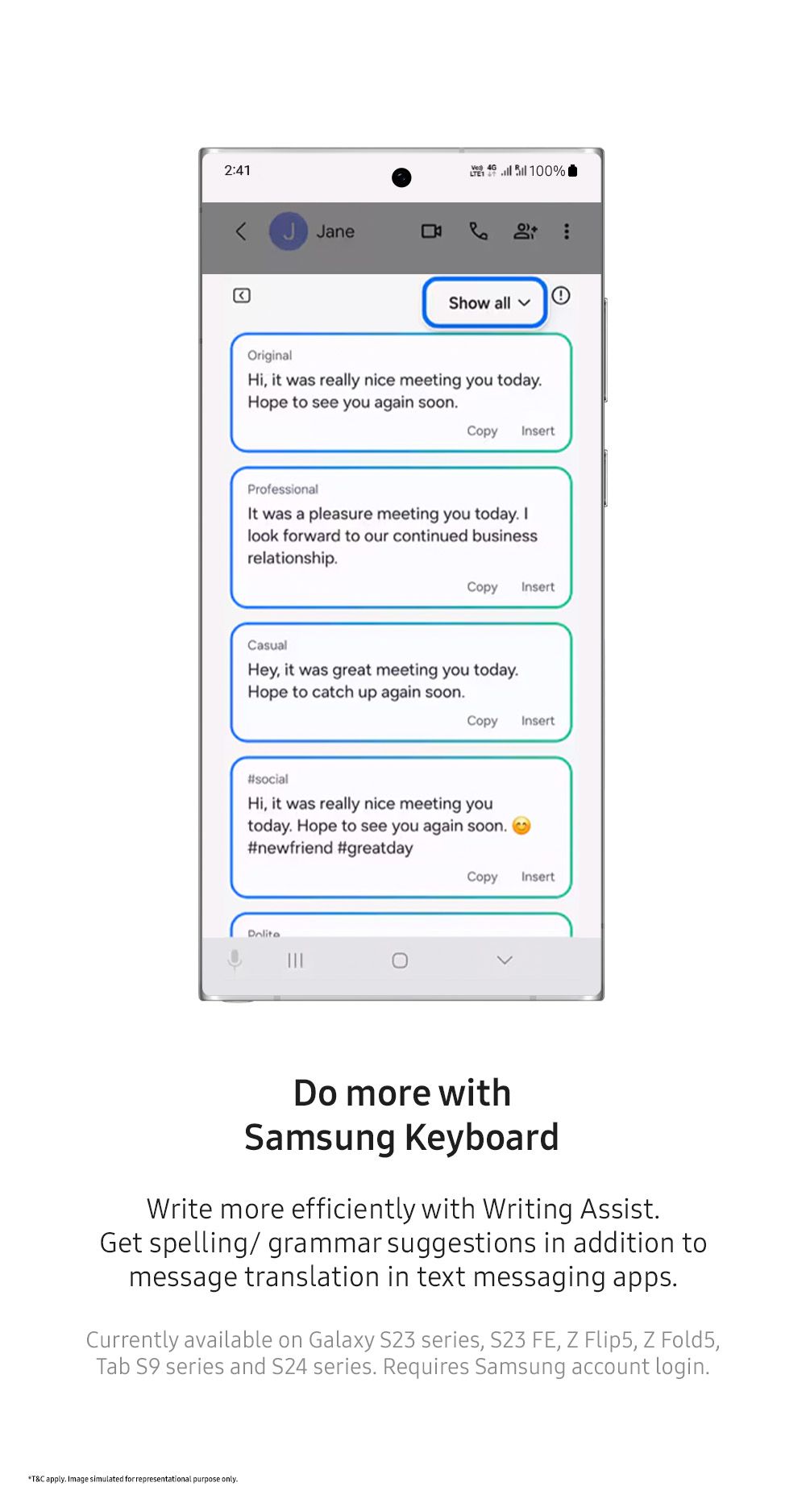
Do More With Samsung Keyboard Write more efficiently with Writing Assist. Get spelling/grammar suggestions in addition to message translation in text messaging apps. Learn more about how to use the writing assist feature here: https://www.samsung.com/us/support/answer/ANS10000943/ Currently availablView Post
1K
0
5
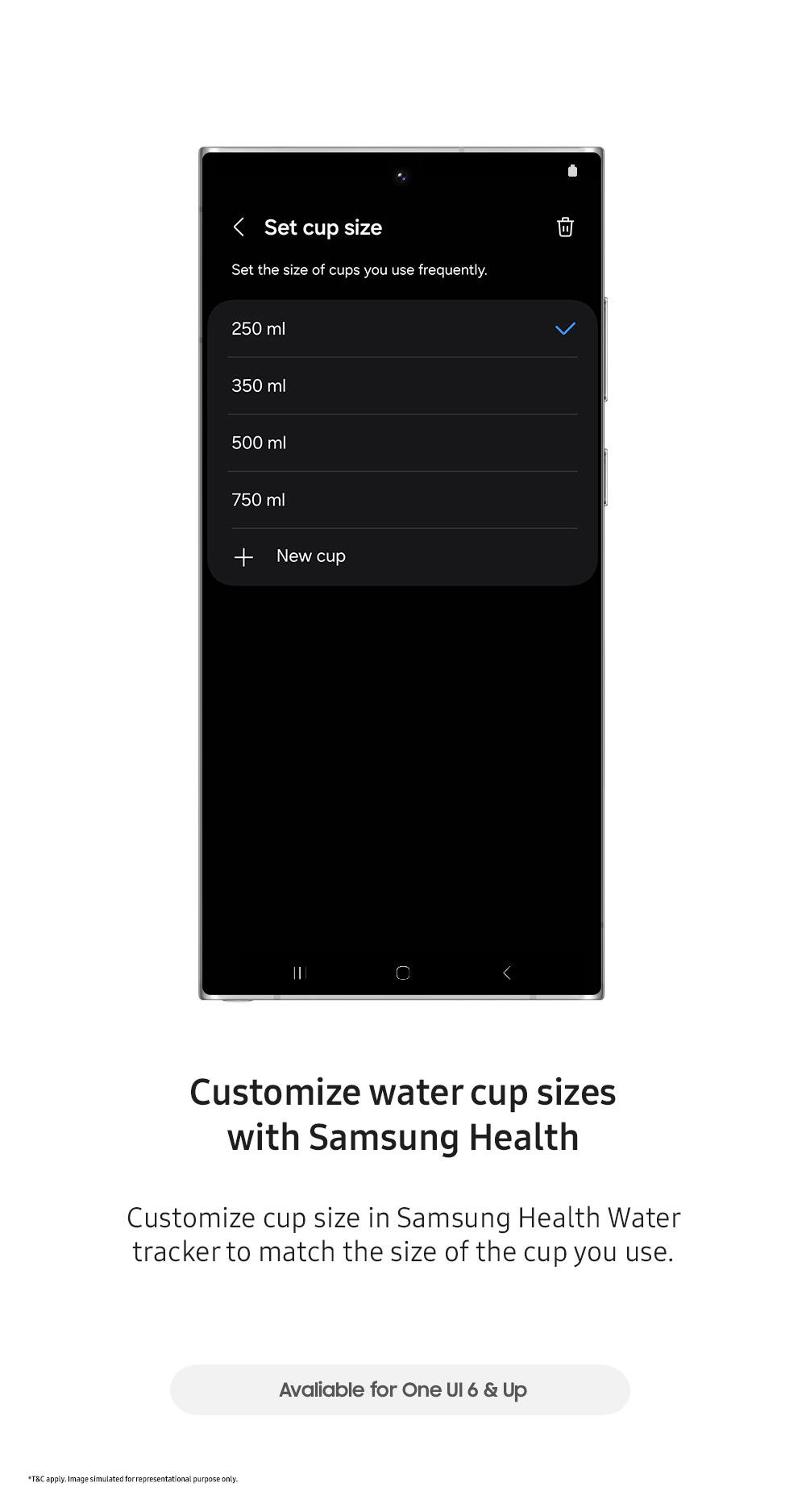
Customizing Water Cup Sizes Did you know you can change the size of the cup you use to track your water intake? Different Ways to Customize: On Your Galaxy Watch: Open the Samsung Health app on your watch. Scroll down to the Water section and tap it. Scroll down again until you see options like Set View Post
1K
1
2
More Morning People are Coming! Most mornings look ordinary. But for this father and daughter, the school run is a dance floor. More morning people are coming, train your sleep and be one of them with Galaxy Watch8 Classic. *How to train your Sleep: https://www.samsung.com/us/support/answer/ANS10003View Post

3K
6
13
Ever wonder what Cinderella would do if she existed in our time? Well, with the power of Smart things meeting AI, she could have definitely saved time in getting those chores done and made it to the Ball in no time! Smart Things is like having your very own Fairy Godmother in your back pocket! CheckView Post

2K
1
14
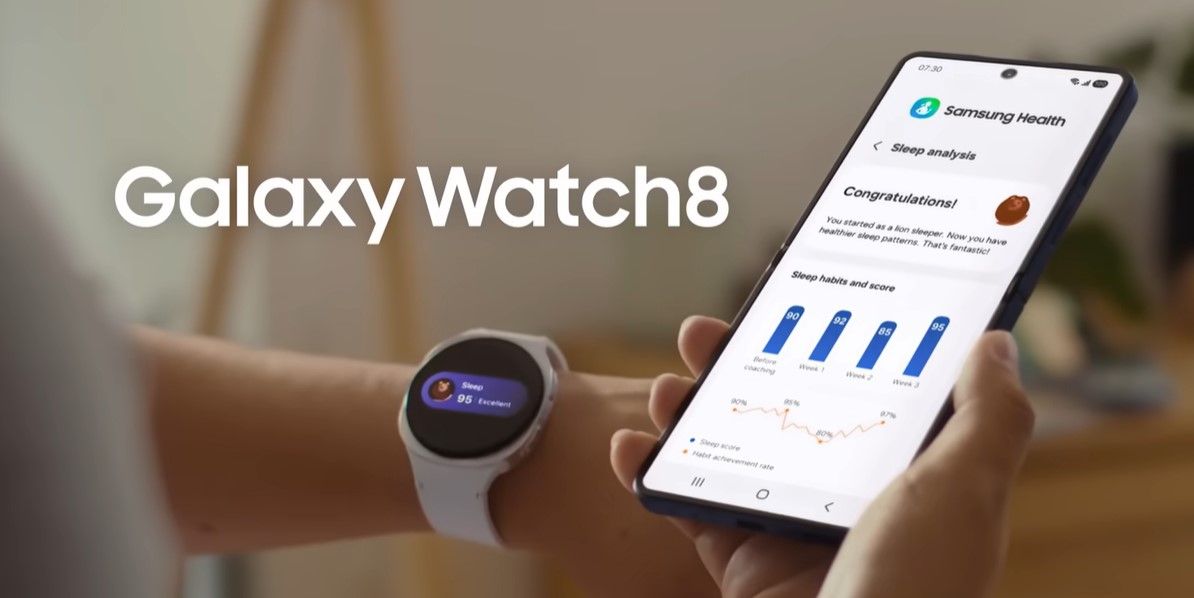
More Morning People are coming! Let's see if you can beat her to the early morning run! Check out these guides to set up your Galaxy Watch & Samsung Health app. *How to train your Sleep: https://www.samsung.com/us/support/answer/ANS10003657/ *Work Out with Your Galaxy Watch: https://www.samsung.com/View Post
1K
2
2
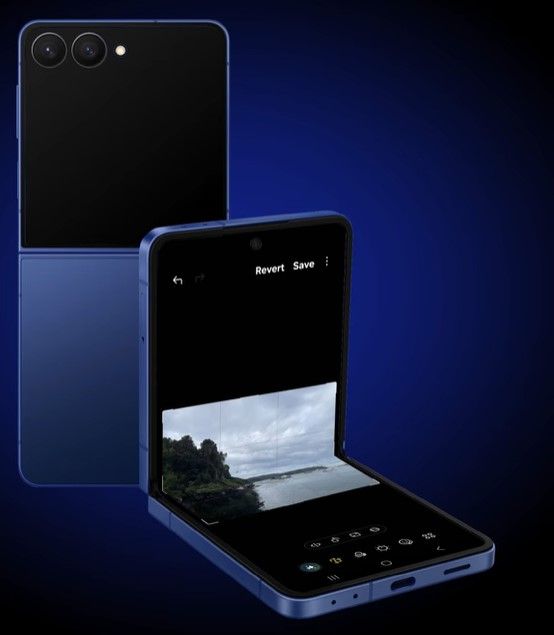
How To: Using the revamped Photo Editing Menu The Samsung Galaxy has reorganized the photo editing menu, making it easier than ever to transform your mobile photos into high-quality images. Watch this video to learn how to crop, apply filters, adjust tone, add decorations, and more. For additional iView Post
876
0
5
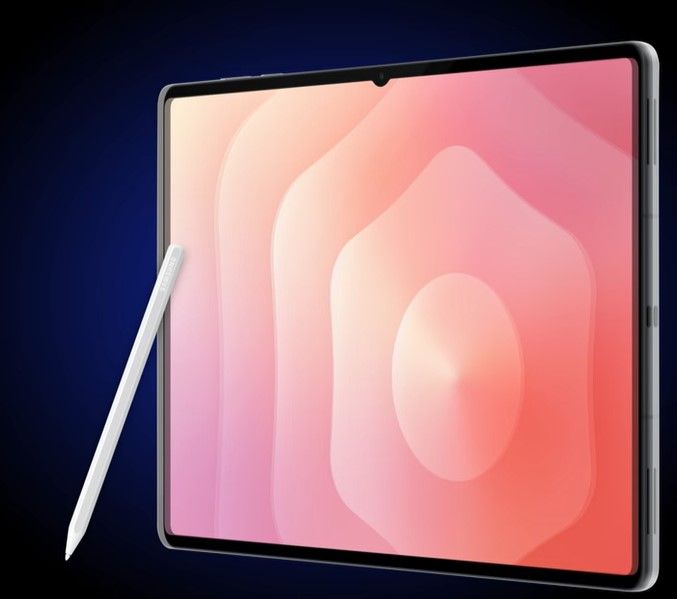
The Redesign S-Pen The S Pen on the Galaxy Tab S11 and S11 Ultra has been redesigned for greater ease of use and portability. Watch this video to learn about the S Pen’s upgrades from previous models. For additional information about this topic, check out the following article: https://www.samsung.cView Post
1K
3
8
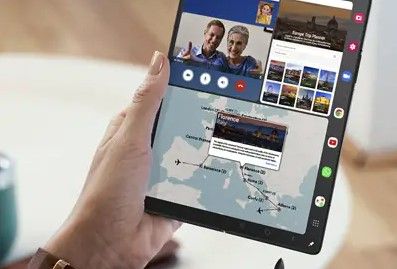
Improve Productivity with Multi-Window With Multi Window on Samsung Galaxy smartphones and tablets, set up and position up to three apps for improved multitasking and productivity. Watch this video to learn about setup options and working across apps on one screen so you don’t have to switch back anView Post
1K
0
9
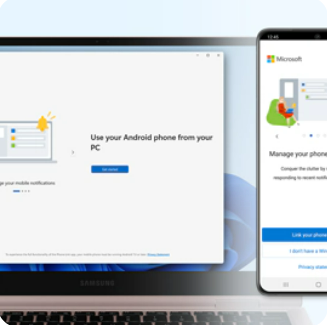
Link your Galaxy Phone to your Windows PC With Link to Windows on the Samsung Galaxy smartphone, you can mirror your phone screen to your PC, move photos to your computer, take phone calls, and reply to text messages. Watch this video to learn how to connect and work across the two devices for increView Post
4K
4
27
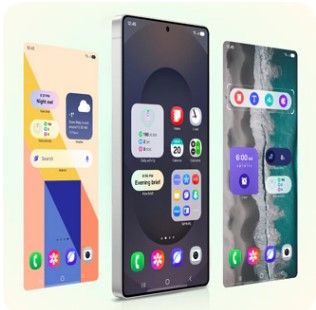
Z-Flip 7: Guide to adding Widgets to Your Cover Screen With the Galaxy Z Flip 7, there are so many ways to customize! One of the best ways to customize is by adding widgets to your cover screen! Adding widgets to your phone’s cover screen will let you see app information at a glance, making you and View Post
10K
13
27
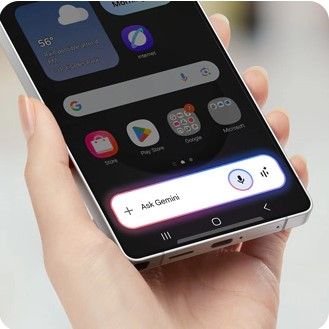
Gemini Live Camera Share Check out our latest Tip on how to use Gemini Live Camera Share on the Samsung Galaxy Phones and Tablets to get real-time advice and information from your AI assistant. For additional information about this topic, visit the following article: https://www.samsung.com/us/suppoView Post
9K
15
34
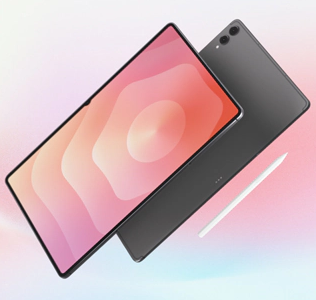
Did you know you can use Intelligent features on Galaxy Tab S11 and Tab S11 Ultra? Maximize your Galaxy Tab S11 or Tab S11 Ultra with intelligent features. Use Gemini Live Screen Share, Camera Share, and Samsung Note Assist for collaboration. Enhance creativity with Circle to Search, Now Brief, and View Post
5K
2
28
SmartThings Meets AI Home With SmartThings, your home life can become simpler and more comfortable, giving you greater peace of mind. SmartThings can make your home life easier. Save time & energy. Care for your loved ones, and keep your data secure! Find out how SmartThings can make your home life View Post

6K
1
44
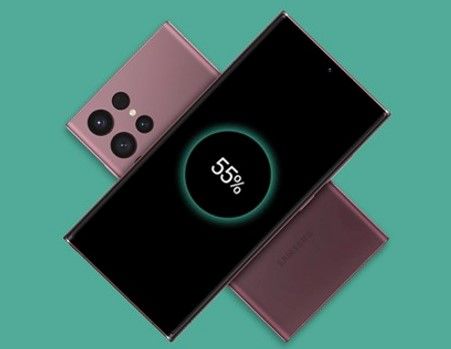
Wireless Power Sharing Why is wireless powersharing such a useful feature on Samsung’s line of mobile device? What if you could charge all your devices on the fly, even if you forgot their chargers? It's not too good to be true. With the new Wireless PowerShare feature, your phone can reverse wireleView Post
17K
3
144
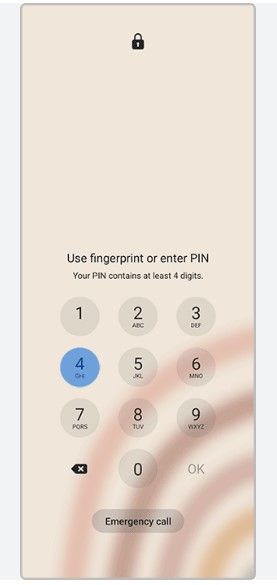
Set up or change your Samsung Galaxy phone or tablet lock screen security method to protect your device against fraud, identity theft, and other risks. For additional information about this topic, visit the following article: Set up a screen lock on your Galaxy phone or tablet: https://www.samsung.cView Post
10K
3
81
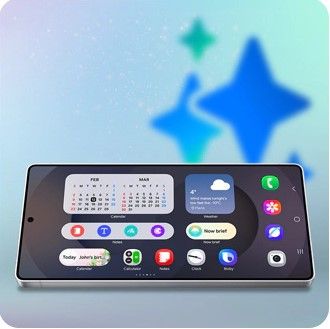
Samsung One UI 7 on Galaxy phones and tablets Samsung One UI 7 on your Galaxy phone or tablet introduces brand-new AI features and improved navigation! Our guide breaks down the latest updates, such as the Notification and Quick settings panels, connected device capabilities, and AI options, so you View Post
261K
17
542
Hey everyone! With new updates come exciting features, operating system enhancements, and sometimes a few unexpected quirks, especially when third-party apps are in the mix. This guide is here to get you back to enjoying your Samsung Galaxy device by walking you through some of the best practices anView Post
120K
48
1K
The Now bar feature on the Galaxy S25 running One UI 7 allows you to display information such as live notifications, music, or modes and routines on the lock screen. The Now brief feature provides a personalized briefing of selected content that updates throughout the day. Check it out in action:View Post
44K
2
154