Mobile Tips
Phones, Tablets, Wearable Tips
The answer is unfortunately not set in stone, and will vary from not only model to model, but carrier to carrier. Updates are slowly released by the carriers as they make sure of compatibility. Because there are other channels besides Samsung it has to go through first, no set dates can be given, hoView Post
459K
0
519
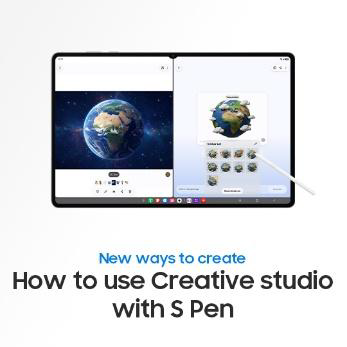
This is the official video guide to creating your own sticker set in Creative studio with Galaxy AI and the hexagonal S Pen on Galaxy Tab S12 Series. Turn your sketch into personalized stickers by drawing freely with S Pen or tracing your favorite photos from your gallery. Choose from different stylView Post
1K
3
9
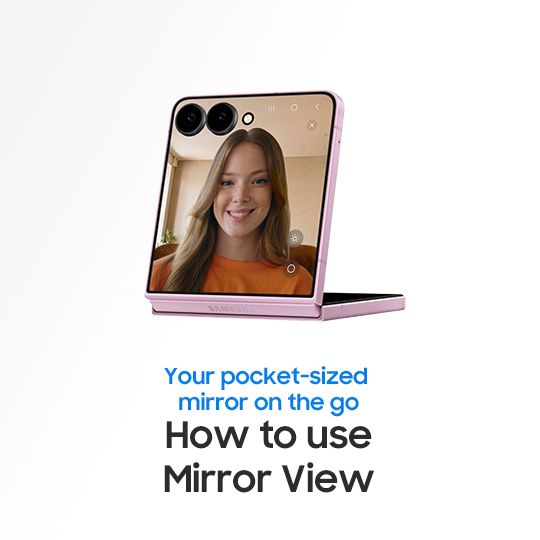
This is the official video guide on how to use Mirror view on Galaxy Z Flip8. Ever needed a mirror when there wasn’t one around? Turn your phone into a pocket-sized digital mirror for quick checks anywhere with Mirror view. Exclusive to Galaxy Z Flip8, Mirror view lets you zoom in for a closer look,View Post
1K
4
12
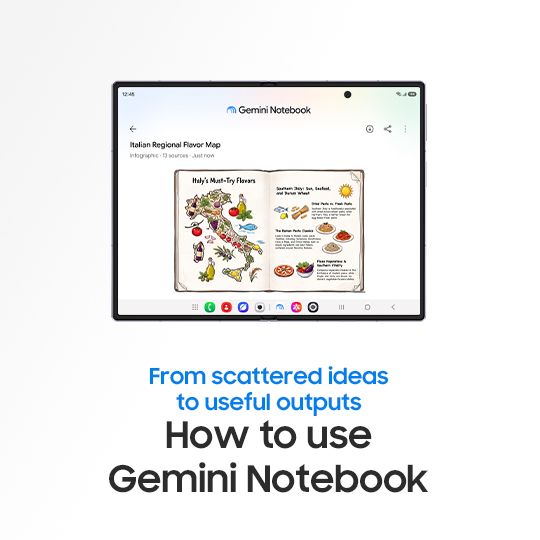
This is the official video guide on how to use Gemini Notebook. Got notes, photos, URLs, and ideas scattered everywhere? 😵💫 Gemini Notebook helps you pull everything together, make sense of your information and turn it into useful outputs. From planning a trip to staying informed on the go, InfogView Post
9K
25
70
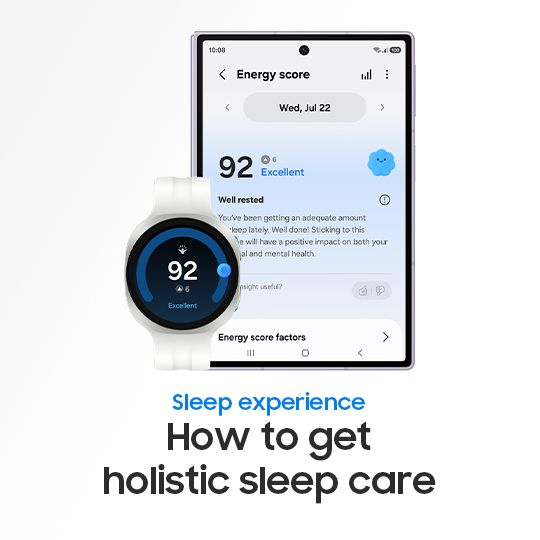
Better sleep leads to a better tomorrow. With Galaxy Watch, you can manage every stage of your sleep journey—from building better bedtime habits, to understanding your sleep and preparing for the day ahead. Simply wear your Galaxy Watch to bed and receive personalized insights that help you stay in View Post
13K
26
50
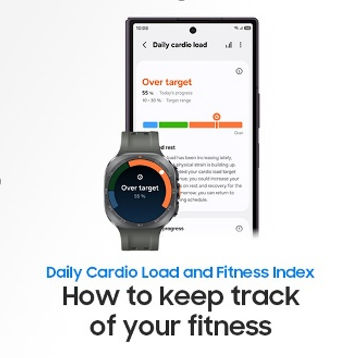
This is the official video guide to training with balance with Galaxy Watch. Finding the right balance between pushing forward and recovery helps you train at your own pace. Daily Cardio Load analyzes changes in your physical strain to help you understand when to take a break or train harder. FitnesView Post
11K
28
48
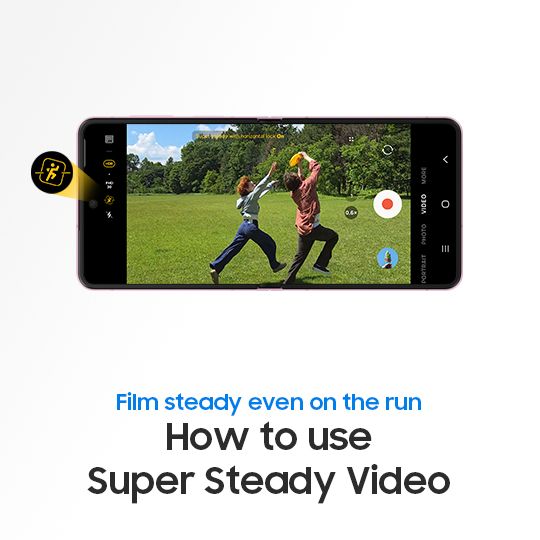
This is the official video guide on how to use Super Steady Video. Ever filmed a precious moment, only to end up with shaky footage? Worry no more―Super Steady Video is here to save the day! Let's get started with Galaxy Z Fold8 Ultra, Z Fold8, and Z Flip8. Capture even the most vibrant moments withView Post
1K
1
12
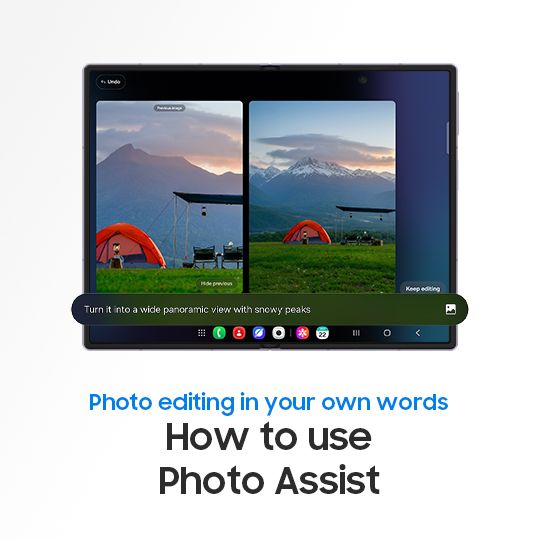
This is the official guide on how to use Photo Assist with Galaxy AI. Want to touch up your photos with just a few words? Let's get started with Galaxy Z Fold8 Ultra, Z Fold8, and Z Flip8 ✨ Whether you're changing the background of a portrait to stand out or adding eye-catching details to your landsView Post
905
0
9
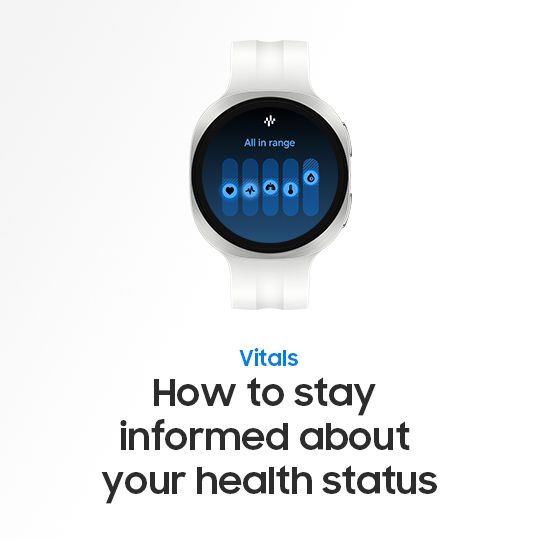
Stay in tune with your body—just by wearing the Galaxy Watch9. With Galaxy Watch, Vitals works in the background while you sleep, tracking key body signals to help you understand how your body changes over time. Simply wear your Galaxy Watch to bed and discover subtle changes in your body's signals View Post
1K
4
9
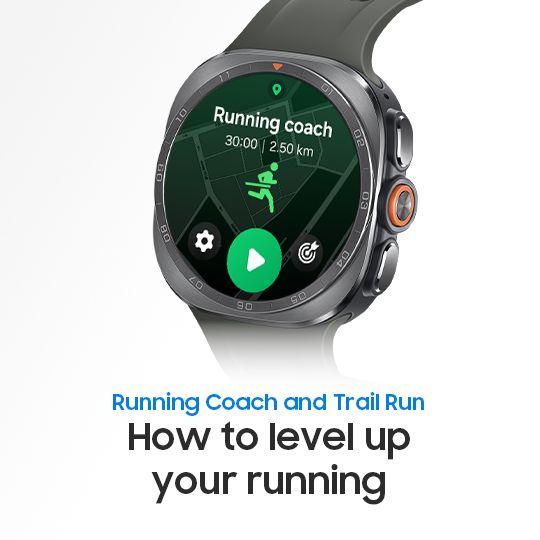
This is the official video guide to getting the most out of Running Coach and Trail Run on Galaxy Watch. Running Coach is available across the Galaxy Watch and helps you find the right place to begin based on your running history or a quick level test. From there, it guides you with a personalized tView Post
13K
16
47
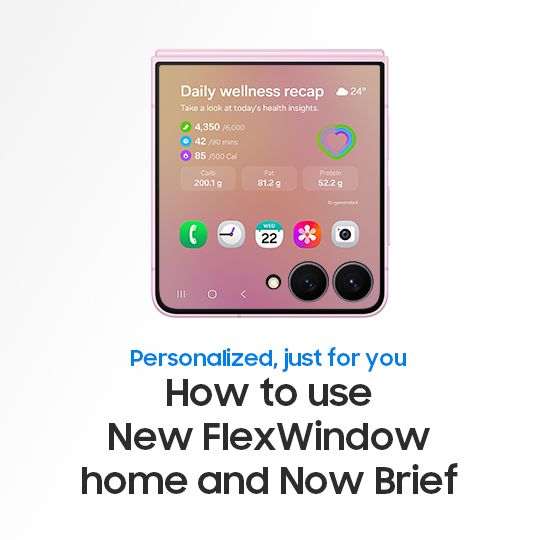
This is the official video guide on how to use New FlexWindow Home and Now Brief with Galaxy AI. Wish you could get more done without even opening your phone? ✨ Customize your FlexWindow with your favorite apps and access them right from the cover screen. You can also personalize Now Brief with custView Post
2K
6
14
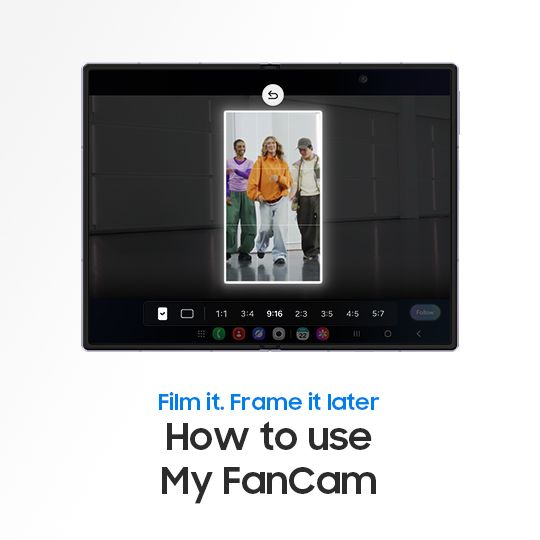
How to Use My FanCam This is the official video guide for using My FanCam on Galaxy Z Fold8 Ultra, Fold8, and Flip8. With My FanCam, Galaxy AI detects people in your group video so you can make a person of your choice the star .🌟 Create videos and reframe them for any social feed- all without filmiView Post
15K
31
81
[Galaxy AI] How to use the Now Nudge feature This is the official video guide on how to use Now Nudge with Galaxy AI. Ever wish your phone could keep up with what you’re doing? Let's get started with Galaxy Z Fold8 Ultra, Z Fold8, and Z Flip8. From saving your next food spot to adding plans to your View Post
2K
3
8
How to Fix Connection Errors in Samsung Members on a Galaxy Phone or Tablet Experiencing a connection error in the Samsung Members app? Connection issues may be caused by your Wi-Fi or mobile data connection, Samsung account settings, or temporary app data. Follow the troubleshooting steps below to View Post
1K
1
17
Hello, and welcome to the Samsung Family! Whether you’ve recently switched from an iOS device or are completing your first Galaxy Setup, we’re excited to have you here. Or maybe you’re here because you’re thinking about switching to a Galaxy device from iOS, and are wondering exactly what that will View Post
2K
4
10
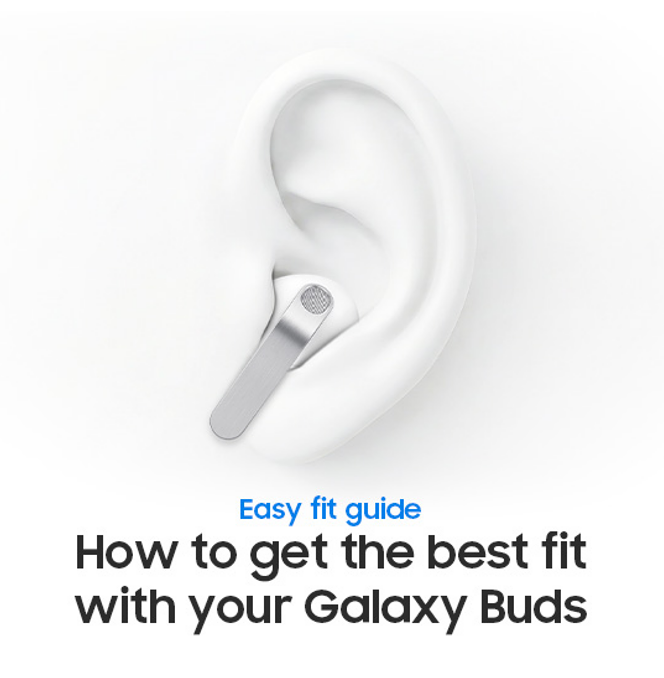
How to get the best fit with your Galaxy Buds This is the official video guide to wearing your Galaxy Buds4 Series for the perfect fit and optimal sound quality. Whether you’re using Galaxy Buds4 or Galaxy Buds4 Pro, learn how to insert them correctly and get the most out of your audio. Discover theView Post
3K
5
14
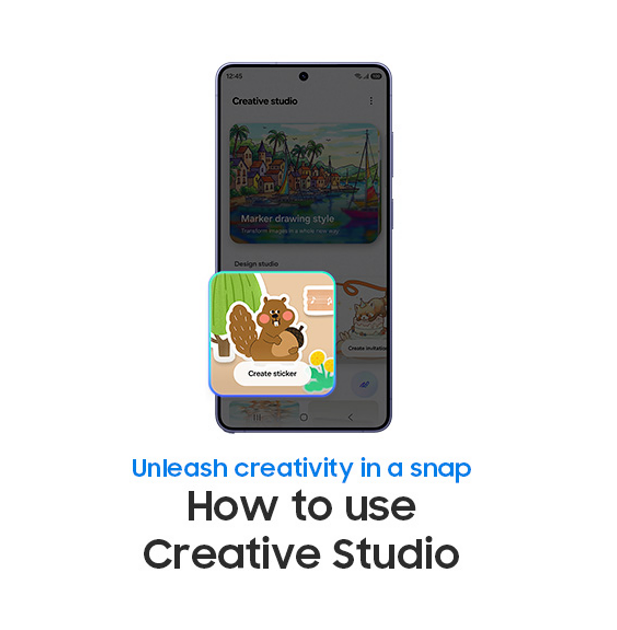
[Galaxy S26] How to Use the Creative Studio Discover how to use Creative Studio on the Galaxy S26 Series, where Galaxy AI turns your imagination into reality! It’s a whole new dimension of expression. Make your moments pop with Creative Studio Learn more: https://www.samsung.com/us/support/answer/ANView Post
3K
5
23
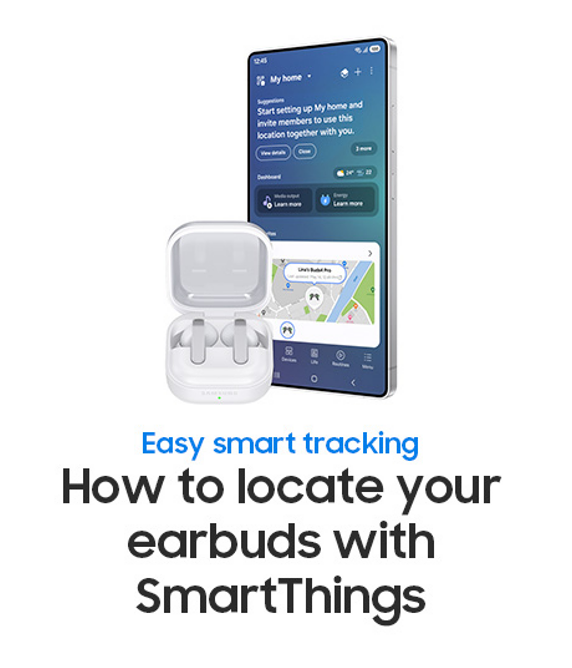
How to locate earbuds with SmartThings Lost your Galaxy Buds4 Series? Locate them in seconds using the SmartThings app. This official guide shows you how to quickly track and find your earbuds right from your smartphone. Learn how to use real-time tracking and audible alerts to pinpoint their locatiView Post
2K
2
16
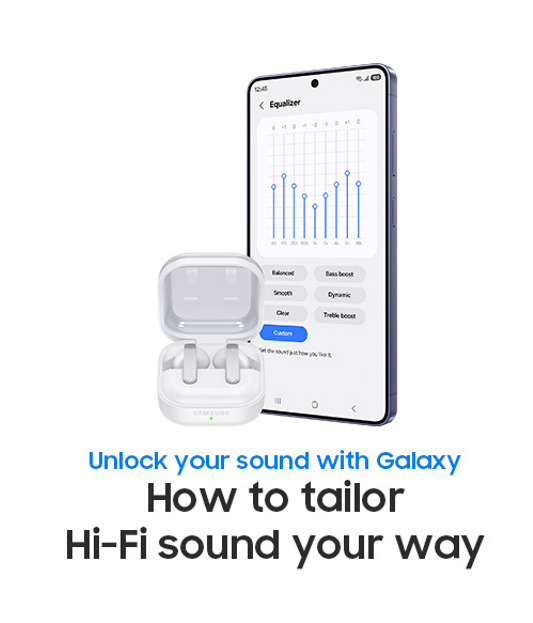
How to get the most from your Hi-Fi sound This is the official video guide on how to set up and personalize audio settings for a full Hi-Fi sound experience with Galaxy Buds4 Pro. Discover how to elevate your listening experience by enabling 'Ultra high quality (UHQ) audio', using adaptive EqualizerView Post
1K
1
16