
Mobile Tips
Phones, Tablets, Wearable Tips
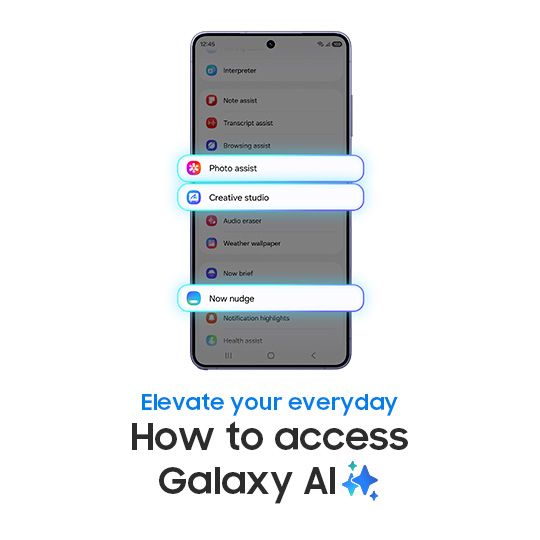
How to access Galaxy AI features This is the official video guide on how to access Galaxy AI features on Galaxy S26 Series. Want to cut down steps in your day and get things done faster with Galaxy AI? Galaxy AI features help you keep your day on track, and they’re simple to access, whether you’re tView Post
45K
31
154
Audio Eraser Magic Audio Eraser feature allows users to remove unwanted background noise from the video with a single tap. Voices and important sounds remain crystal clear, while distractions instantly disappear. Whether you're filming your masterpiece in a busy street, at a gathering or while traveView Post
15K
25
119
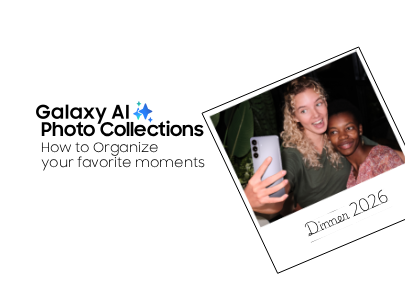
Find your favorite moments faster, when you use Galaxy AI to create topical photo collections libraries on Samsung Galaxy S26 Ultra. Check out the full video above to learn how to organize your photos! Want to know more about the Galaxy S26 Camera features? Learn more: https://www.samsung.com/us/supView Post
4K
3
33
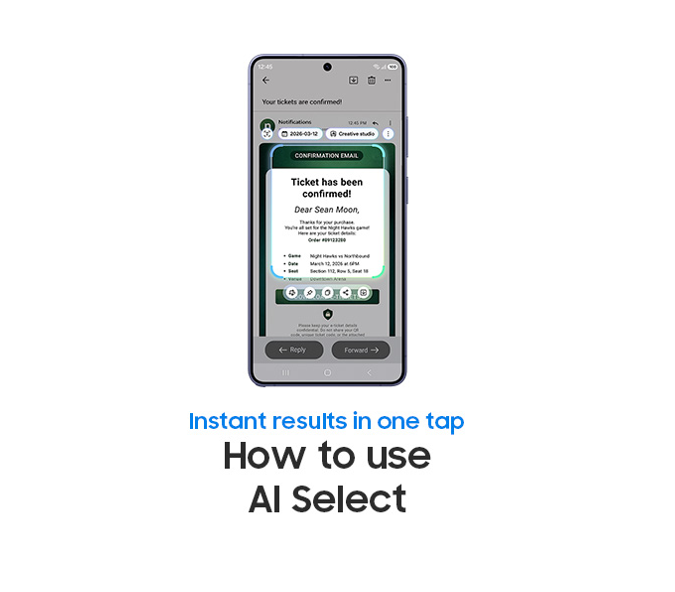
How to Use AI Select This is the official video guide on how to use AI Select on Galaxy S26 Series. Wish you could get instant help right from your phone screen? AI Select analyzes your screen and intelligently gives a quick suggestion for your next step. Whether you’re saving plans to your calendarView Post
6K
11
33
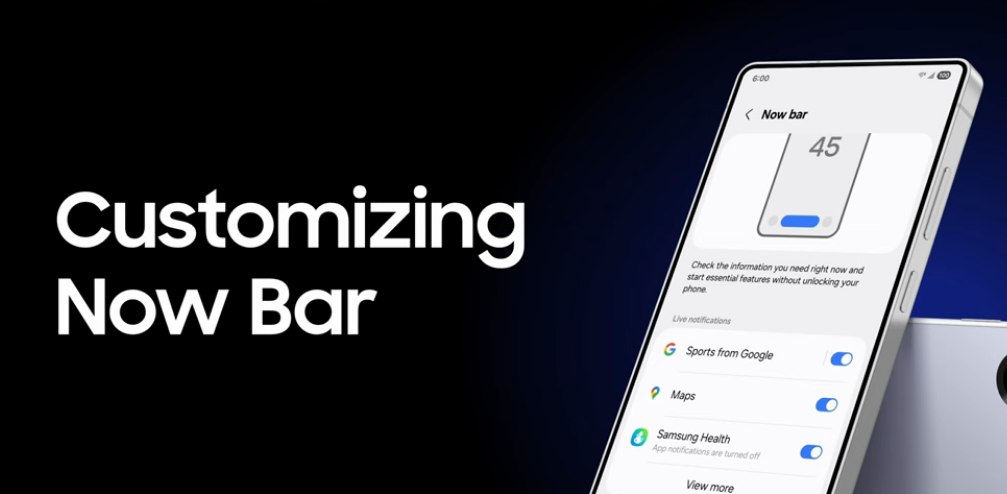
How to Customize the Now Bar Did you Know? You can customize your Now Bar. Access essential information instantly with Now bar. From Now Bar settings, you can choose to check sports scores, navigate with Maps and more running when your Galaxy phone is locked. With Now bar displaying on the Lock screView Post
3K
3
22
How to use Super Steady Video | Galaxy S26 Series This is the official video guide on how to use Super Steady Video on Galaxy S26 Series. Ever filmed a special moment, only to realize it turned out shaky? 😱 Meet Super Steady Video, helping you capture smooth, shake-free videos in any situation―fromView Post

19K
16
26
How to Use Photo Assist with Galaxy AI This is the official video guide on how to use Photo Assist on Galaxy S26 Series with Galaxy AI. Want to add a magical touch to your photos? It’s a piece of cake 🍰 With Photo Assist on Galaxy S26 Series, you can edit photos using simple words―from adding elemeView Post
25K
52
126
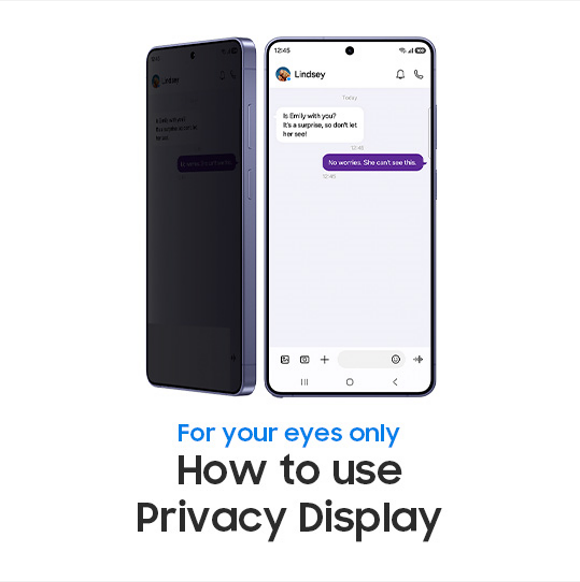
How to use Privacy Screen This is the official video guide on how to use Privacy Display on Galaxy S26 Ultra. Want to keep your private information protected from prying eyes effortlessly? Meet Galaxy S26 Ultra, the world's first smartphone with Privacy Display. Privacy Display is a built-in privacyView Post
7K
19
15
Use Camera Features on Galaxy S26 Make the most of your Galaxy S26 camera with features like Nightography, Super Steady, and Dual Recording. Whether you're capturing selfies, videos, or night scenes, these tools ensure professional-quality results. Launch your Camera app, and learn more about all thView Post

6K
18
24
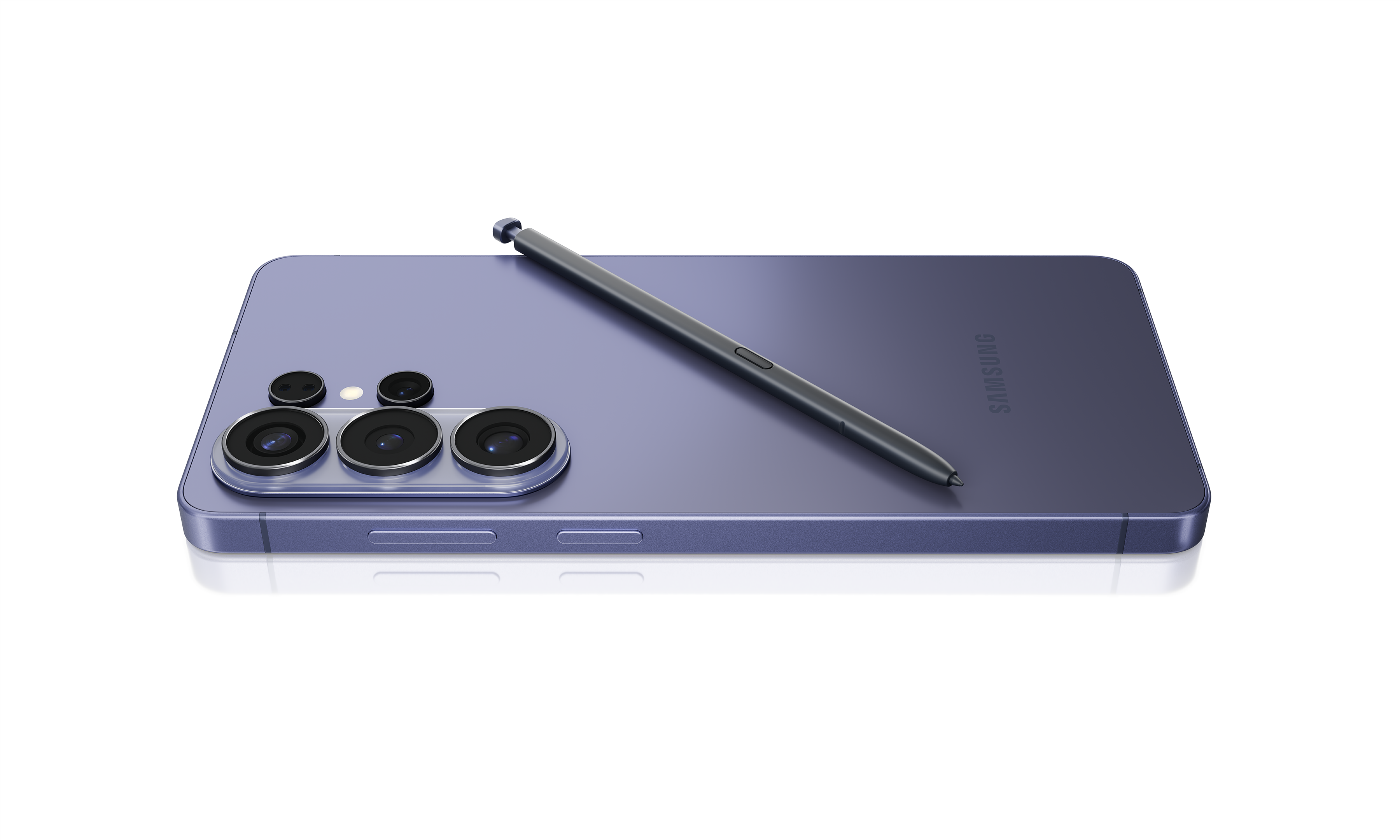
Unlock the full potential of your Galaxy S26 Ultra with the S Pen. Use it to create quick notes, drawings, artwork, and more. Explore features like AI Select, Translate, and handwriting to enhance productivity and multitasking. Customize settings to suit your preferences. Note: The Galaxy S26 Ultra View Post
11K
6
6
SmartThings 101: How to create an automated routine in SmartThings SmartThings 101 is in session: how to set up a routine in SmartThings. In this video: 5 steps to create a custom, automated routine in SmartThings. START HERE: Download the SmartThings app from the Galaxy Store, Play Store, or App StView Post
2K
1
21
Smart Things 101: Connecting a Ring Device SmartThings 101 is in session: how to set up your Ring device to connect to SmartThings. Easily access Ring features on your smartphone, compatible Samsung smart TVs, appliances and more. Control your Ring Doorbell and get live notifications when someone isView Post
3K
2
9
Can’t Add my Samsung TV to SmartThings App. Here's How to fix it. SmartThings app makes it easy to control your Samsung TV and other connected devices from one place. However, there are times when SmartThings may fail to add your Samsung TV during setup or stop midway through the process. If your SaView Post
2K
2
10
Smart Things 101: How to Connect a Samsung TV to the Smart Things App Smart Things 101 is in Session: Learn how to connect a Samsung TV in the Smart Things app. Your comprehensive smart home solution, SmartThings is designed to be used with a wide range of Samsung devices, as well as devices from otView Post
3K
0
17
Sleep Tracking with Galaxy Watch The Samsung Health app on your Wear OS Galaxy watch can track your sleep. If it's displaying an error or not accurately portraying the details, there’s multiple steps you can try to get your watch back to tracking again. First Thing is first, please review the followView Post
8K
11
45
Battery Drain After an Update Battery consumption is complexly influenced by various factors, such as updates to installed apps, changes in the device’s usage environment, or usage patterns. After a major software update, it’s normal to notice temporary changes in battery life. Here are a few steps View Post
66K
90
625
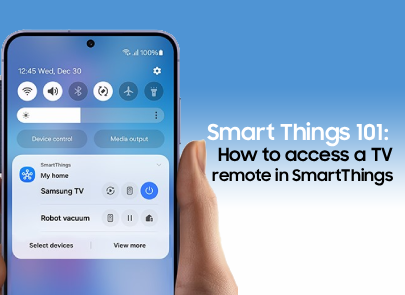
Smart Things 101: How to access a TV remote in SmartThings SmartThings 101 is in session: how to access your remote using SmartThings. Quick and easy ways to use your phone as a remote or access your connected TV through SmartThings. START HERE: Download the SmartThings app from the Galaxy Store, PlView Post
13K
14
49
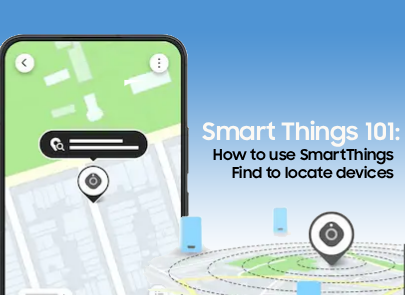
Smart Things 101: How to use Smart Things to find and locate devices SmartThings 101 is in session: keep track of all your connected devices using SmartThings Find. Use this feature to locate Smart Tags, Phones, Tablets, Watches, and other devices. START HERE: Download the SmartThings app from the GView Post
5K
8
15
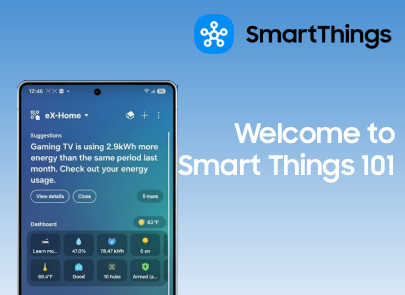
Welcome to Smart Things: 101 Discover everything you need to know about SmartThings in our 101 series. Featuring easy tutorials, real-life examples, and detailed breakdowns to help you master your smart home, all in one app. Perfect for beginners and curious pros alike. START HERE: Download the SmarView Post
26K
38
159
Proactive Care? We Got You With Smart Things, there are many ways you can proactively care for your home! Monitor your appliances, keep track of energy usage, automate safety checks, and even protect your home from water damage and more! Resources: SmartThings Home Care: https://www.samsung.com/us/sView Post

1K
1
5