
Anyone else having issues using the default Camera app on DeX using the S21+? When opening the default Camera app, this is what I see and it flickers:
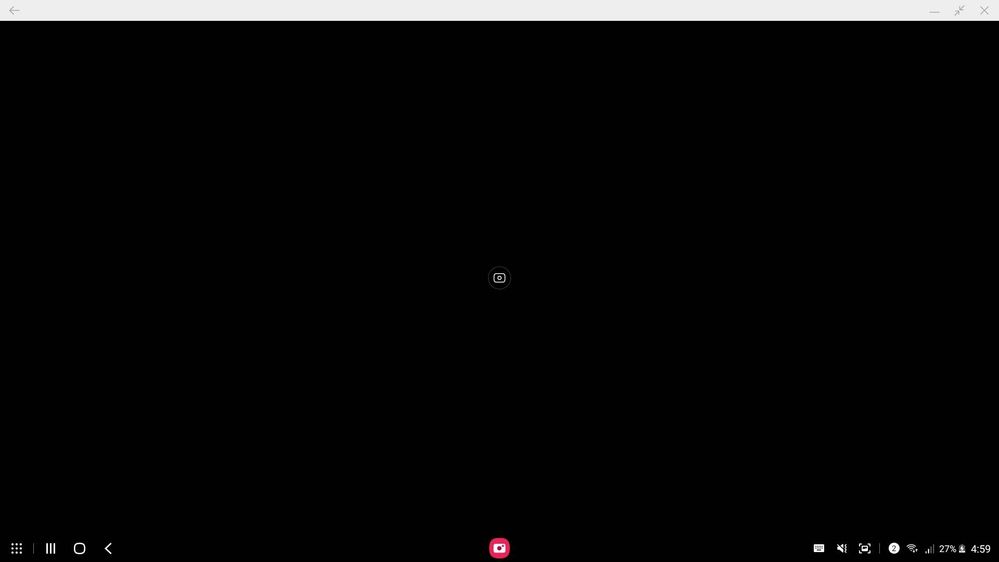
However, the camera works on other apps. I tried opening the Instagram app inside DeX and it works.
The same happens when:
a) Phone is connected to laptop via USB
b) Phone is connected to laptop wirelessly
c) Phone is connected to Smart TV wirelessly
TeamGalaxyRene
Moderator
Monday, May 10th, 2021 01:10 AM
in
Hi! Good day! As with your concern, try to check this troubleshooting steps:
https://www.samsung.com/us/support/troubleshooting/TSG01001329/#perform-a-software-update-on-a-phone-or-tablet
Should your problem still persist, always feel free to reach us via our TOLL-FREE HOTLINES
MOBILE: #GALAXY (#425299)
LANDLINE:
PLDT Toll free : 1-800-10-726-7864
Globe Toll Free : 1-800-8-726-7864
Standard Landline : (02)8-422-2111
Daily (8:00 AM to 8:00 PM)
or via LIVE CHAT SUPPORT: https://livechat.support.samsung.com/Customer_new/PH
Hope these helps. Thank you! Stay safe!
Be sure to click " ✓ Accept as Solution" when you find an answer that works for you.
0 likes
thedarkinvader
Active Level 4
Monday, May 10th, 2021 03:32 AM
in
TeamGalaxyRene
Moderator
Monday, May 10th, 2021 03:58 AM
in
Oh, okay. 😊 Then don't you worry because a software update with the fix will be on it's way! Stay tuned for your device update and receive it faster by installing Samsung Smart Switch via your laptop/PC. 😊
0 likes