
So you got your new galaxy device?
One of the easiest ways to customize your device is by changing your lockscreen and AOD.
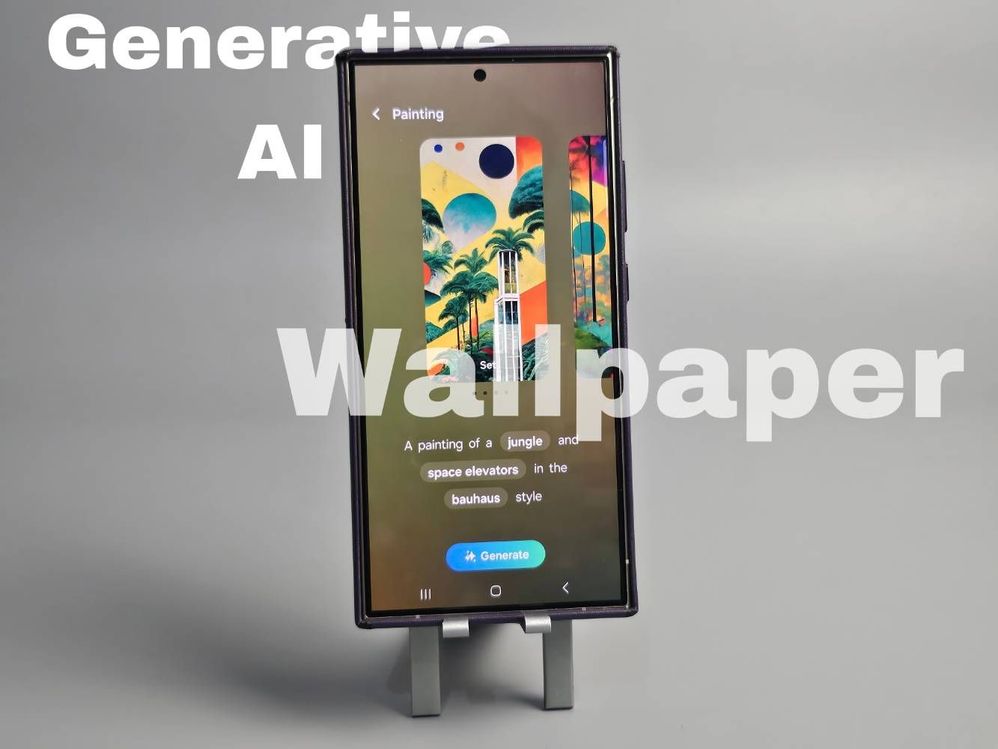
Generative AI Wallpaper
But did you know that you can make your lockscreen truly yours by making yourself a generative AI wallpaper?
It's easy! Just go to 'Wallpaper and style' by long pressing on your homescreen
> Change wallpapers
> Creative
> Generative
> Create your own unique wallpaper by changing the prompts and you're done.
I want to mix nature and tech bauhaus style and I chose this one
Next is the lockscreen and Always On Display.
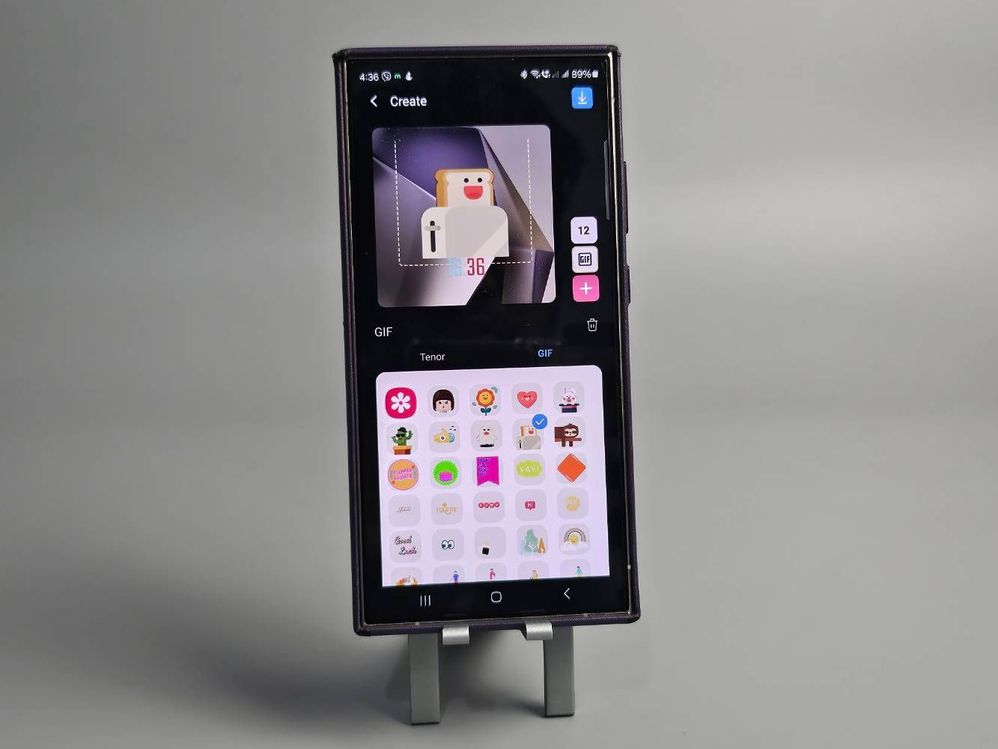
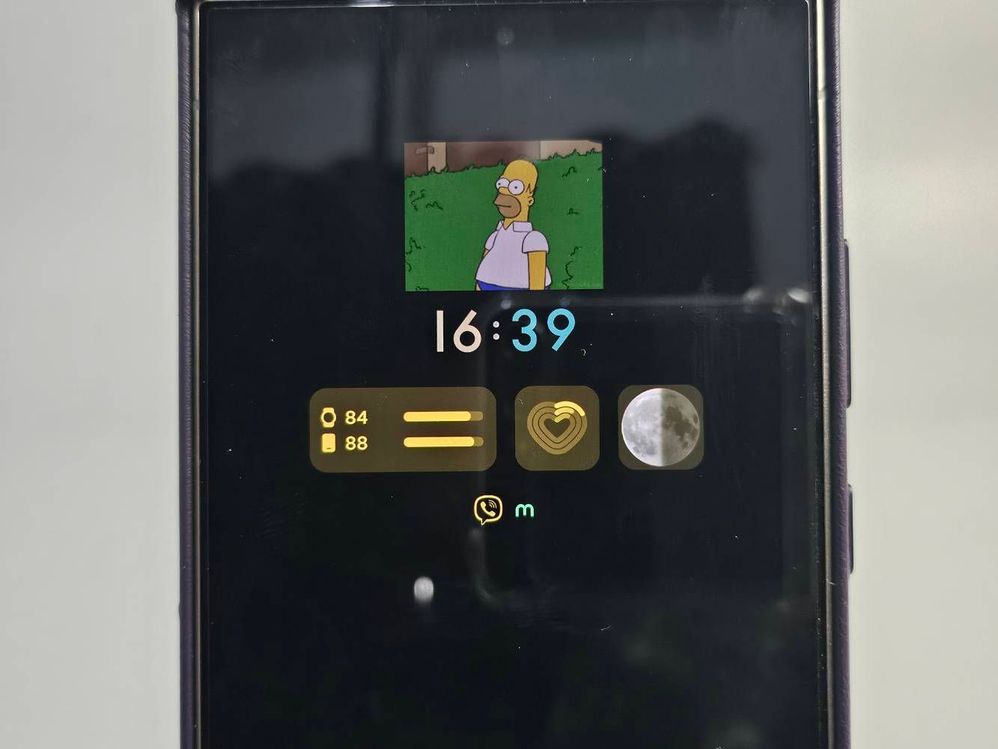
You can change the clock icon, widgets and fonts but did you know that you can also put images and gifs on your AOD?
You can also change the colors and characteristics of each layers.
These are gifs!
This time I chose the homer simpson meme as my AOD. You can choose to reveal the dimmed lockscreen or not.
I also added the battery and health widgets so I could easily track them on a glance.
Homer meme
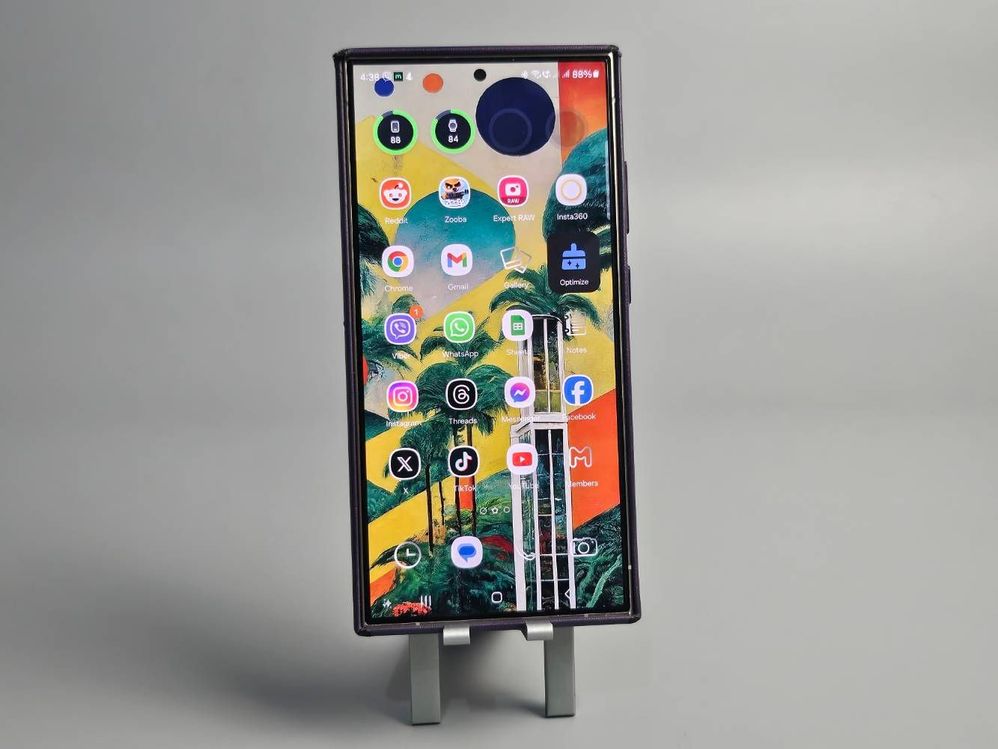
And here is my homescreen!
📲: Galaxy S24 Ultra
📸: Galaxy Z Flip5
And if you want to customize your own device check out these links below:
1. How to customize your Galaxy phones like a pro:
https://www.samsung.com/ph/members/whats-new/how-to-customise-your-galaxy-phones-like-a-pro/
2. Customize What the Home Key Does on Your Samsung Galaxy Watch:
https://www.samsung.com/ph/members/whats-new/wear-your-favourite-holiday-photos-on-your-wrist/
3. How to customize the remote control settings on my S Pen?:
https://www.samsung.com/latin_en/support/mobile-devices/how-can-i-customize-the-remote-control-settings-on-my-s-pen/
1. How to customize your Galaxy phones like a pro:
https://www.samsung.com/ph/members/whats-new/how-to-customise-your-galaxy-phones-like-a-pro/
2. Customize What the Home Key Does on Your Samsung Galaxy Watch:
https://www.samsung.com/ph/members/whats-new/wear-your-favourite-holiday-photos-on-your-wrist/
3. How to customize the remote control settings on my S Pen?:
https://www.samsung.com/latin_en/support/mobile-devices/how-can-i-customize-the-remote-control-settings-on-my-s-pen/
No replies and comments found