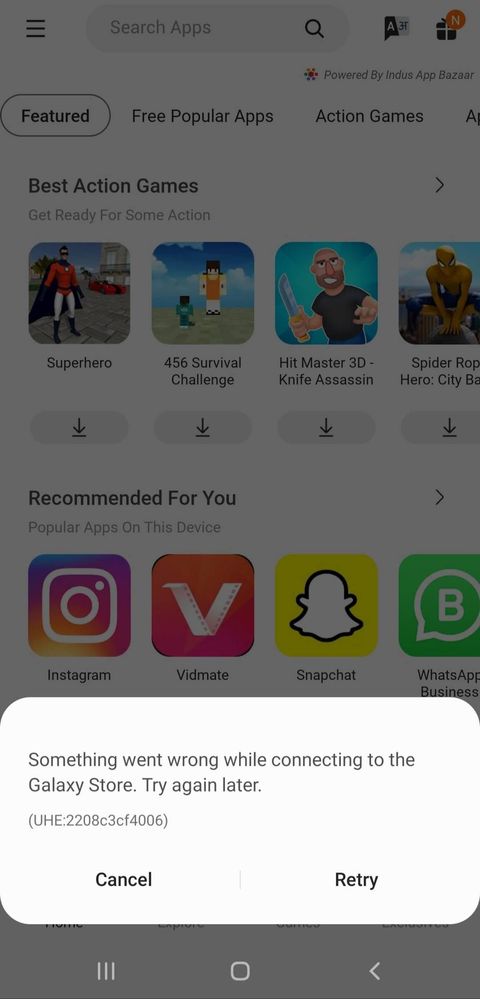
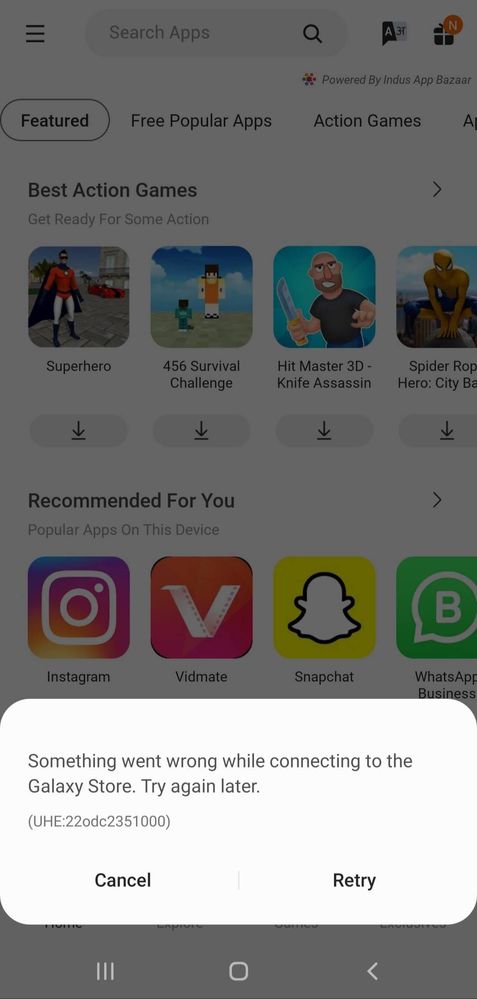
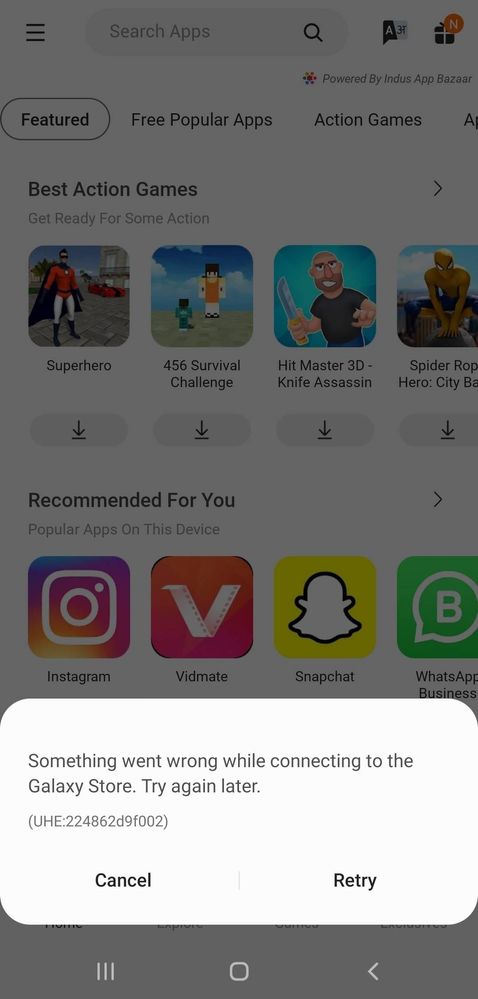
#PLEASE HELP. The Galaxy Store is not connecting at all. I don't know what has happened. It started suddenly and now it's not connecting. Please fix this problem ASAP.
#ProbableSolution. See the screenshots to understand. DNS issue. When I change to the cloudflare DNS, everything becomes alright. When I change to the default DNS, problem starts again.
Hey you can see it. #ProbableSolution. See the screenshots to understand. DNS issue. When I change to the cloudflare DNS, everything becomes alright. When I change to the default DNS, problem starts again.
We acknowledge your query and apologize for the same. Please perform the below mentioned steps to resolve the issue:
* Check app cache: Clear cache memory of a particular application: Setting >Apps >Now pick the app. For example 'Samsung Internet' >Storage >Clear Cache.
* Check after rebooting your device.
For further assistance, register your concern in Samsung Members Application (Open Samsung Members Application > Get help > Send Feedback > Error report/Ask questions).

sfxut03
Active Level 10
11-22-2021 05:05 PM
in
0 likes
ArjunSr
Active Level 4
11-22-2021 05:05 PM
in
0 likes
ArjunSr
Active Level 4
11-22-2021 05:09 PM
in
0 likes
ArjunSr
Active Level 4
11-22-2021 05:09 PM
in
0 likes
cs-member13
Expert Level 4
12-1-2021 01:27 PM
in
Dear Samsung Member,
Greetings from Samsung Customer Support!
We acknowledge your query and apologize for the same. Please perform the below mentioned steps to resolve the issue:
* Check app cache: Clear cache memory of a particular application: Setting >Apps >Now pick the app. For example 'Samsung Internet' >Storage >Clear Cache.
* Check after rebooting your device.
For further assistance, register your concern in Samsung Members Application (Open Samsung Members Application > Get help > Send Feedback > Error report/Ask questions).
Thank you for writing to Samsung.
Warm Regards,
Samsung Customer Support
0 likes