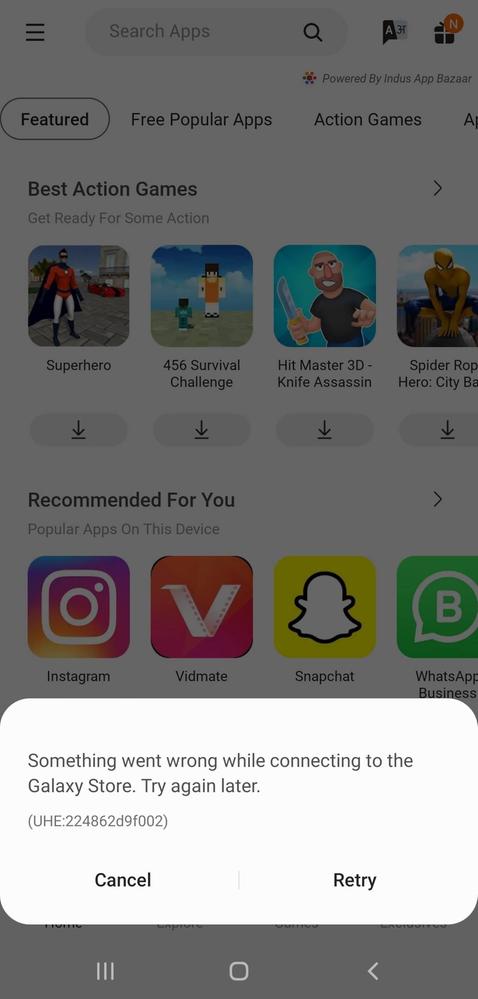
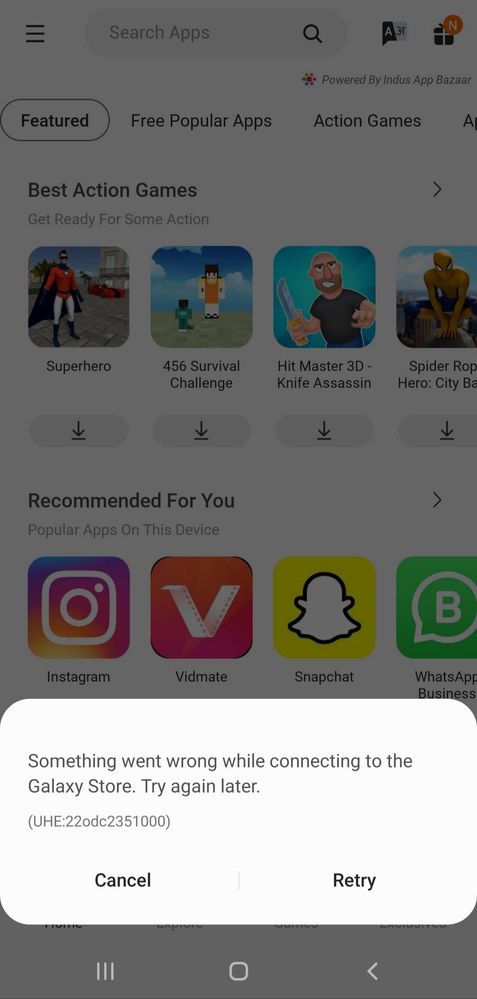
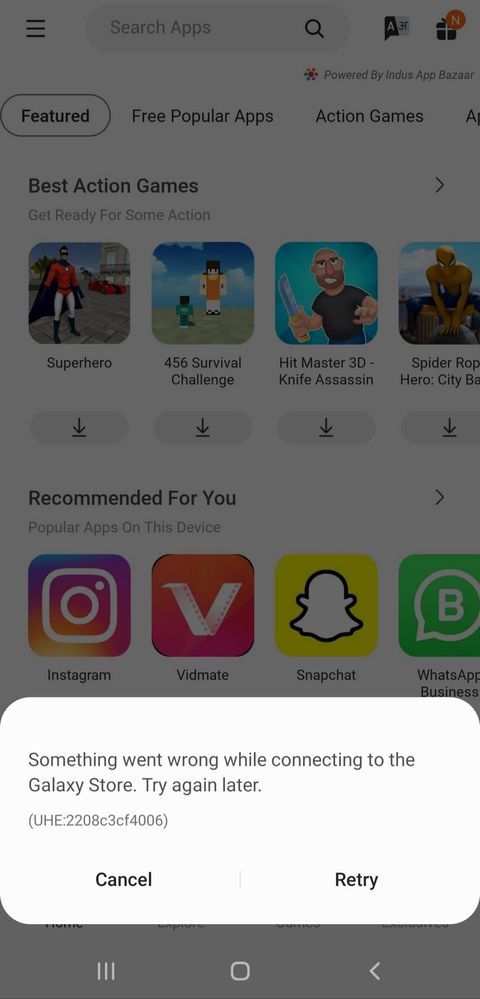
PLEASE HELP. The Galaxy Store is not connecting at all. I don't know what has happened. It started suddenly and now it's not connecting. Please fix this problem ASAP.
I think this is due to DNS server issue. I changed the DNS to cloudflare and it got fixed. And when I changed back to the default DNS, problem started again.
Well if anytime u are not sure , then tey searching for the error id . It works more of the time , telling you the reason behind that error(at least in windows and major popular apps)
We acknowledge your query and apologize for the same. Please perform the below mentioned steps to resolve the issue:
* Check app cache: Clear cache memory of a particular application: Setting >Apps >Now pick the app. For example 'Samsung Internet' >Storage >Clear Cache.
For further assistance, register your concern in Samsung Members Application (Open Samsung Members Application > Get help > Send Feedback > Error report/Ask questions).

ArjunSr
Active Level 4
11-22-2021 04:56 PM
in
_HK02_
Expert Level 2
11-22-2021 05:52 PM
in
0 likes
ArjunSr
Active Level 4
11-22-2021 05:56 PM
in
0 likes
_HK02_
Expert Level 2
11-23-2021 08:32 AM
in
0 likes
Sidhabhi
★★
11-22-2021 04:58 PM
in
0 likes
ArjunSr
Active Level 4
11-22-2021 05:01 PM
in
0 likes
cs-member13
Expert Level 4
12-1-2021 01:21 PM
in
Dear Samsung Member,
Greetings from Samsung Customer Support!
We acknowledge your query and apologize for the same. Please perform the below mentioned steps to resolve the issue:
* Check app cache: Clear cache memory of a particular application: Setting >Apps >Now pick the app. For example 'Samsung Internet' >Storage >Clear Cache.
For further assistance, register your concern in Samsung Members Application (Open Samsung Members Application > Get help > Send Feedback > Error report/Ask questions).
Thank you for writing to Samsung.
Warm Regards,
Samsung Customer Support
0 likes
ArjunSr
Active Level 4
12-1-2021 01:38 PM
in
0 likes