
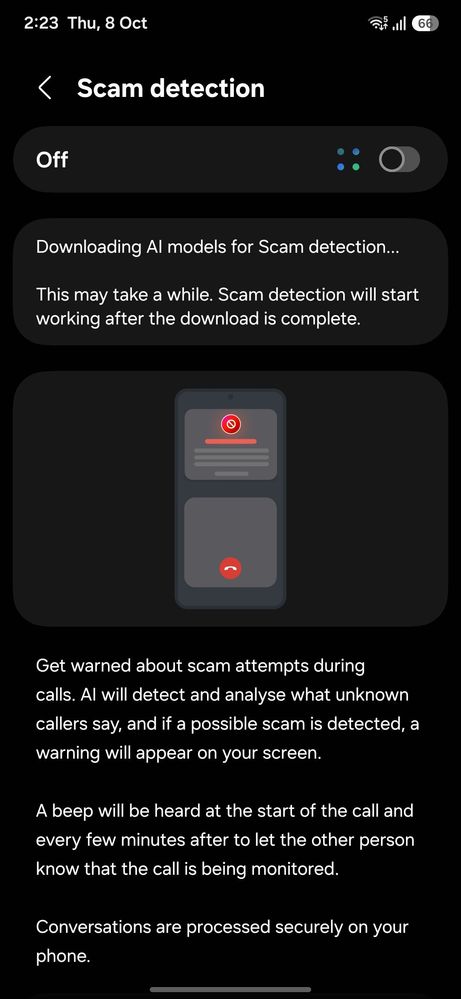
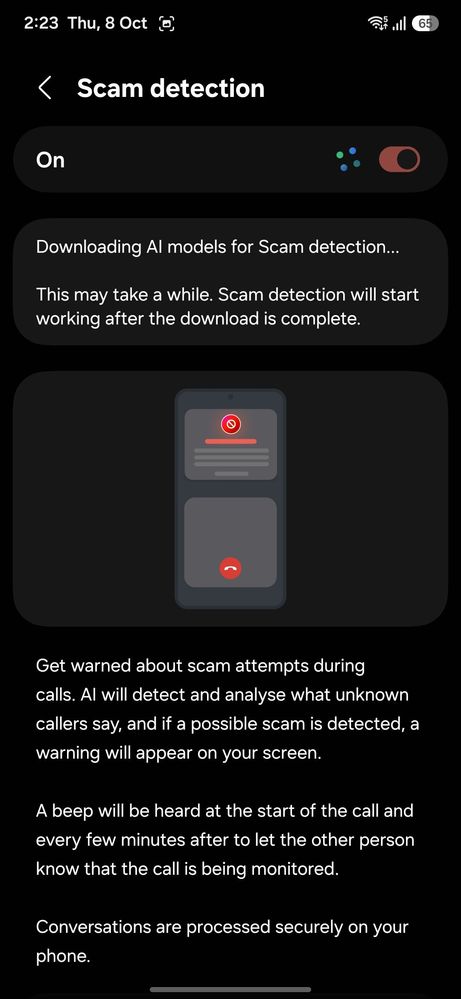
I am facing an issue with the in-call scam detection feature on my Galaxy S25 after the latest software update. When I attempt to download the AI model via Wi-Fi, it gets stuck in a continuous loading loop. Turning the feature ON or OFF does not resolve the issue. Please assist.
Hitzi87
Active Level 1
10-8-2026 11:31 AM
in
iamdwaipayan
Active Level 3
10-8-2026 01:59 PM
in
0 likes
cs_member10
Moderator
10-9-2026 05:24 AM
in
Dear Samsung Member,
Greetings from Samsung Customer Support!
Please perform the below-mentioned troubleshooting steps, these may help in resolving your concern.
Path: Phone Dailer -- Setting --> there is pop up to update a app >> click to update button >>>Galaxy Store open→ Samsung Call → Update
If the issue persists, kindly report the problems with a log file. To share a log file, Open Samsung Members Application >> tap on Support >> tap on Send feedback >> Tap on Send icon >> select the appropriate category y >> type your query and tap on send).
Warm Regards,
Samsung Customer Support
0 likes
iamdwaipayan
Active Level 3
10-9-2026 07:04 AM
in
0 likes
PratikGoswamiPM
Expert Level 1
10-14-2026 05:45 AM
in
0 likes