
I've had my S9FE a couple days, finally replacing my Tab2.
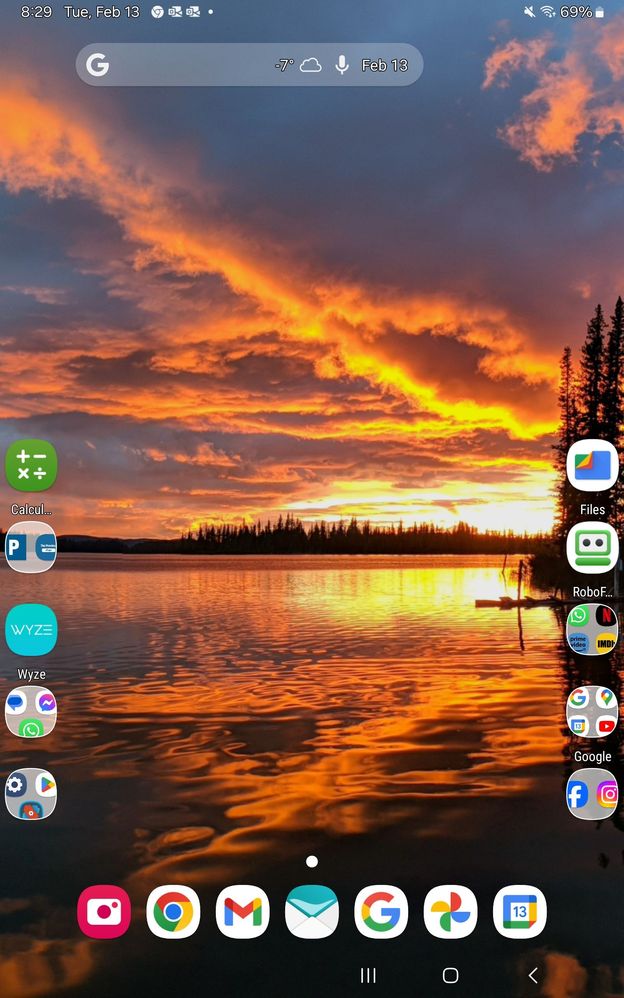
When I group icons the individual icons in the group come out very small. I've gone through the settings a few times and haven't found a way to make them larger?
Selected Answer
bill-e
Cosmic Samsung Care Ambassador
3 years ago
in
That's the way it is. To see them full size you have to open the folder. You'll find that it's best to use a descriptive label for the folder.
Unlike with IOS, clicking on a specific icon within the folder group does not open that specific app, it just opens the folder where you then select the app you want.
Fisherguy58
Asteroid
3 years ago
in
Hmmmph, I was hoping to get rid of all the labels.
Was hoping they'd be more like the icons on my Pixel phone.
Wonder if it would be any different using Nova Settings?
0 likes
Fisherguy58
Asteroid
3 years ago
in
That is not the solution.
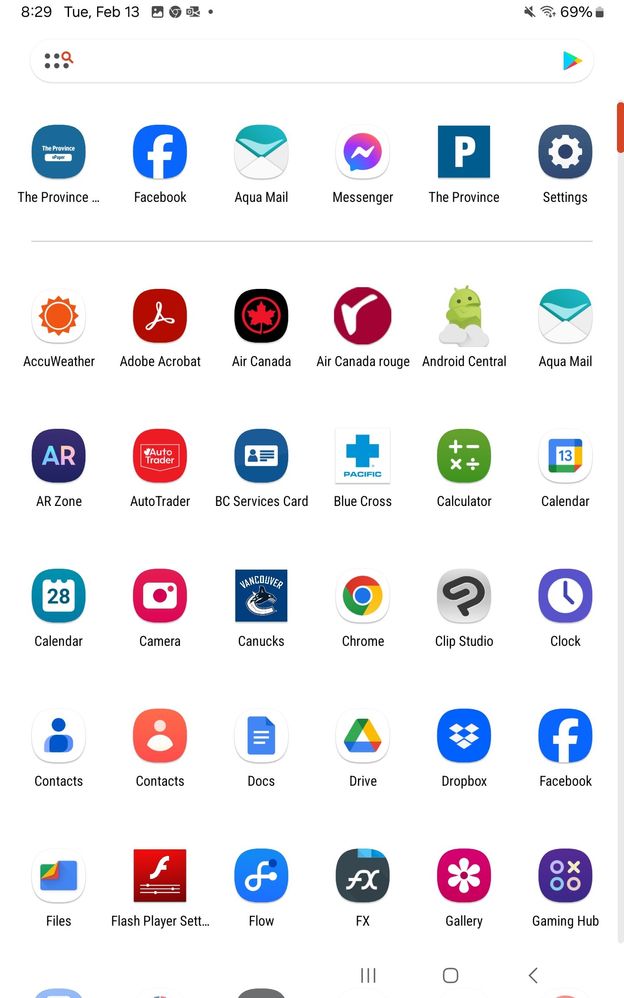
The solution is the use Nova Launcher, gives you a lot more options to customize things and also arranges your apps alphabetically.
The Samsung launcher is pretty crappy IMO.
0 likes