
Original topic:
Bring Easy mode back
(Post creation time:
9 days ago
)
121 Views
A
A1178088
Constellation
Subject: Please Restore Original Easy Mode Large Icons on Galaxy S25 FE
I am requesting that Samsung restore the original Easy Mode home screen layout and larger app icons.
Before the software update, Easy Mode provided significantly larger icons that were easier to see and use. After the update, the icons became much smaller, even with the icon-size setting at maximum.
I have installed the latest November 2026 software update, but the problem remains.
This is a work phone, so installing third-party apps or customization tools is not an option.
Easy Mode is an important accessibility feature. Please restore the original oversized icons and three-column layout, or provide an option to choose the previous design.
Please forward this feedback to Samsung’s One UI software development and accessibility teams and let me know whether a fix is planned.
Thank you.
Members_6oADudB
Constellation
9 days ago
in
I don't see well. I have the start of degenerative eye disease. So please
0 likes
CEParsons
Honored Contributor
9 days ago
in
Easy mode still exists. However, the 3 column grid has been discontinued.
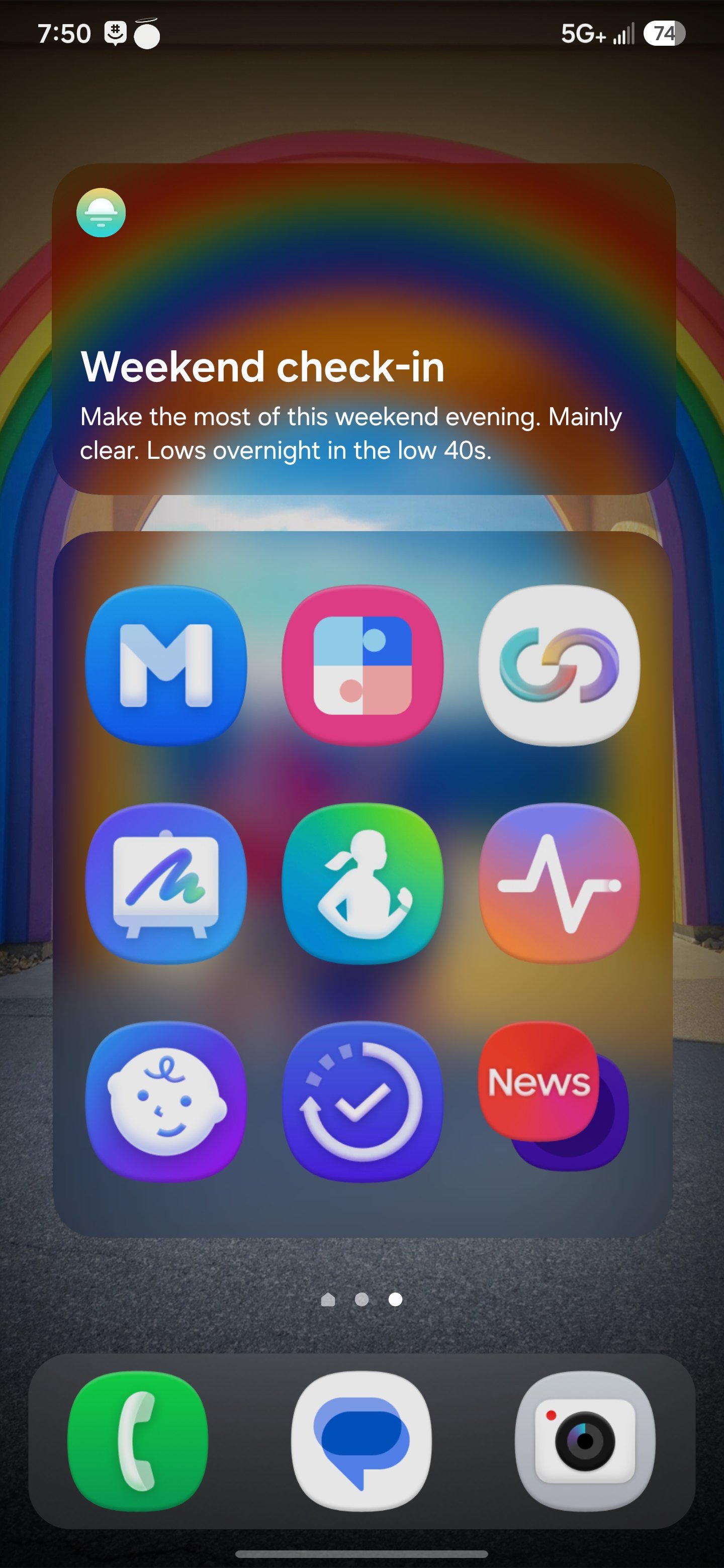
You can circumvent this and significantly enlarge the icons using the Home Up Module within Good Lock.
Download here: https://apps.samsung.com/appquery/appDetail.as?appId=com.samsung.android.app.homestar
0 likes