
Original topic:
Contacts
(Post creation time:
11-14-2026 03:34 PM
)
184 Views
M
mquin2112
Galaxy
I was recently trying to edit one of my contacts and there doesn't seem to be any kind of edit option. Did they bury that option somewhere in the settings? Would appreciate any input.
Update: Discovered an issue with syncing. Fixed and now I'm able to edit contacts again.
AAbbott
Honored Contributor
11-14-2026 03:59 PM
in
To edit a contact, go to the contact, and tap on the contact. Tap the circled "i" under the number on the far right. (you will see the phone call icon, the text icon, the video icon and the i). After tapping the i, the full info screen will come up. On the bottom menu bar, tap the edit pencil and do your edits. Tap save and then you are done.
mquin2112
Galaxy
11-14-2026 04:15 PM
in
Mine isn't like that anymore. There's no edit option for me. I have to edit contacts all the time and this isn't good.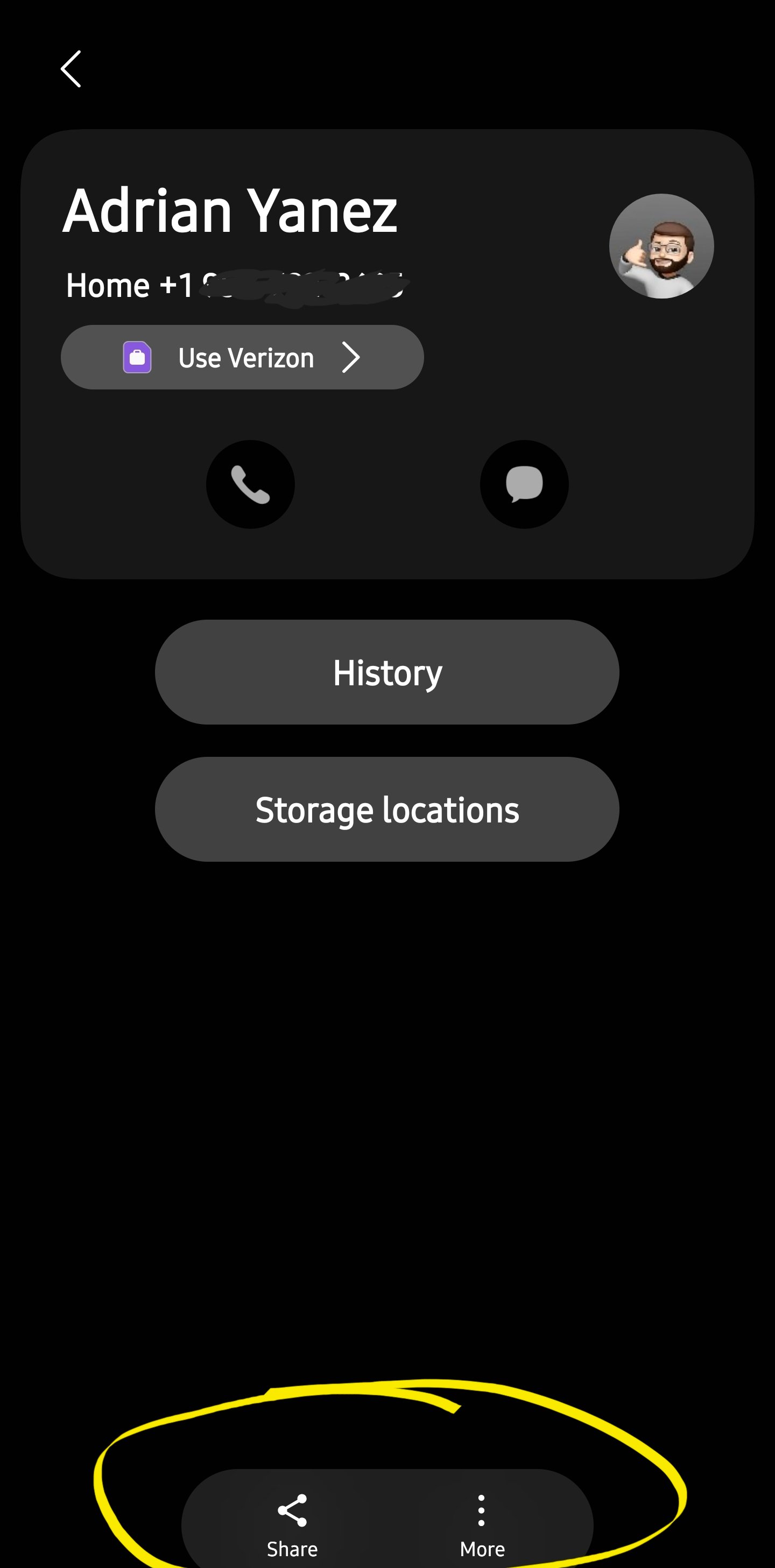
Members_rwjgMWU
Constellation
11-14-2026 06:22 PM
in
😮
0 likes
AAbbott
Honored Contributor
11-14-2026 11:55 PM
in
Are you sure your contacts app is up to date? There has always been an edit button in contacts. Have you tapped on the 3 dots to the right where it says "more"? Try clearing the cache
0 likes
Members_CvfdFN3
Constellation
11-18-2026 01:28 AM
in
Know I have not
0 likes