
I have a Tab S10FE Plus and I kinda find it annoying that I can view my watch, buds, and ring percentage in the widget but not my tablet. The tablet is connected to my phone for Multi Control, Calls and texts, and storage share, but it can't share a simple percentage number?
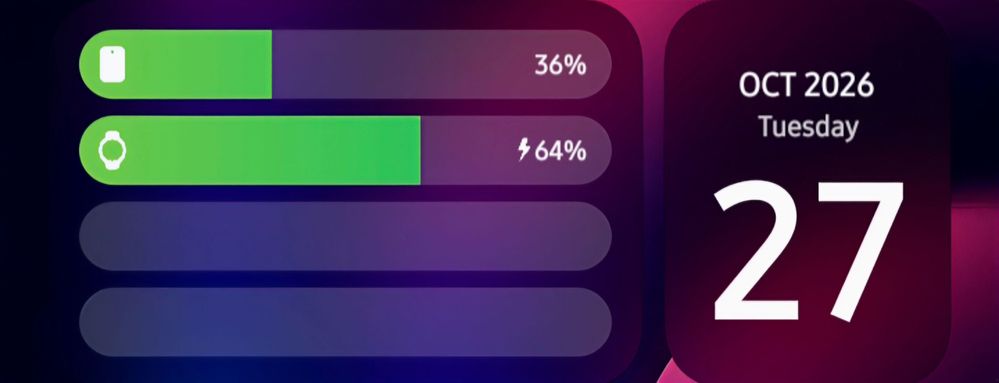
Sometimes I forget to charge it and the widget is right there on my phone home screen, so having the battery show there for the tablet give me a reminder (other than the tablet being below 15%) that I should charge it.
Widget shows Watch and Phone percentage but not Tablet percentage despite being in the same area and connected.
Selected Answer
Pianodude58
Honored Contributor
10-28-2026 05:53 AM
in
You could set up a Routine on your phone or tablet to get a notification if your tablet's battery drops to a certain level, like 30% or 40%, before it hits that critical 15% mark.
Asumsang1512
Galaxy
10-28-2026 02:33 PM
in
Oxford
Honored Contributor
10-28-2026 07:58 AM
in
Asumsang1512
Galaxy
10-28-2026 02:33 PM
in
0 likes