
I have 2 phones S25u and A16
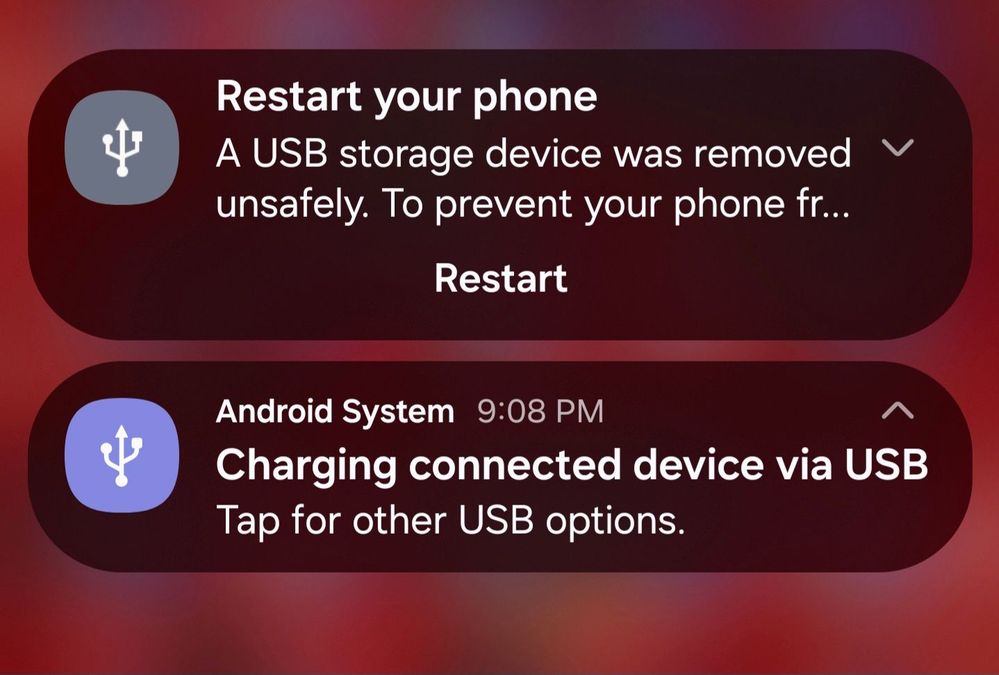
Got a USBc flash drive a lexar usb 3.2 gen 1
A16 no problem
S25u doesn't recognize it, when it does the pop up constantly keeps popping up to restart my phone.
The other notification does not allow me to select any other option because its all grayed out.
It shouldn't be this difficult to use a flash drive to transfer files off the phone.
No problem using a PC
I have a 8g leaf thats over 10 years old and that works with the phone with no issues.
AAbbott
Honored Contributor
07-26-2026 05:13 PM
in
With the newer phones, you need to have either an OTG compatible flash drive or an OTG adapter to plug into the USB port. If you are using an older USB drive, that is why it will work with older devices, but not with your newer ones. If your drives *are* OTG compatible, then make sure you have auto blocker off in the security settings of your phone.
0 likes
BLuvly
Halo
07-26-2026 08:39 PM
in
The new lexar flash drive that I just bought yesterday and can't return doesn't get recognize by S25u but works with A16.
The usb blocker is off.
So there got to be something else.
0 likes
AAbbott
Honored Contributor
07-26-2026 08:52 PM
in
If one drive works with the phone, then it's not a phone problem, it's a drive problem. Is it formatted properly?
0 likes
BLuvly
Halo
07-26-2026 10:07 PM
in
Guess I can try formatting.
0 likes