
Original topic:
New 9.0 1Ui Clock Problems
(Post creation time:
11-2-2026 07:34 PM
)
157 Views
P
pinehurst1895
Constellation
Newest update today changed clock settings (always some changes you don't like or have to change back, if avaliable). I want a very simple time / clock. The lock screen now, in it's simplest form, has no AM or PM, but a zero if front of numbers 1 through 9 in the hour setting. THIS IS BAD. It looks like a 24-hour Military time. You're going to confuse a ton of people, and tick off a lot of Military and former Military users. Just give us a 2:36PM for that time in the afternoon, instead of 02:36 for that same afternoon/PM time. Never should there be a time of 02:36 on a phone in the afternoon. Thank you for changing this immediately, or at least giving an option to change to an AM / PM setting in all times outside of 24-hour Military time
0 likes
Oxford
Honored Contributor
11-2-2026 07:42 PM
in
A quick search prior to posting would have revealed there are dozens, maybe hundreds of posts regarding this issue. My suggestion is to choose another clock as some do not have the leading zero. I am sure this will be addressed sometime in the future.
pinehurst1895
Constellation
11-2-2026 08:11 PM
in
Thank you, Oxford. I'm very appreciative & thankful for your reply and you taking time to advise me. I am 60 years old, and not into these Boards. I only posted (did not search for a "clock" subject), signed up for Members,and wrote this Post while the Samsung CS Rep. was on the phone with me. He advised me this is how to let CS know about issues. I have had a cell phone since 1988, so I've dealt with what seems like thousands of changes over the past 38 years. It always seems they delete, change, or modify some of the things that are the most basic, and that you don't want changed (w/o the option to revert back). Again, thank you very much for your correspondence and help. Lord bless and God speed, pinehurst1895
0 likes
AbraxasGalaxyS24
Galaxy
11-7-2026 05:52 AM
in
Im not sure if Im allowed to put a product reference. If not I apologize Admin.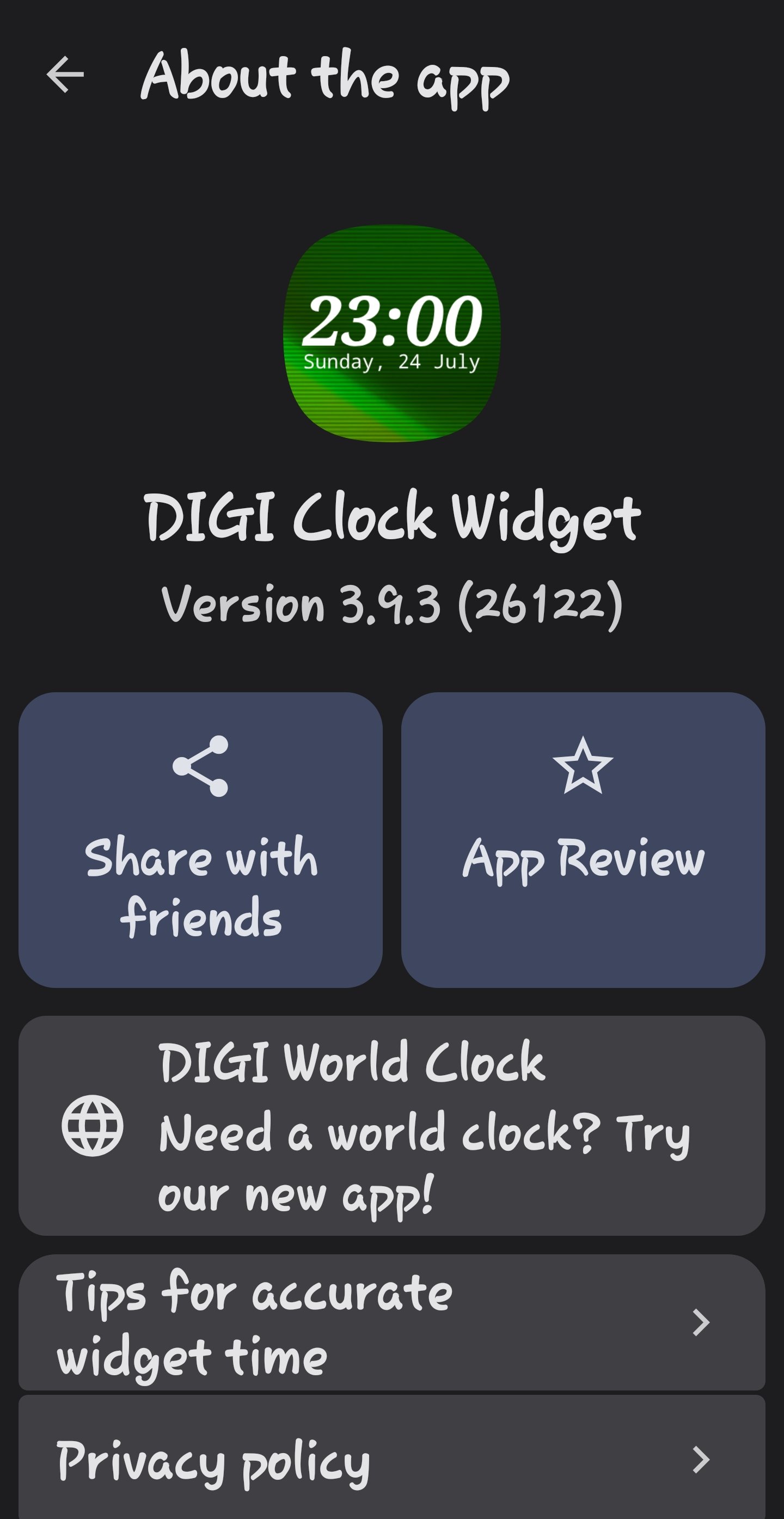
When ONE U.I. went to 9.0 I downloaded a widget. It is versatile and has many options and cures the 24 hour style problem as well as centering, alignment, etc.
0 likes
pinehurst1895
Constellation
11-2-2026 08:16 PM
in
Also, Oxford, you seem very well versed. I could have swore that I saw 1UI update 50.0 (not 5.0), before I downloaded the latest software this afternoon. System had asked me twice to update, about 2 hours apart. Any way, any way at all, that this was some sort of scam ? Is there anyway at all that my S23 Ultra would have downloaded anything that wasn't legitimately from Samsung ??? I thought I was set up for auto downloads during the middle of the night. Again, thanks!!!
0 likes
Oxford
Honored Contributor
11-2-2026 08:20 PM
in
Take a screenshot of your settings, software information page so that we can see what version and date are on it. This should verify whether it was legitimate or not.
0 likes
pinehurst1895
Constellation
11-2-2026 10:36 PM
in
Does this help ? Upon seeing this, I'm guessing everything was kosher. First time using, and not knowing you or folks looking, I didn't want to put the 13-digit "Software Updated to" number, for the world to see. (Unsure how it could, or could not, be used) I'm guessing this is AOK. Still amazes me cause I could have sworn that I saw 50.0
Thanks, Oxford. Lord bless.
0 likes
pinehurst1895
Constellation
11-2-2026 10:36 PM
in
Attached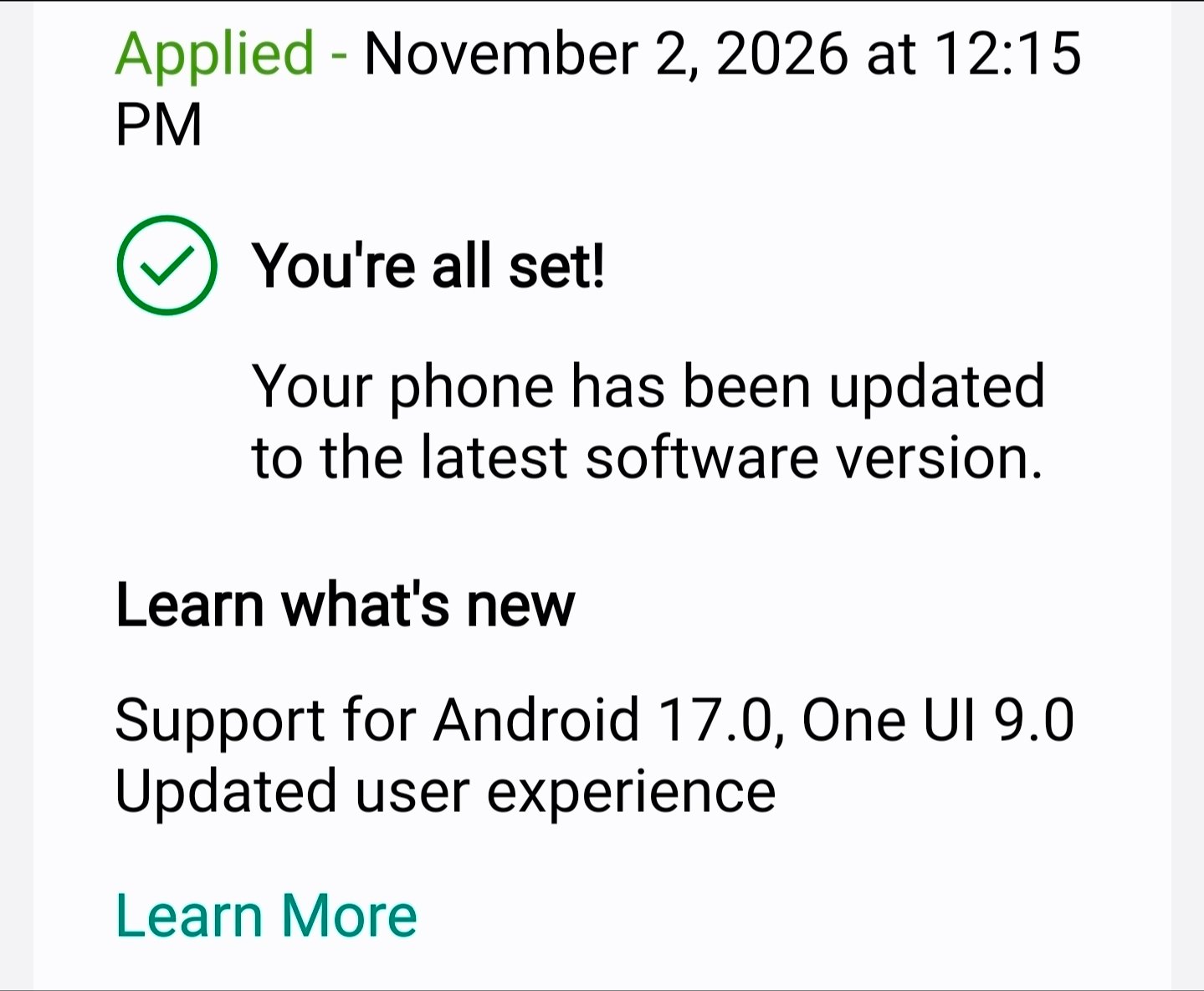
0 likes
RDJNR
Supernova
11-2-2026 10:45 PM
in
Verizon System Update 50 was the UI 9.0 Software Update applied to your phone.
The second update you got was probably an additional security update.
0 likes
pinehurst1895
Constellation
11-2-2026 10:53 PM
in
Yes, sir. Thank you, sir. Most appreciative. I am with Verizon, so your mentioning them and the number 50 eases my weak mind. 😊 Again, thank you. God bless.
AbraxasGalaxyS24
Galaxy
11-7-2026 05:40 AM
in
I changed to an app download when ONE U.I. went to 9.0. Lot of options, no battery drain, heat, etc. Nice app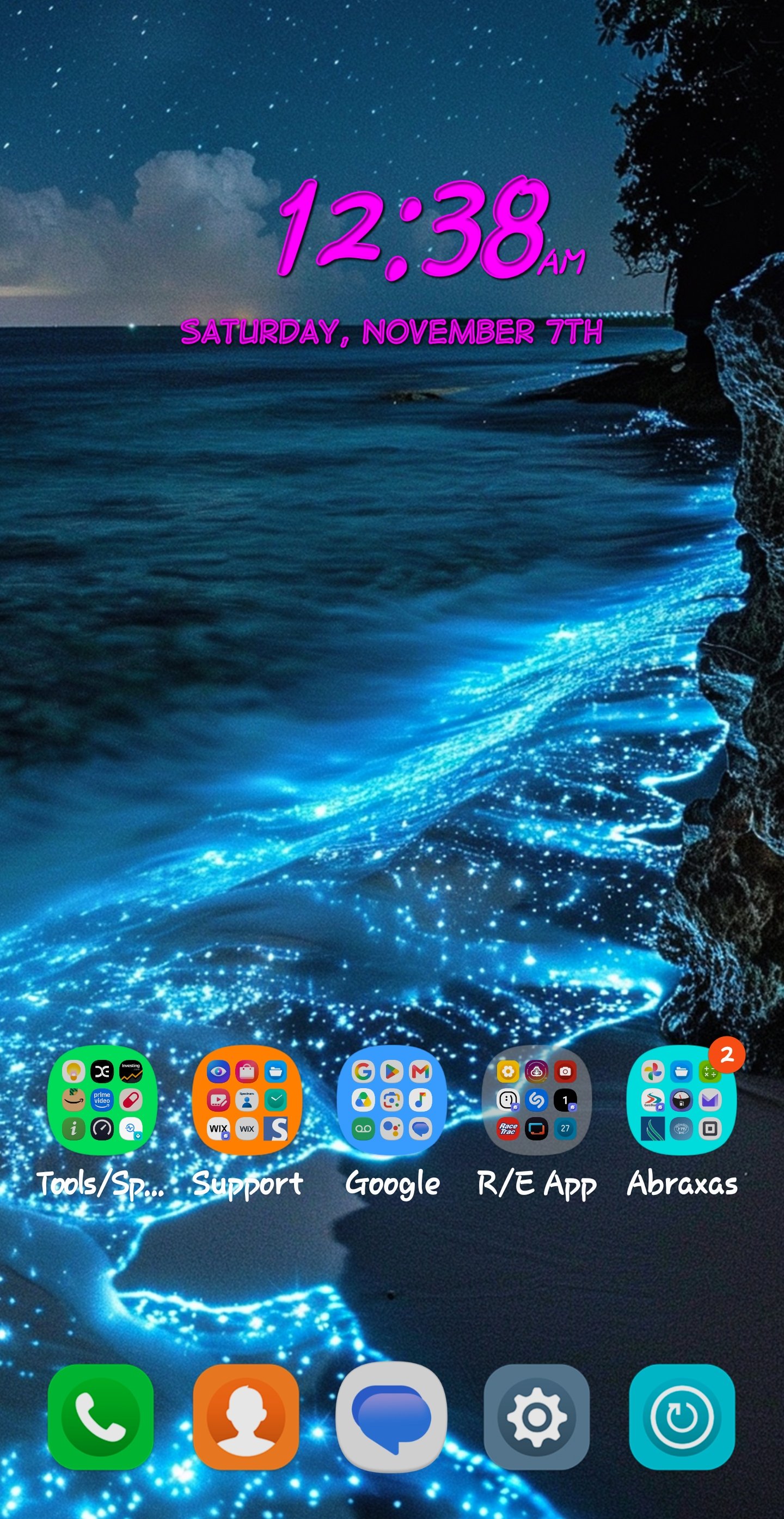
0 likes