
Original topic:
COPY PASTE ISSUE
(Post creation time:
11-18-2026 12:01 PM
)
62 Views
M
Members_bi8icfL
Asteroid
This is not a phone problem but rather a me problem. I have a Galaxy S23. Is there another way to copy something other than holding you finger and moving over the desired text? I have pretty bad Rheumatoid Arthritis in my fingers and find it almost impossible to copy a letter or anything more than a couple of words. Since there is shortcuts for everything else, I'm hoping there is for this too.
Thanks for reading.
CEParsons
Honored Contributor
11-18-2026 01:31 PM
in
Yes! Unfortunately, advanced text selection/editing has been discontinued on Samsung Keyboard, but if you switch to gboard, the feature is still available.
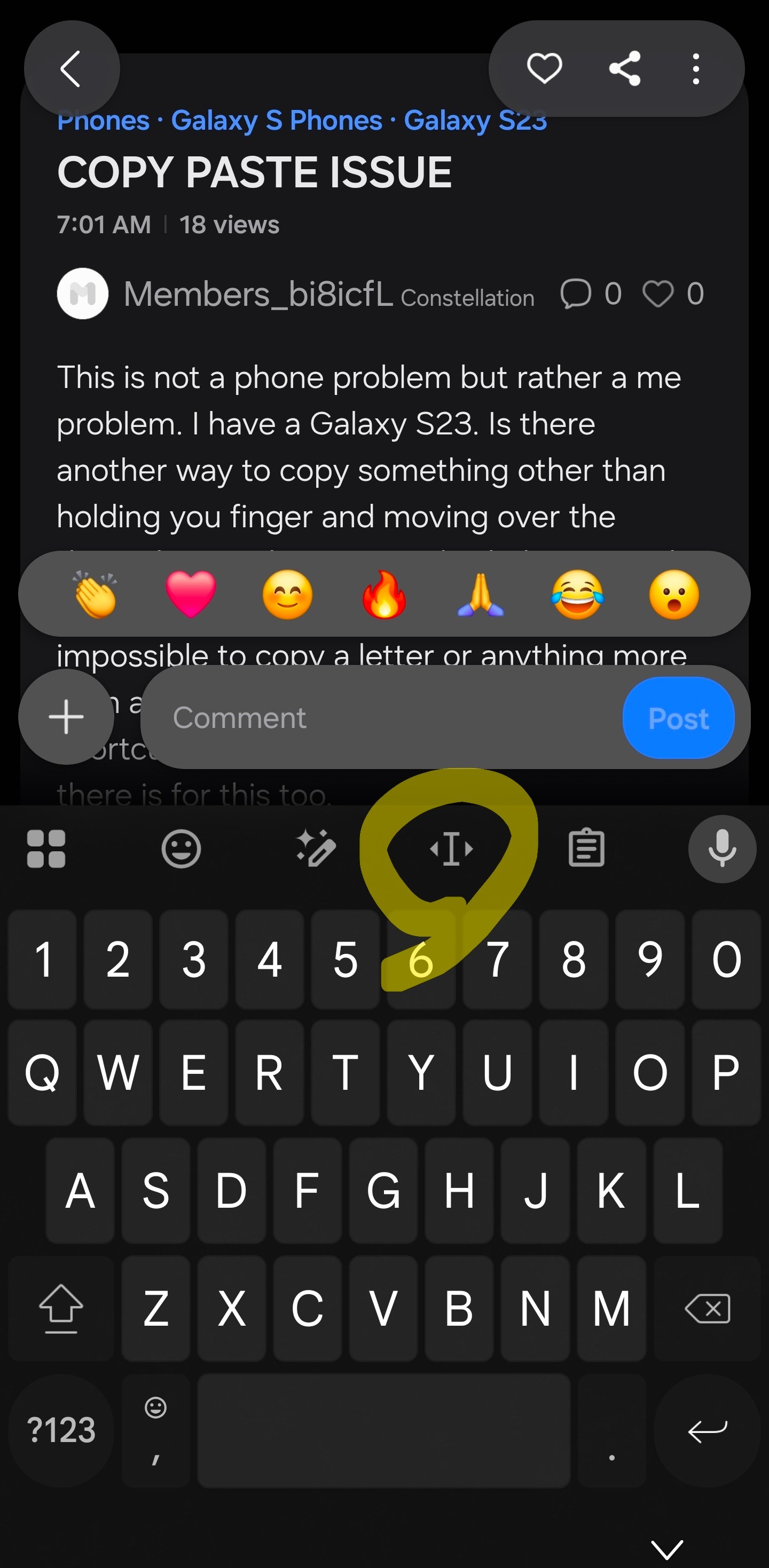
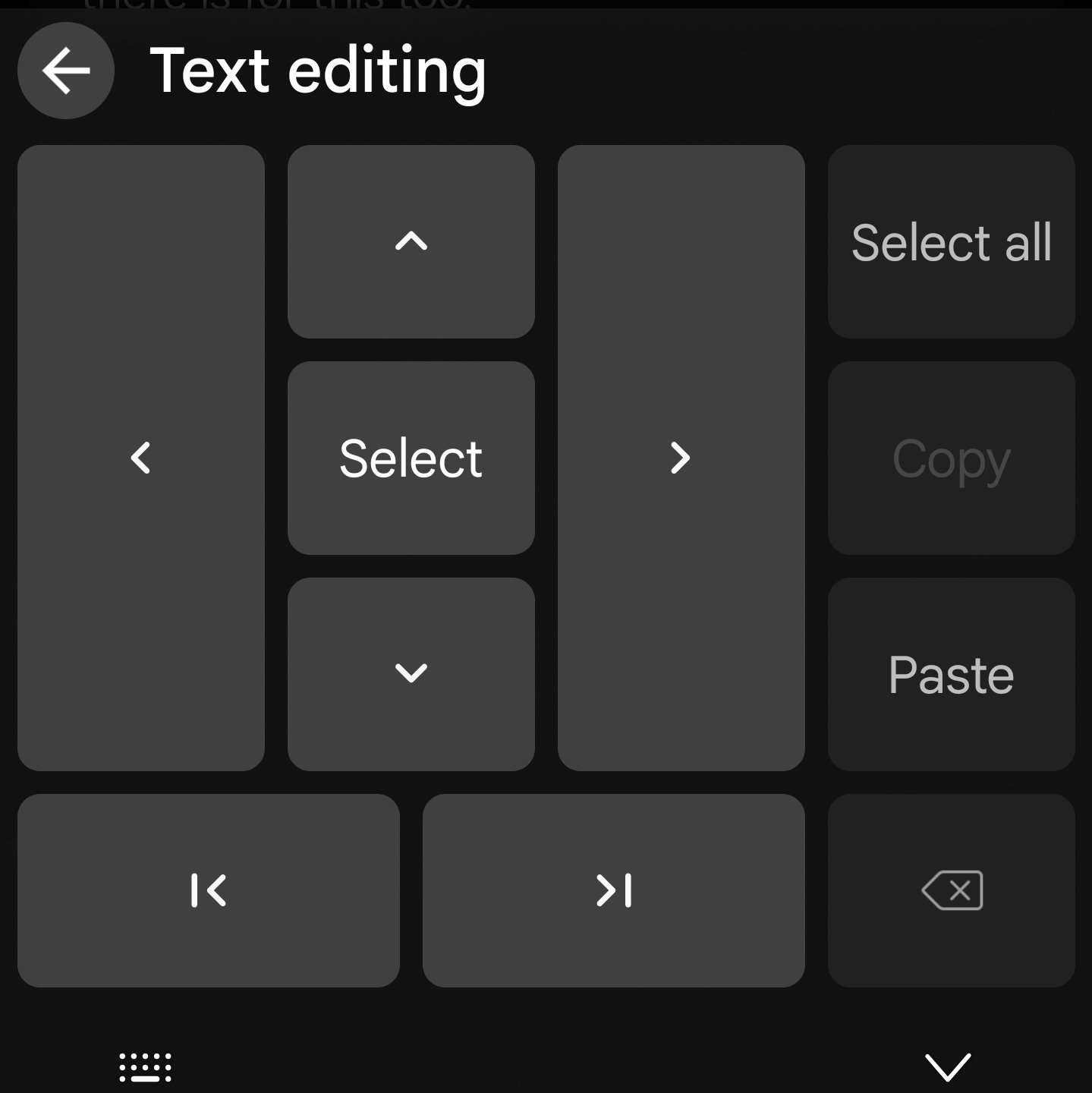
Download here: https://play.google.com/store/apps/details?id=com.google.android.inputmethod.latin
This is a game changer feature that I personally cannot live without. Hope this helps!
Members_bi8icfL
Asteroid
11-18-2026 09:59 PM
in
Thanks
DFWTechGuy
Cosmic Ray
11-18-2026 04:27 PM
in
You can try using Samsung's voice input or Google Assistant to avoid selecting text manually. You can also check Settings > Accessibility for features that make selecting and interacting with text easier. Another option is to use the Select All option when you need to copy an entire message or page. Hopefully one of these makes copying easier for you!
Members_bi8icfL
Asteroid
11-18-2026 09:59 PM
in
Thank you
0 likes