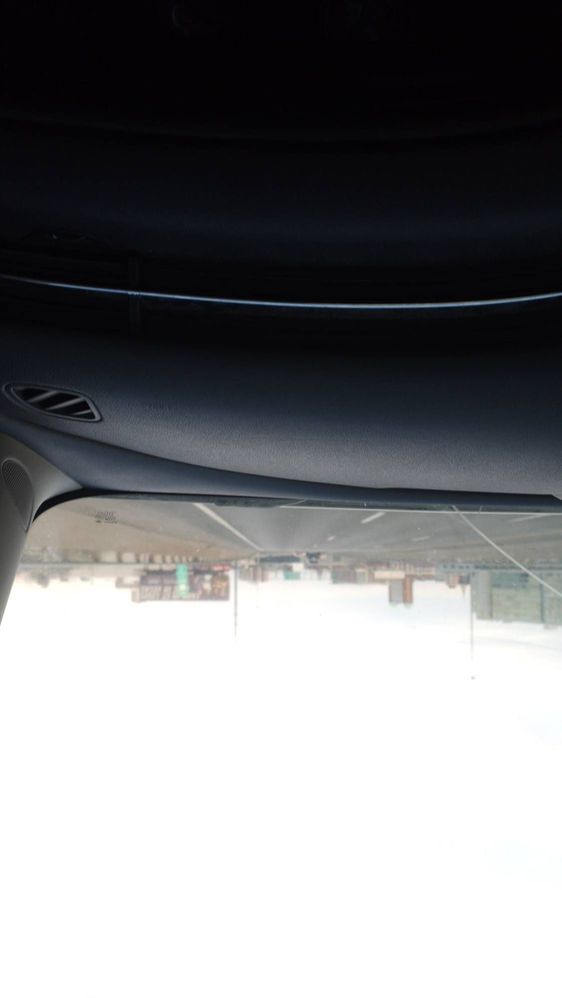
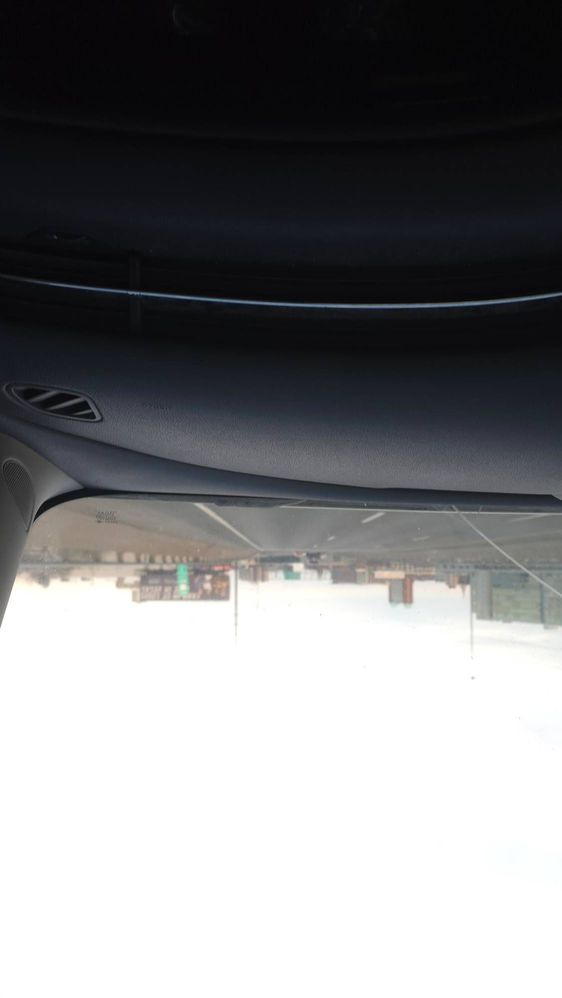
Hello Treyba3, welcome to the Samsung Community. I understand your concerns regarding your camera when using the Pro mode being upside down. Have you tried restarting your device to resolve the issue?
Reset your camera app and verify that it is up-to-date:
Open the camera app, tap settings, swipe to reset settings and tap reset.
Tap Settings icon again and swipe to about camera
Check to verify that your camera is up-to-date, if up to date your screen will read "The latest version is already installed."
Verify that your device is up-to-date
Check your device in safe mode to verify that a third party app is not causing the issue:
If you are still experiencing issues I recommend that you perform a factory data reset, please be sure to back up your device before performing the reset:

Selected Answer
SamsungMod
Community Manager
8 months ago
in
Hello Treyba3, welcome to the Samsung Community. I understand your concerns regarding your camera when using the Pro mode being upside down. Have you tried restarting your device to resolve the issue?
Reset your camera app and verify that it is up-to-date:
Open the camera app, tap settings, swipe to reset settings and tap reset.
Tap Settings icon again and swipe to about camera
Check to verify that your camera is up-to-date, if up to date your screen will read "The latest version is already installed."
Verify that your device is up-to-date
Check your device in safe mode to verify that a third party app is not causing the issue:
Booting your Samsung Galaxy into Safe mode | Samsung CA
If you are still experiencing issues I recommend that you perform a factory data reset, please be sure to back up your device before performing the reset:
Perform a factory reset on your Galaxy phone or tablet
Please let me know if you need further assistance!