
You might need to uninstall and reinstall lockstar or remove it frm deep sleep. You can also try adding KWGT if you want.
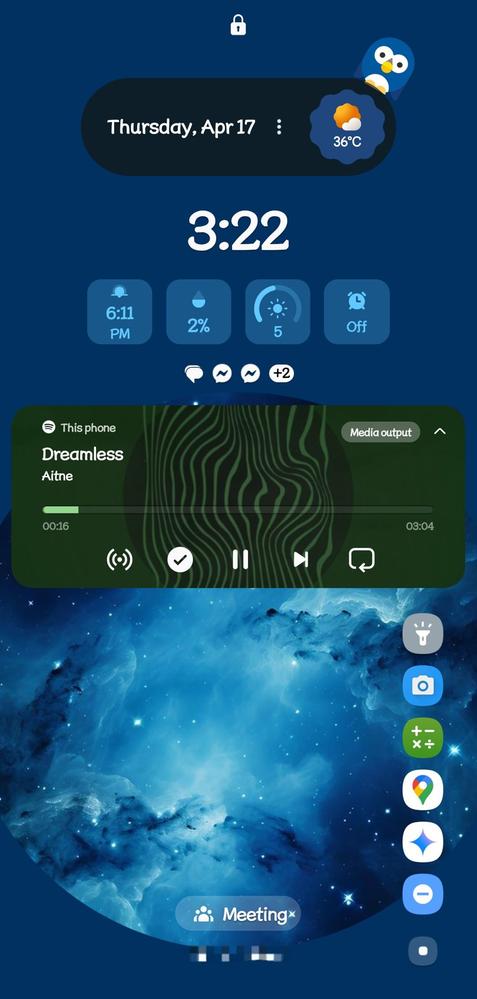
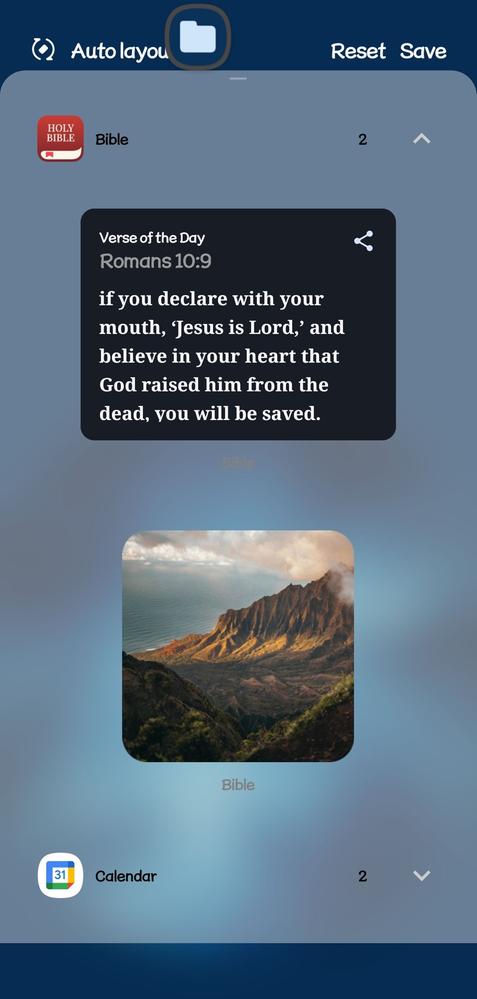
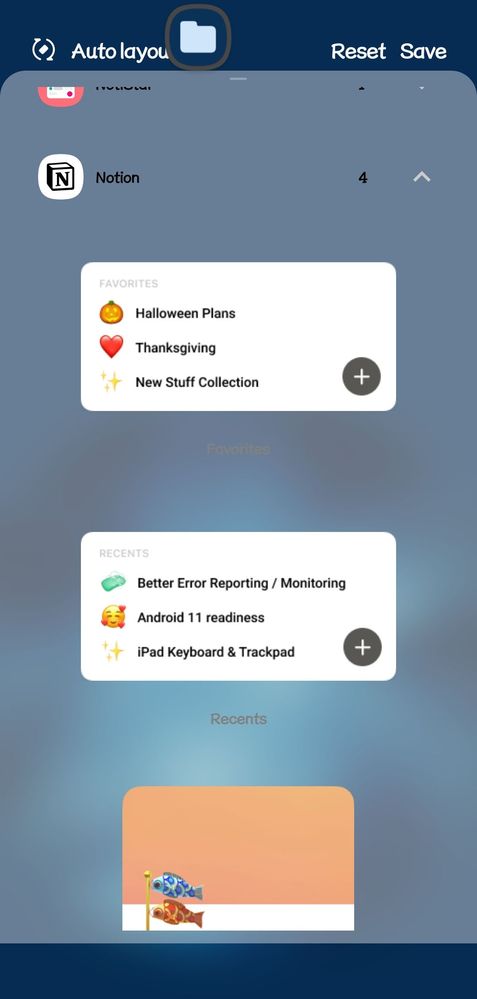
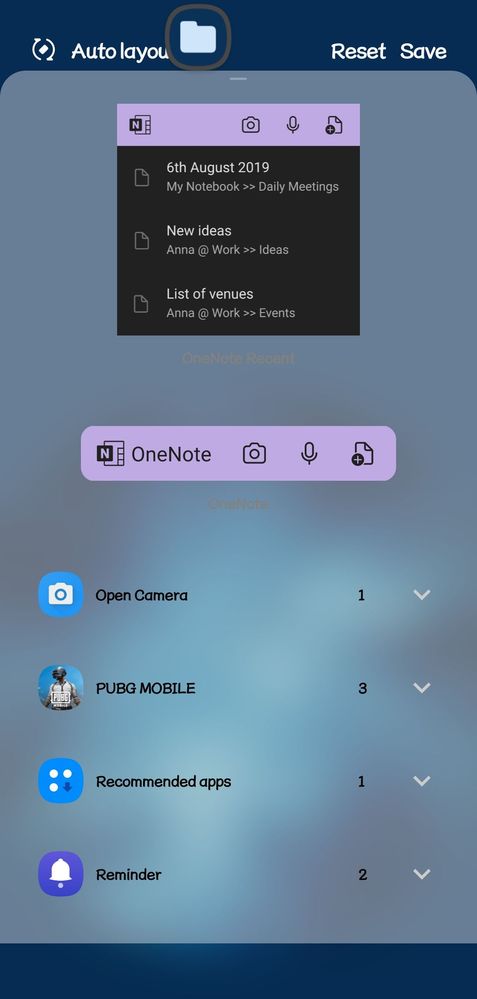
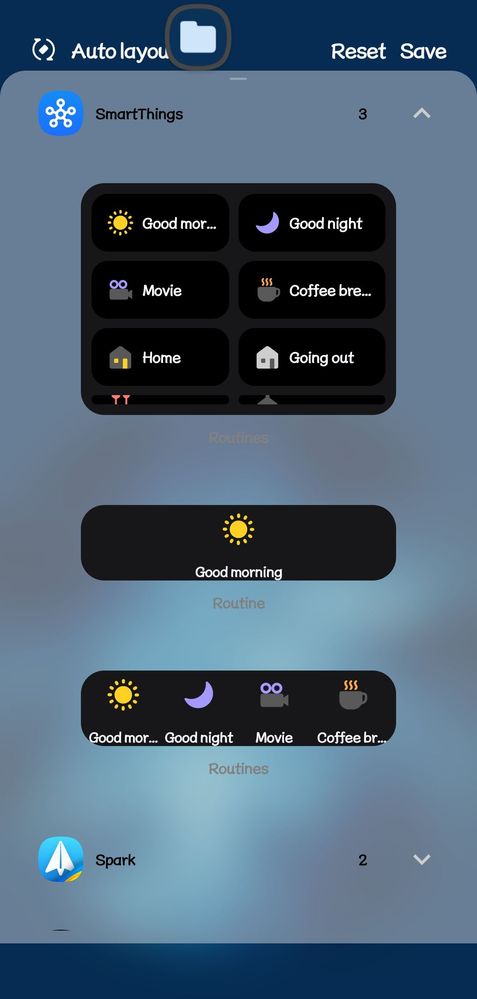
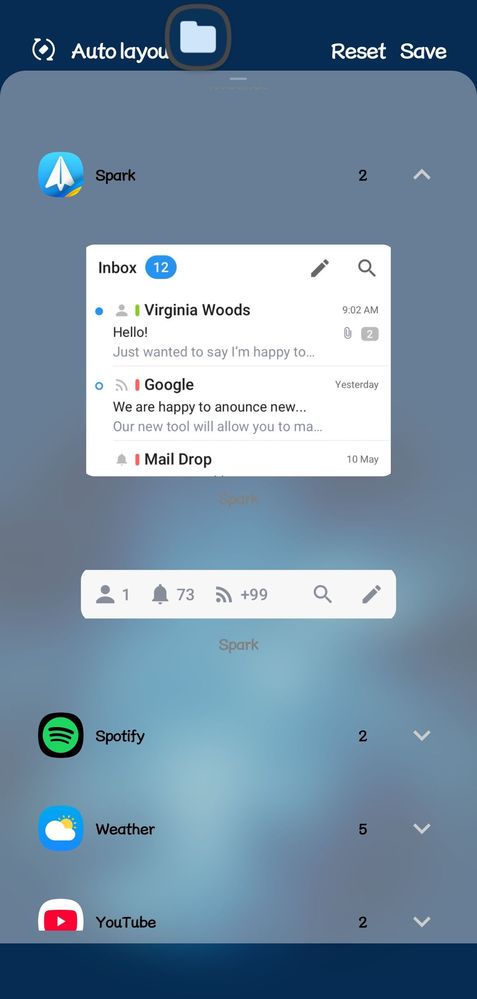
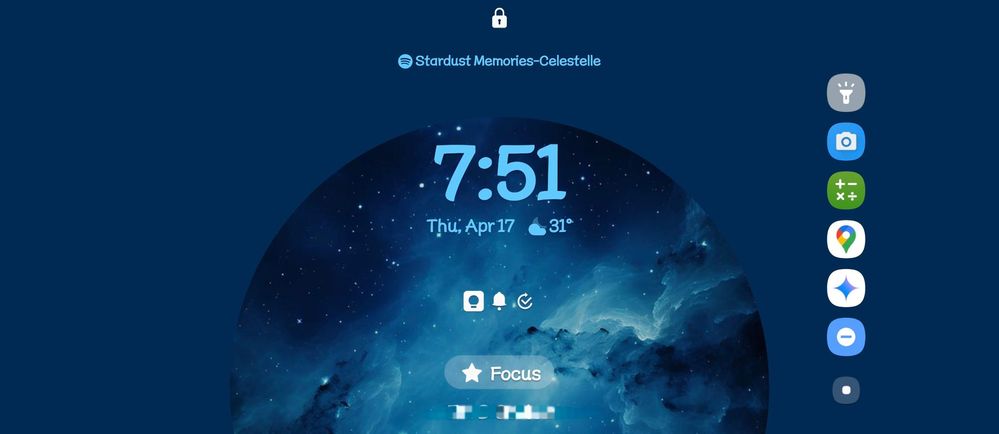
The landscape mode view is simpler
Adding third party widgets on lockscreen will become available in Android 16. Good thing there's Samsung GoodLock. It has become available even in Android 13 (or earlier).
Mogay
Expert Level 5
Thursday, April 17th, 2025 08:42 AM
in
i prefer cleaner lockscreen, the only widget i use is clock+date and weather, it's a lockscreen so i only show some additional information about me such as my phone number or my e-mail in case if my phone lost and hoping whoever find my phone able to contact me, i really appreciate if they bring my lost phone back to me
0 likes