
You can add widgets on lockscreen
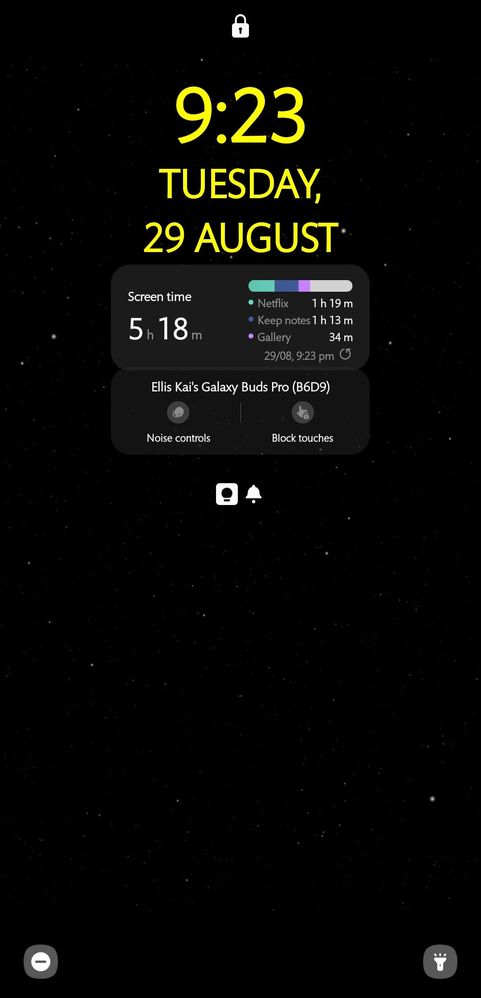
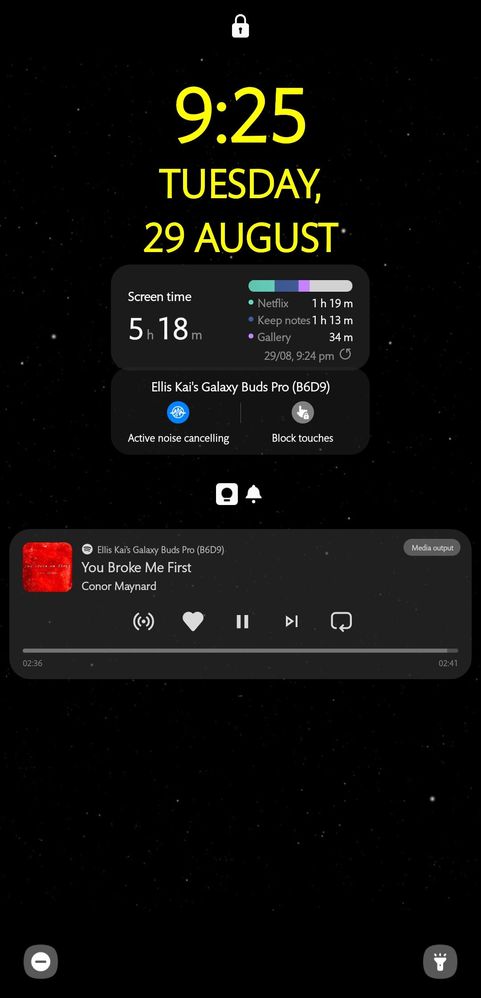
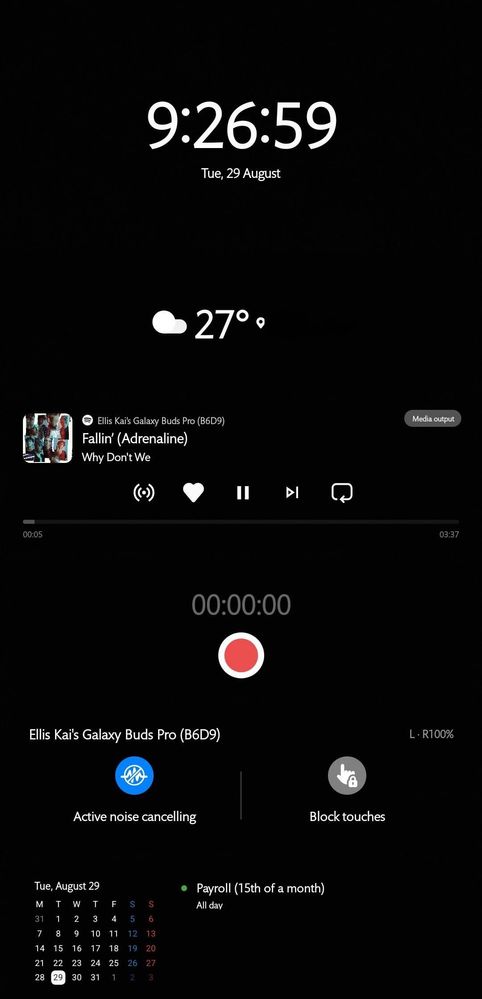
You can add all widgets you can fit in the small box under the clock. And they can overlap each other. It would look like this:
The widgets are also functional..
I personally don't use it as I want to keep my lockscreen minimal. But I wish I can add widgets on the widgets page:
TeamGalaxyDD
Moderator
Wednesday, August 30th, 2023 03:07 AM
in
Thanks for the customization tips! I might try a plain black background next time - it looks sleek!
0 likes
TeamGalaxyBianx
Moderator
Wednesday, August 30th, 2023 05:24 AM
in
So interesting and fun seeing how Members customize their phones. 🤩 The yellow and black theme is giving Star Wars. 🌌🔫
0 likes