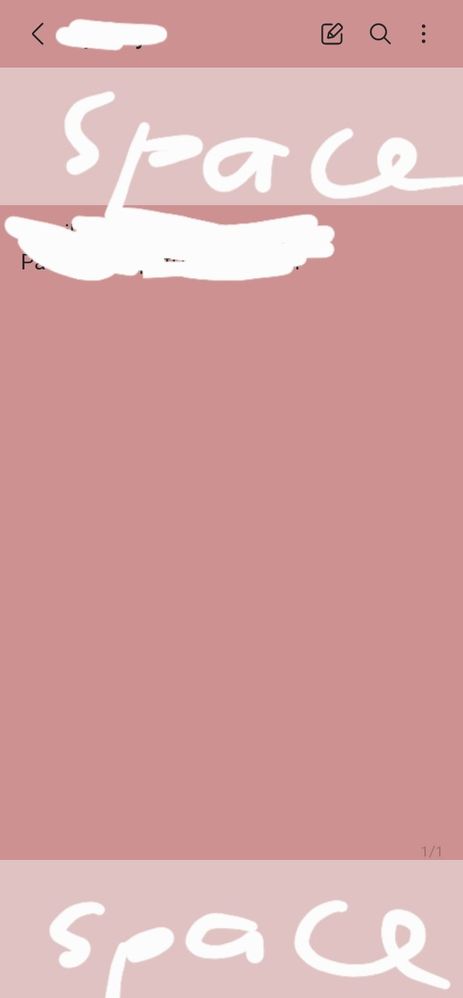
I dont understand. Sometimes, it has this extra space above and below the note. Then sometimes it doesnt. How does it work or how does one only select the one which has no extra spaces below?
It's a page break for a single page note. It will become shorter with multiple pages. Nonetheless, it is still large and unnecessary space for a single page note.
But the first pic is my attempt to replicate the second pic with page break. I just put a single word just like in the second pic which also has a single sentence.


dorefrain
Active Level 7
Wednesday, November 15th, 2023 01:56 AM
in
Lambsauce
Active Level 7
Wednesday, November 15th, 2023 03:35 AM
in
I dont know how to put a page break.
0 likes
Katie768
Active Level 7
Wednesday, November 15th, 2023 05:08 AM
in
0 likes
TeamGalaxyDD
Moderator
Wednesday, November 15th, 2023 06:27 AM
in
Hi Heyykenn,
Here's a quick fix for your issue, just follow the arrows!
Hope this helps 😄
Lambsauce
Active Level 7
Sunday, November 19th, 2023 07:00 AM
in
0 likes