
How to get a better quality of picture when zoom a long distance
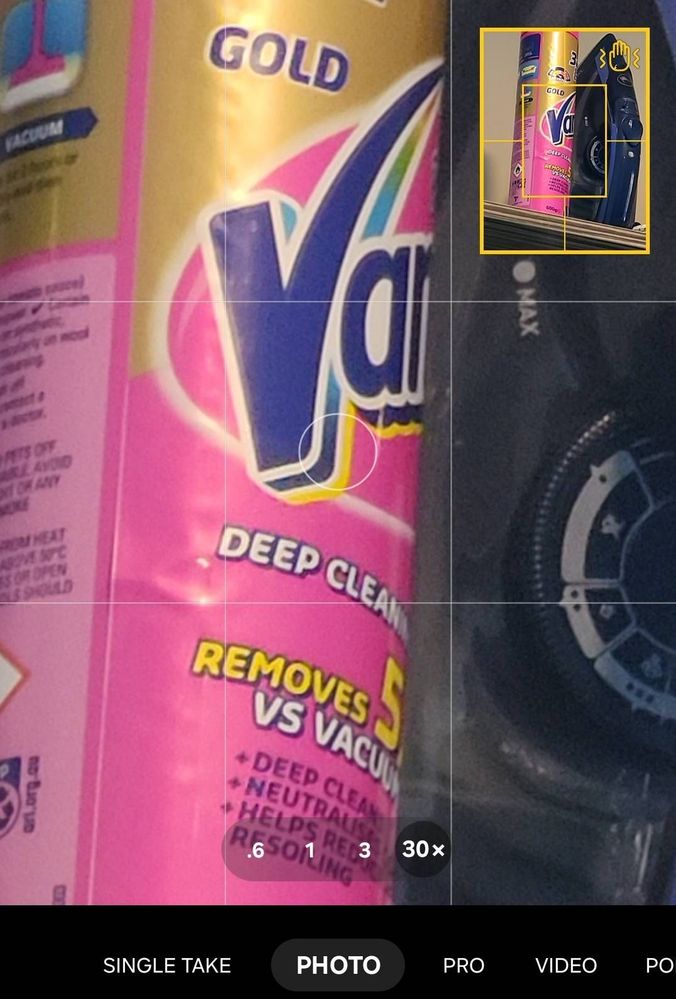
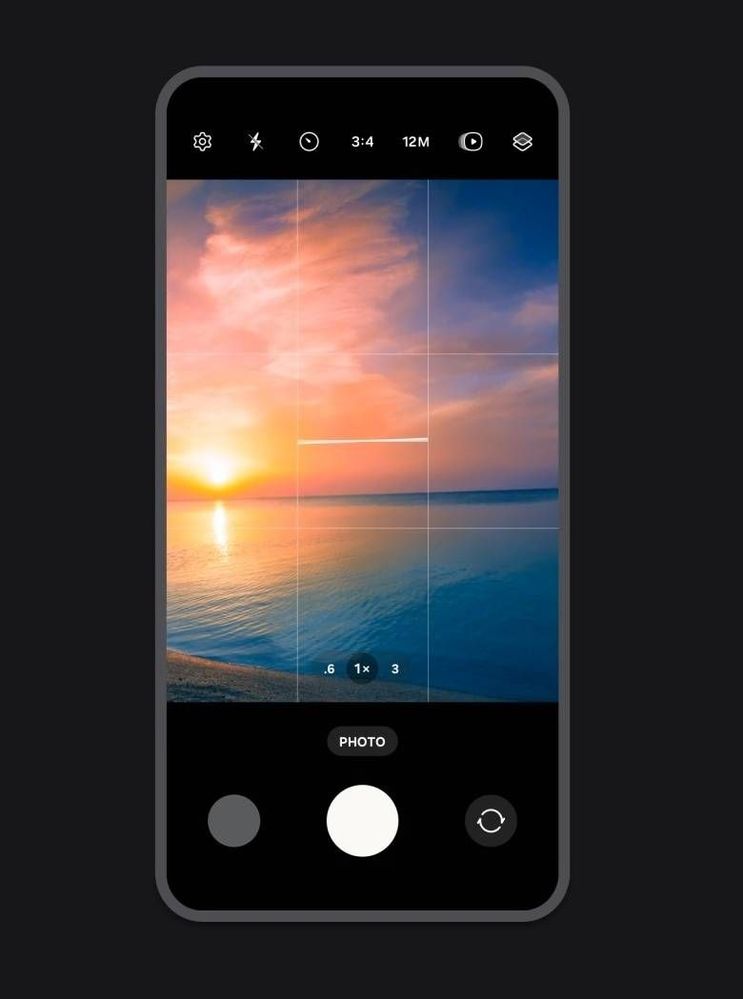
As first picture top right hand is Yellow square looking if the picture is ready you will see the yellow plus palm hand pop up. Press the shot
As I have refered so many times to Samsung Members to go and check out on tips, the app on your phone. You will be amazed what you can do with so many tips and tricks
Gallery it self is super amazing as I have never down load anything else or buying expensive software to make picture to look good
No replies and comments found