
I couldn't open secure folder on my s24 ultra .
Hongkong version using in sri lanka
I tried factory data reset also but it wasn't helpful.
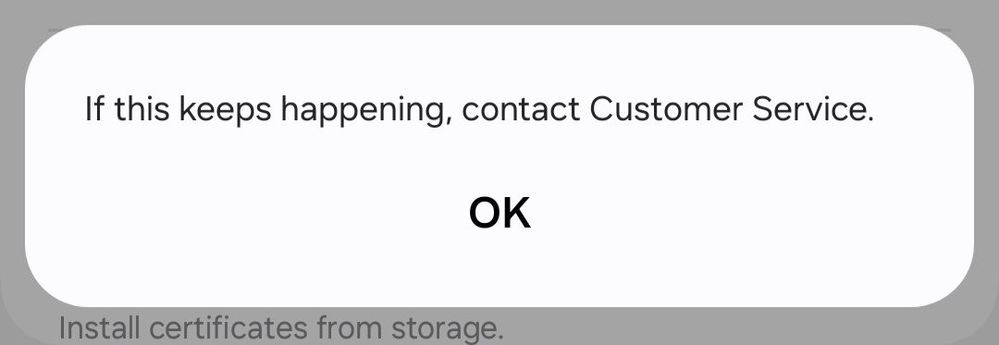
When I try to open secure folder settings.
This is what it says.
If anyone knew the solution for this please let me know.
Dr_Sadesh_Abey
★
2 years ago
in
If my comment helped you in any way, please consider hitting the 3 dot menu and accepting it as a solution. It helps me. Thank you!
0 likes
Faahil
Active Level 1
2 years ago
in
( if this keeps happening. Contact customer service )
This is what it says
0 likes