
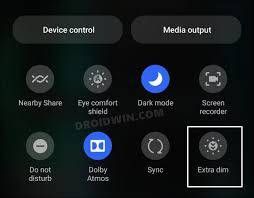
For device's (running Android 12) that doesn't show Extra Dim toggle button you can follow the below steps,

1. Download shortcut maker app
2. Open the app and click Activities
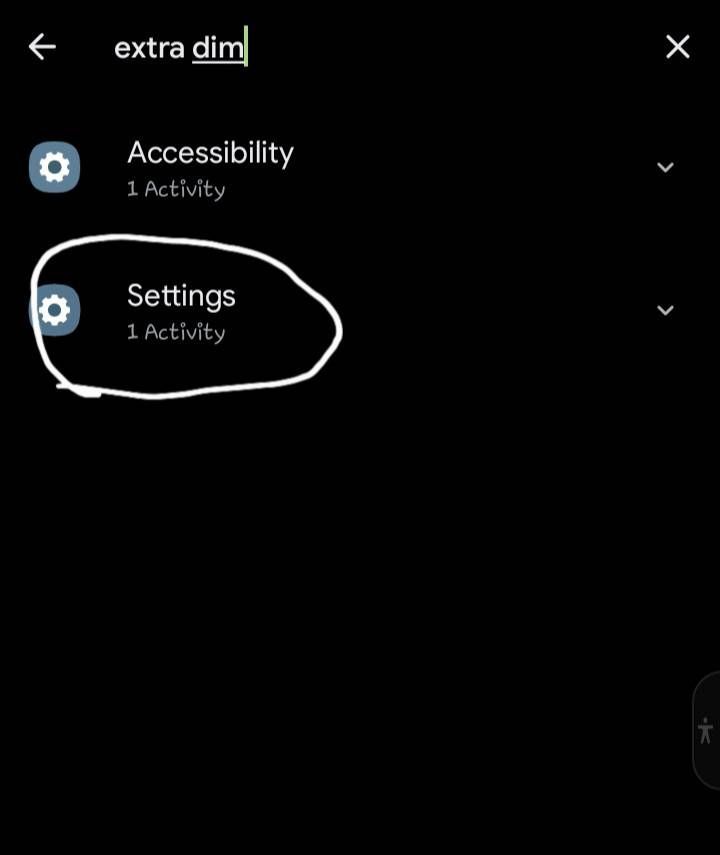
3. Then type 'Extra Dim' in the search bar.
4.you will find 2 options like below click the second option
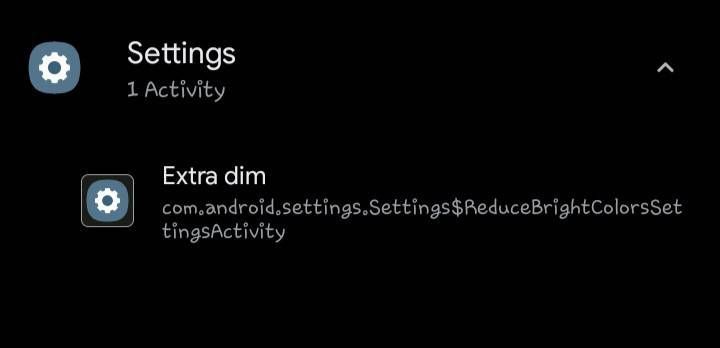
5.After you click the second option it will show 'Extra Dim' like below click it
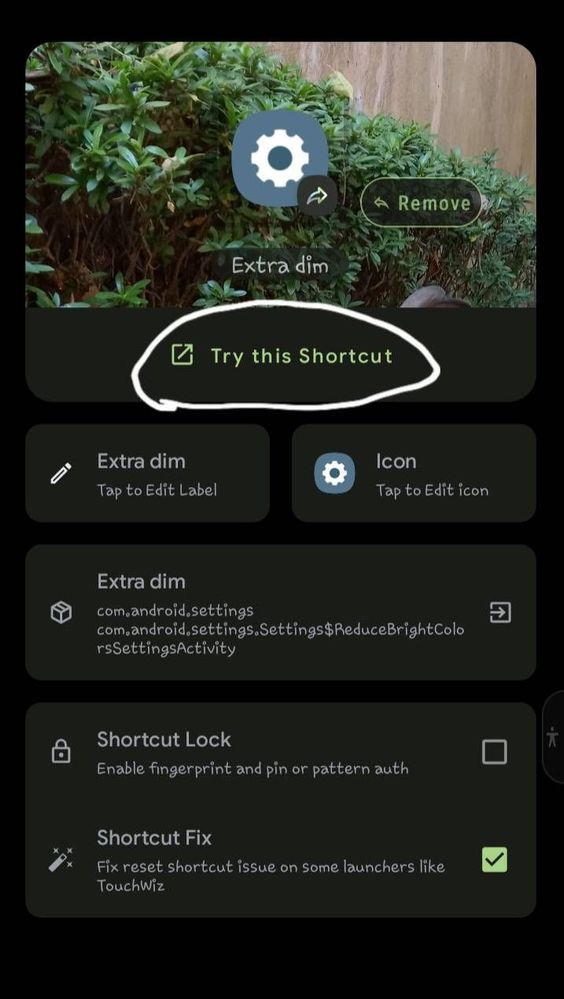
6. After that click 'Try this shortcut '
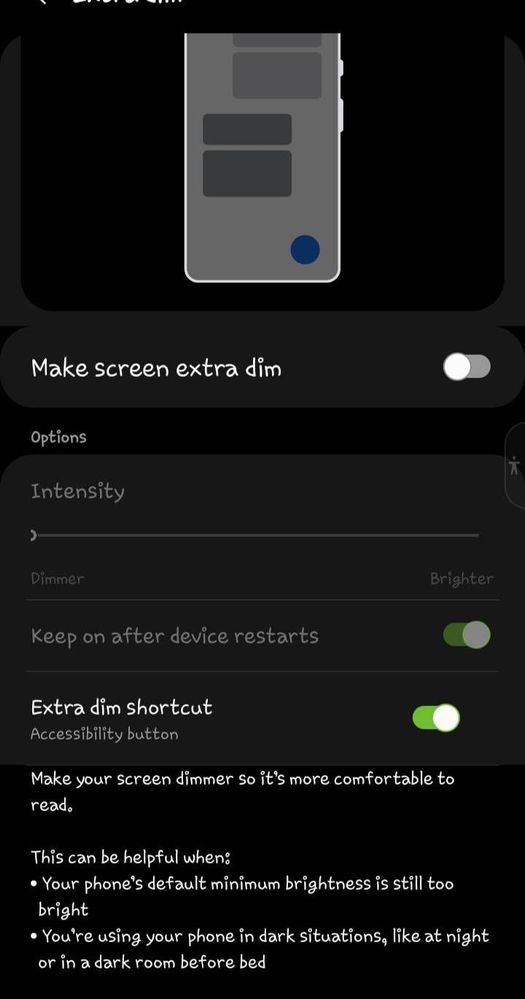
7.it will look like this.enable all 3 buttons.you can adjust the intensity as you like
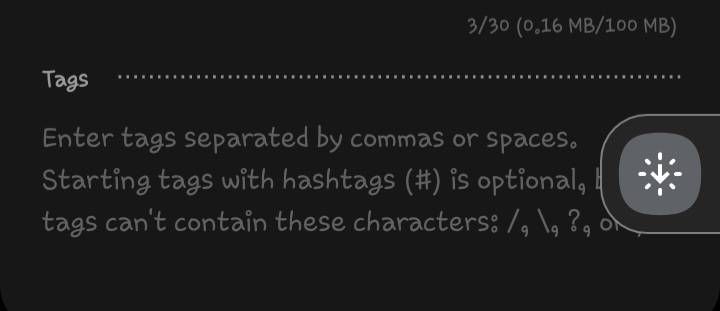
9. Then a Accessibility button like below will show on you screen.
10. You can use that button to quickly turn on and off Extra Dim.
11. Touch and drag the floating accessibility button towards the edge of the screen to make it smaller.
it will show like this
Gishan_Rivindu
Active Level 8
09-8-2022 04:04 AM
in
Sakila_Pamudith
Expert Level 5
09-8-2022 04:55 AM
in
KSithum
Active Level 4
09-8-2022 05:51 AM
in
Dihane_M
Expert Level 5
09-8-2022 06:06 AM
in
Janith842
Expert Level 5
09-8-2022 08:20 AM
in
SonalDeSoysa
Active Level 10
09-12-2022 11:50 AM
in
Dihane_M
Expert Level 5
09-12-2022 11:52 AM
in
SonalDeSoysa
Active Level 10
09-12-2022 11:51 AM
in
SonalDeSoysa
Active Level 10
09-12-2022 11:52 AM
in
Dihane_M
Expert Level 5
09-12-2022 11:53 AM
in
SonalDeSoysa
Active Level 10
09-12-2022 11:55 AM
in
thenuka_jay
★
09-14-2022 07:13 AM
in
Dihane_M
Expert Level 5
09-14-2022 07:23 AM
in
0 likes