title:

syncing issue with samsung notes

(Post creation time:  

10-31-2022 03:59 PM

)

1261 Views

S

sairam96

Active Level 3

last edited


10-31-2022 03:59 PM


in

 
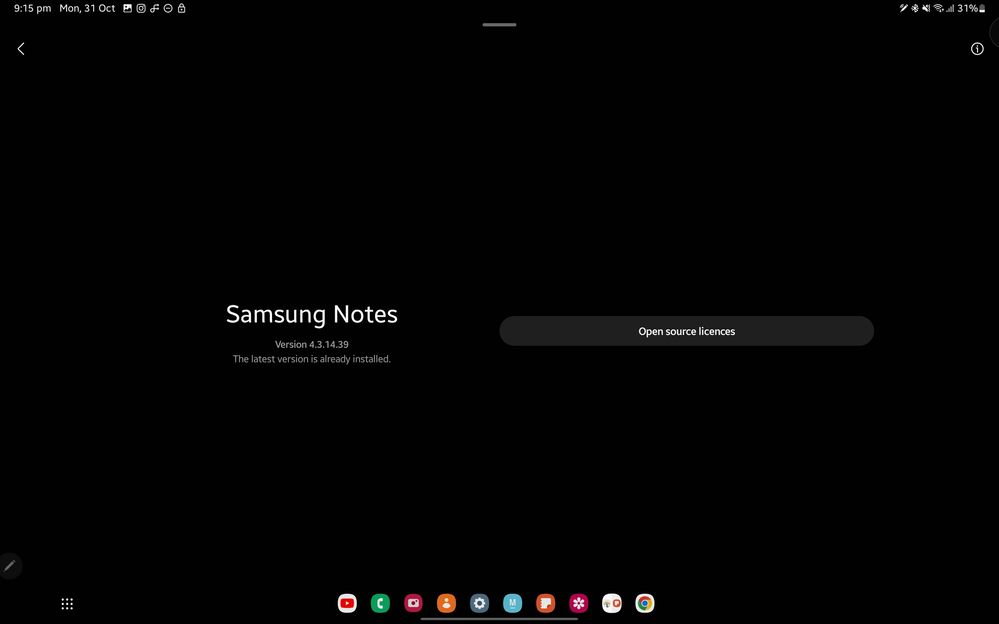
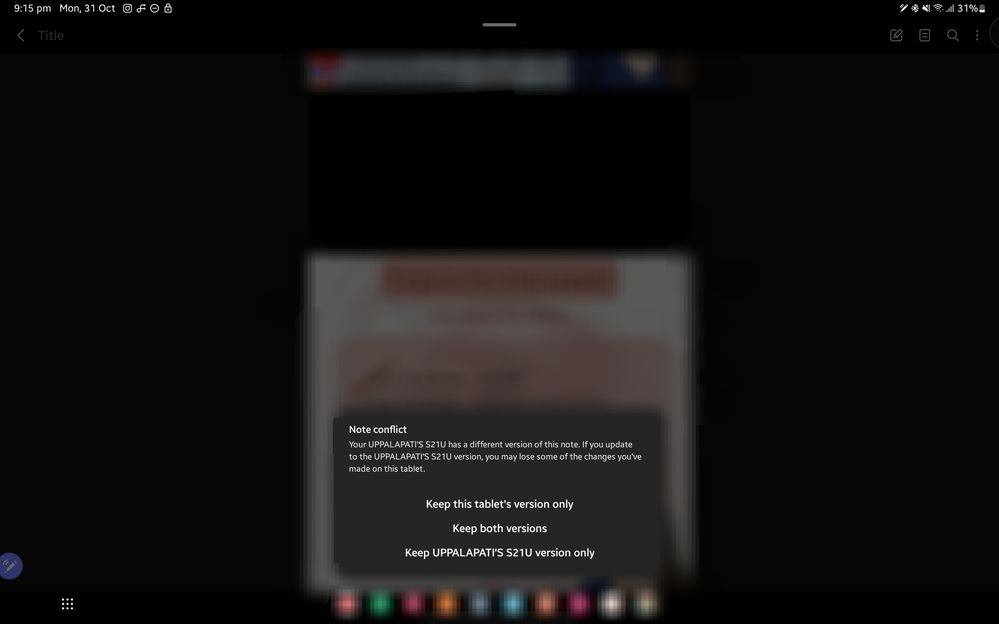
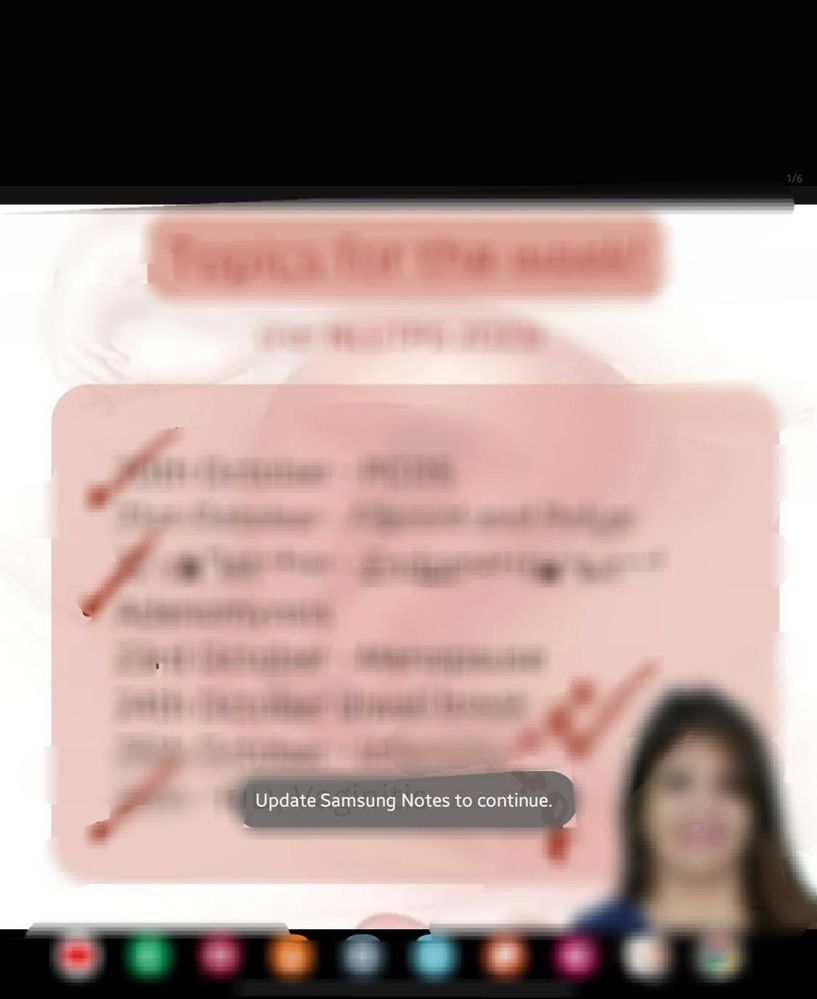
notes from my phone(s21ultra) are not syncing with tablet(s8 ultra)... notes app on my phone is fine ...i can continue from tablet... but  im unable to do that on my tablet... it is asking me to update my app... but there is no update showing...
image


image


image
version on my phone is 4.4.00.64


    • C

      CODM6567

      Expert Level 5

      10-31-2022 04:58 PM


      in

       
      So u are a medico right?
      S

      sairam96

      Active Level 3

      10-31-2022 06:10 PM


      in

       
      By the way... What gave it away..? Obg shedule or the lil marrow app down in the task bar?

      0 likes

      C

      CODM6567

      Expert Level 5

      11-1-2022 02:49 AM


      in

       
      if u edit notes side by side on both tab and mobile this happens very often. It happened with me due to which My whole respi system notes were gone and never recovered. I also shared feedback with samsung regarding this but no satisfactory ans from them
      Either you select keep both version or avoid editing both on mobile and tablet simultaneously.
      S

      sairam96

      Active Level 3

      11-1-2022 04:36 AM


      in

       
      Ohh.. sorry to knw.. any change I made in tab is reflected in my phn notes... Nd it is not happening the other way around.. which it used to happen without any problem...I guess there is a software update that's yet to come for my tab🤞...
    • M

      mHappiee

      Expert Level 5

      10-31-2022 06:22 PM


      in

       
      In my Tab and mobile, it gets sync without any problem... 🤔
      S

      sairam96

      Active Level 3

      10-31-2022 06:52 PM


      in

       
      Thanks... Guess I should wait for my s21 ultra to get an update for notes... But the way.. is ur phone running on one UI 5.0?

      0 likes

      M

      mHappiee

      Expert Level 5

      11-1-2022 02:43 AM


      in

       
      Nope
      .
      My Tab is on OneUi 3 and Mobile on OneUi 4.1
      S

      sairam96

      Active Level 3

      11-1-2022 04:36 AM


      in

       
      Thanks

      0 likes

    • C

      cs_member8

      Moderator

      11-10-2022 11:47 AM


      in


      Dear Samsung member,

      Greetings from Samsung customer support.

      We acknowledge your query and apologize for the inconvenience caused to you and will surely assist you regarding the same and please follow the easy troubleshooting steps which might help to solve the issue.

      Clearing the app cache is kind of like a cleanse for your apps. It will get rid of residual files that could be slowing down the app.
      Open Settings, and then swipe to and tap Apps. Select or search for the app you want to clear. Tap Storage, and then tap Clear cache.

      If the issue still persists, kindly register your concern in the Samsung Members app (Samsung Members app > Get help > Feedback > Error report).

      Thank you for writing to Samsung.

      Warm Regards,
      Samsung Customer Support

      0 likes