
Many Apps Are Crashing Including third party apps and alsoONE UI HOME application in Samsung Galaxy Tab A8.0 (2019) After ONE UI 3 Update.. Is it happening in all tabs or only mine ?
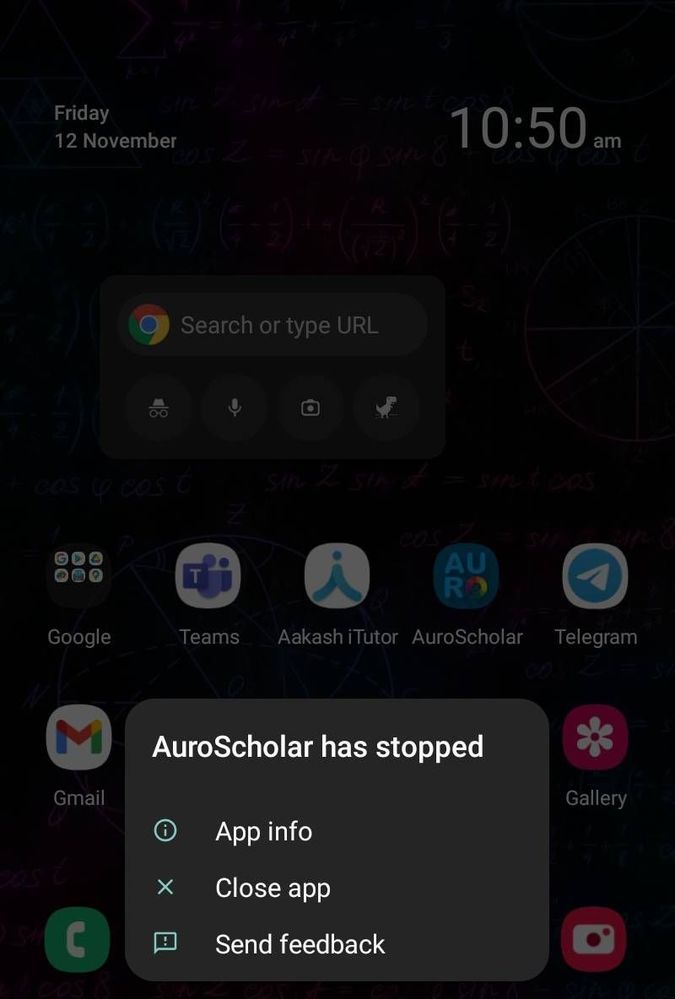
I have done everything to solve this problem but not worked.
ѵօϲɑӀ4ӀօϲɑӀ
★★
11-12-2021 08:01 AM
in
0 likes
CrownKing019
Active Level 1
11-12-2021 10:12 AM
in
CrownKing019
Active Level 1
11-12-2021 11:09 AM
in
VedantKalore
★
11-12-2021 12:54 PM
in
Samsung_Support2
Expert Level 3
11-26-2021 05:17 AM
in
Dear Samsung Member,
Greetings from Samsung Customer Support!
We acknowledge your query and apologize for the same. Please perform the below mentioned steps to resolve the issue:
* Check app cache: Clear cache memory of a particular application: Setting >Apps >Now pick the app. For example 'Samsung Internet' >Storage >Clear Cache.
For further assistance, register your concern in Samsung Members Application (Open Samsung Members Application > Get help > Send Feedback > Error report/Ask questions).
Thank you for writing to Samsung.
Warm Regards,
Samsung Customer Support
0 likes