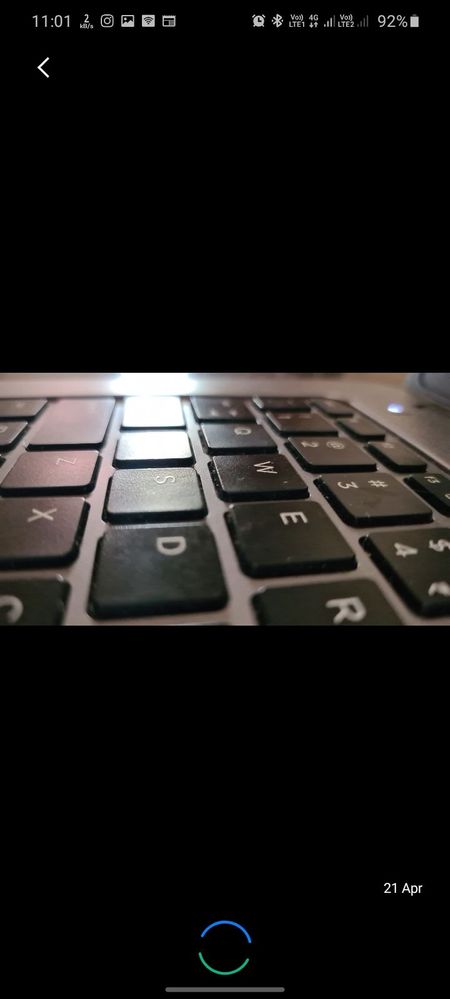
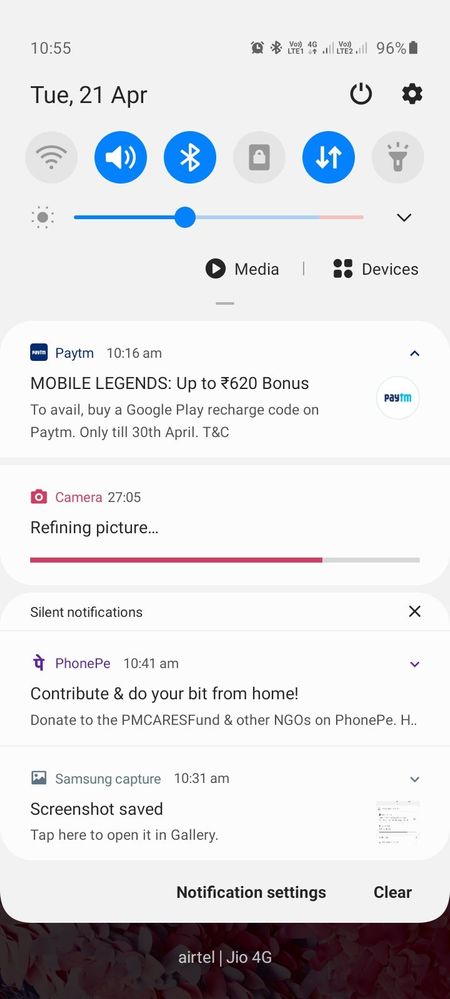
Took couple of photos today and my camera processing images from last 30min. Even after 1hr images are still not available. I tried to restart the phone but still facing same issue. Not able to use camera.
Tap & Hold the Camera app then go to App info>Storage> then perform "Clear catch" and "Clear data" and try again.
Even if it's doesn't work then perform a factory reset on your device. Even not, then take your device for servicing to Samsung authorised service centre.
Please perform the below mentioned step to resolve the issue:
1. Clear camera application data. Settings >Apps >Camera >Storage >Clear Data
For further assistance, register your concern in Samsung Members Application (Open Samsung Members Application > click on “+“icon > send feedback > error report/ask questions).

Shahinmarzia
Expert Level 5
04-21-2020 05:49 AM
in
Storage change to Phone Internal memory.
DpakRaj
Active Level 1
04-21-2020 05:53 AM
in
Shahinmarzia
Expert Level 5
04-21-2020 07:30 AM
in
or Hard reset your device
0 likes
Shahid_BD
Active Level 9
04-21-2020 06:43 AM
in
Even if it's doesn't work then perform a factory reset on your device. Even not, then take your device for servicing to Samsung authorised service centre.
Shahinmarzia
Expert Level 5
04-21-2020 07:29 AM
in
0 likes
Mohd Adnan Ashraf
Beginner Level 3
07-9-2021 09:09 AM
in
thank you
0 likes
Samsung_Support4
Moderator
04-28-2020 08:08 AM
in
Dear Samsung Member,
Greetings from Samsung Customer Support!
Please perform the below mentioned step to resolve the issue:
1. Clear camera application data.
Settings >Apps >Camera >Storage >Clear Data
For further assistance, register your concern in Samsung Members Application (Open Samsung Members Application > click on “+“icon > send feedback > error report/ask questions).
Thank you for writing to Samsung.
Warm Regards,
Samsung Customer Support