
Most of the users do face unwanted app crash
As the normal users dont have idea about how to diagnose these issue using system log , dmesg log so they need to report them to Samsung but while reporting such issue one should remember to check upload system log or send system log option . It is necessary to send system log within 10 minutes after crash event took place
This way you actually sending the activities that internel system carries while opening, running or closing an app and all its backend process events
In general scenario if there is app crash took place
Do reset app preference settings, on extreme situations user need to remove accounts before doing a factory reset
And if even after this issue seems not resolved Do attach system log with reporting the issue
Being developer its easy to me for diagnosing any app issue in android but general users can solve their issue if they provide system log mentioned way
If the following things a developer can get than its easy to diagnose the root cause of app crash
Image
Example of recent app crash issue diagnosis on samsung app for battery drain issue
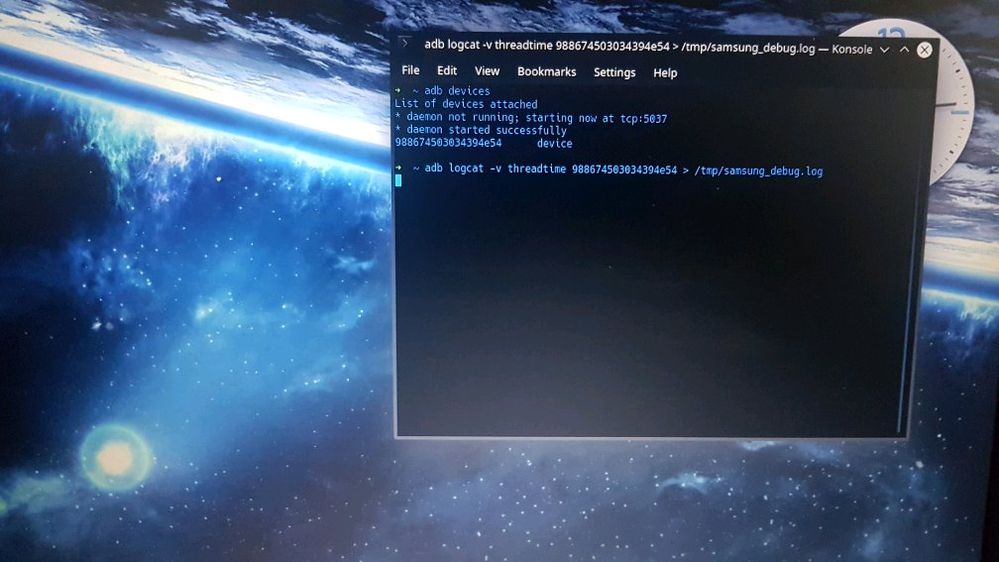
Attachment while we work on app issue diagnosis
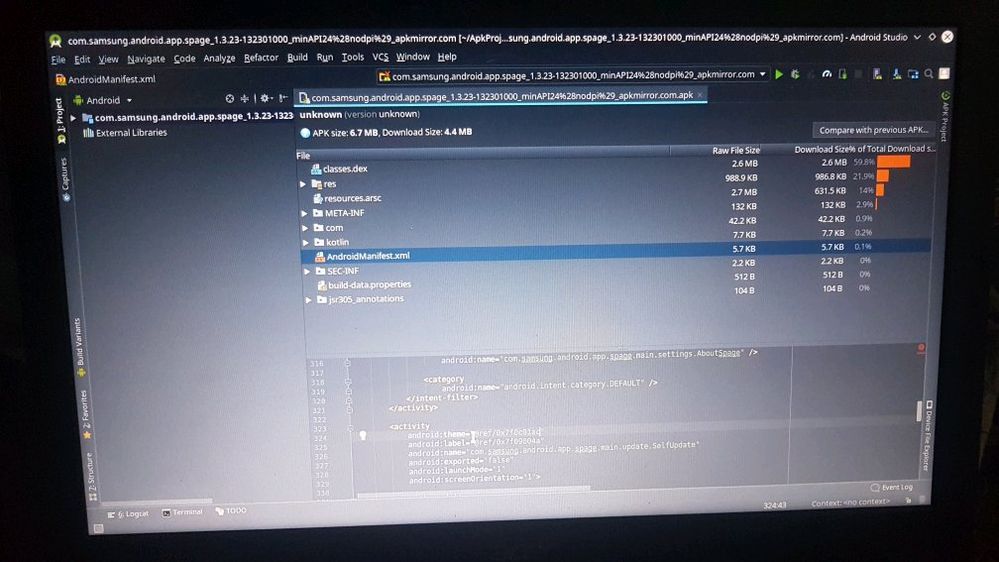
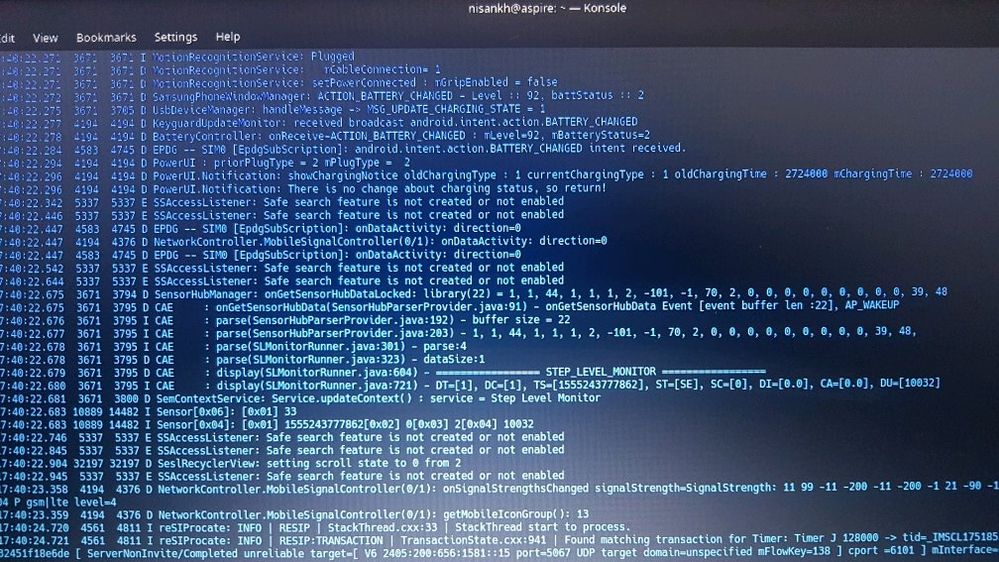
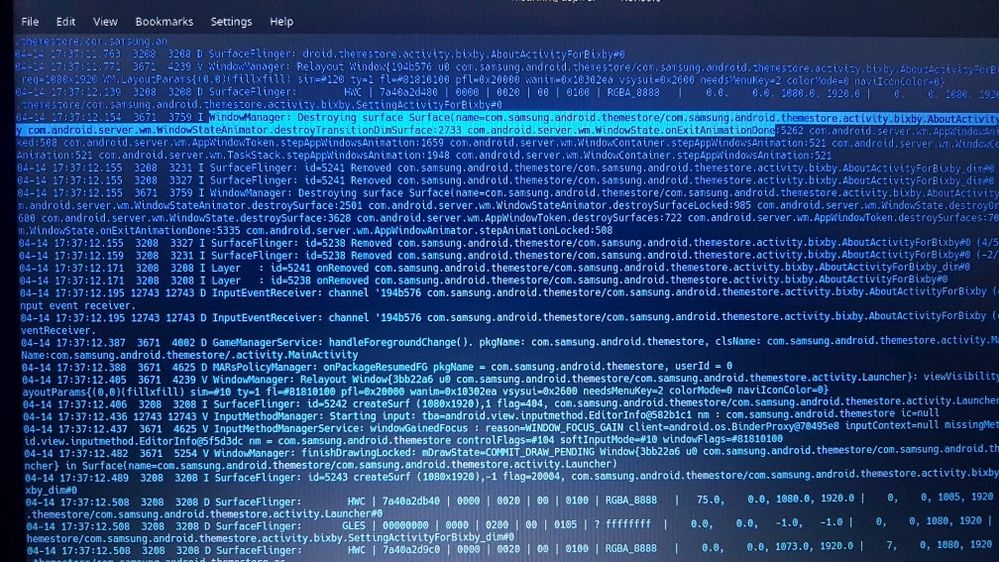
In this case we have the system log and found that Bixby causing some issues like this
So always check the option SEND SYSTEM LOG while reporting any issue
As the normal users dont have idea about how to diagnose these issue using system log , dmesg log so they need to report them to Samsung but while reporting such issue one should remember to check upload system log or send system log option . It is necessary to send system log within 10 minutes after crash event took place
This way you actually sending the activities that internel system carries while opening, running or closing an app and all its backend process events
In general scenario if there is app crash took place
Do reset app preference settings, on extreme situations user need to remove accounts before doing a factory reset
And if even after this issue seems not resolved Do attach system log with reporting the issue
Being developer its easy to me for diagnosing any app issue in android but general users can solve their issue if they provide system log mentioned way
If the following things a developer can get than its easy to diagnose the root cause of app crash
Image
Example of recent app crash issue diagnosis on samsung app for battery drain issue
Attachment while we work on app issue diagnosis
In this case we have the system log and found that Bixby causing some issues like this
So always check the option SEND SYSTEM LOG while reporting any issue
Anonymous User
Beginner Level 1
04-14-2019 11:41 AM
in
0 likes
User28
Active Level 10
04-14-2019 03:17 PM
in
0 likes