
Original topic:
Camera not working
(Post creation time:
2026/11/6 04:59 PM
)
37 Views
S
Samsung_9qBzLxI
Active Level 1
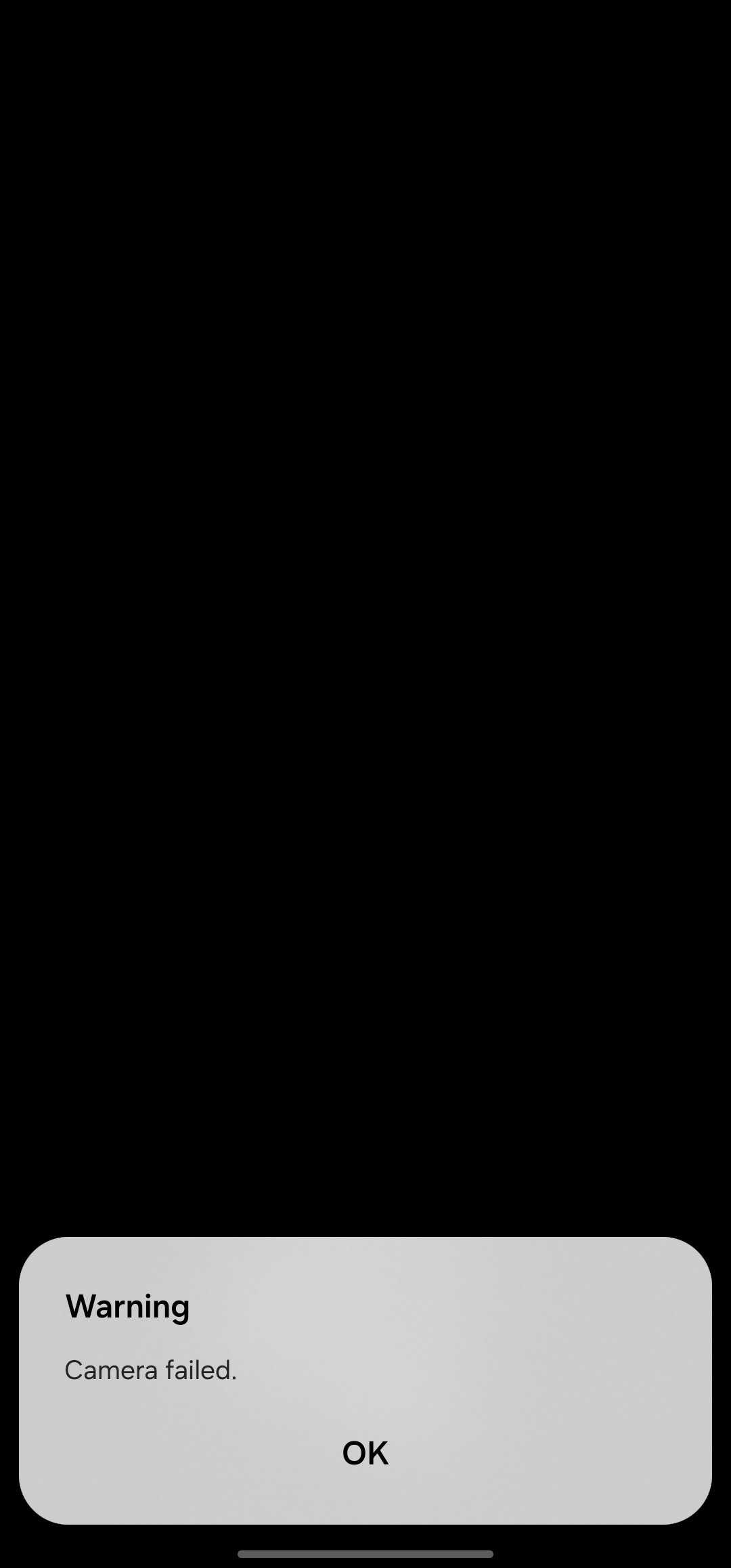
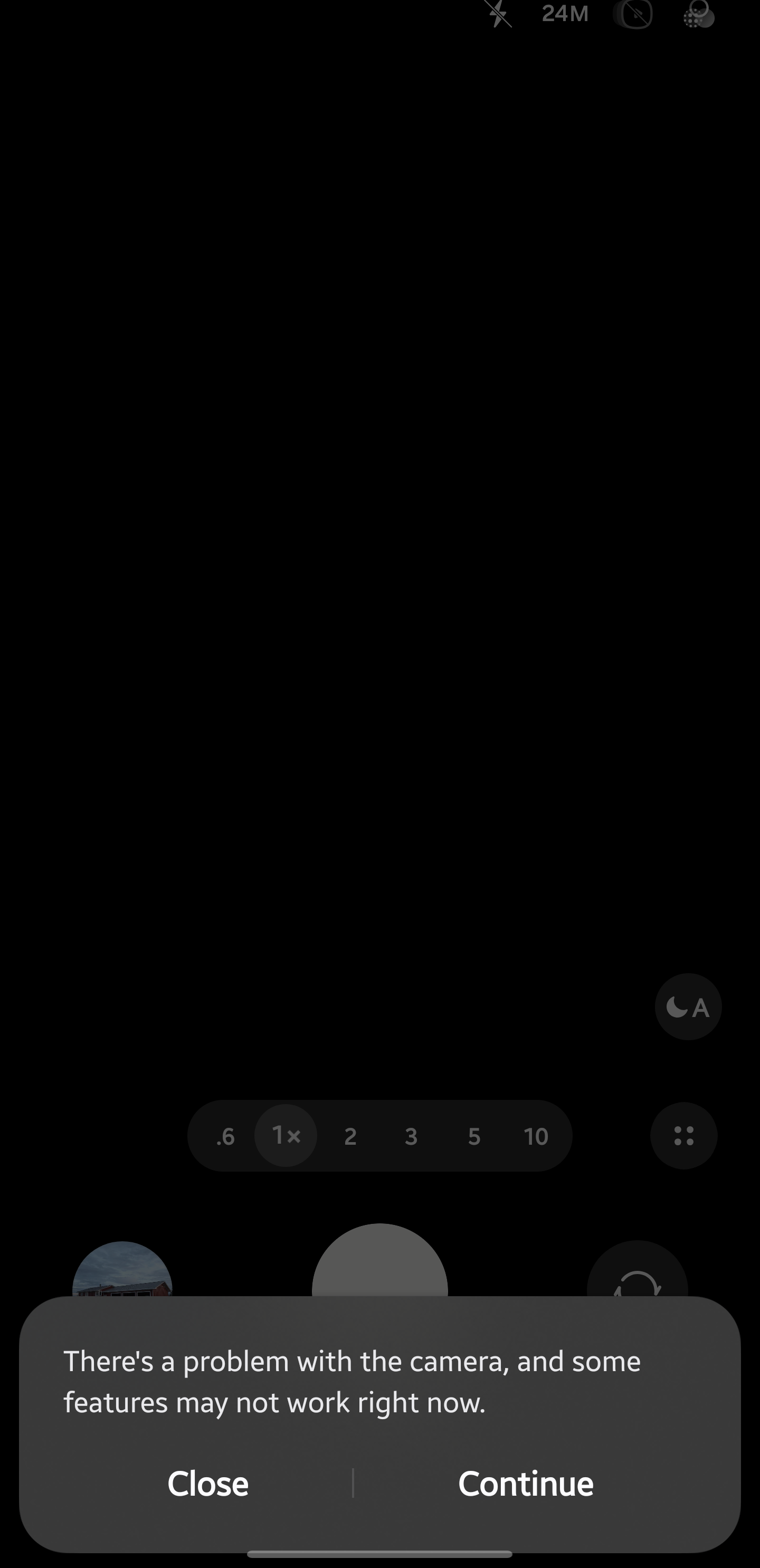
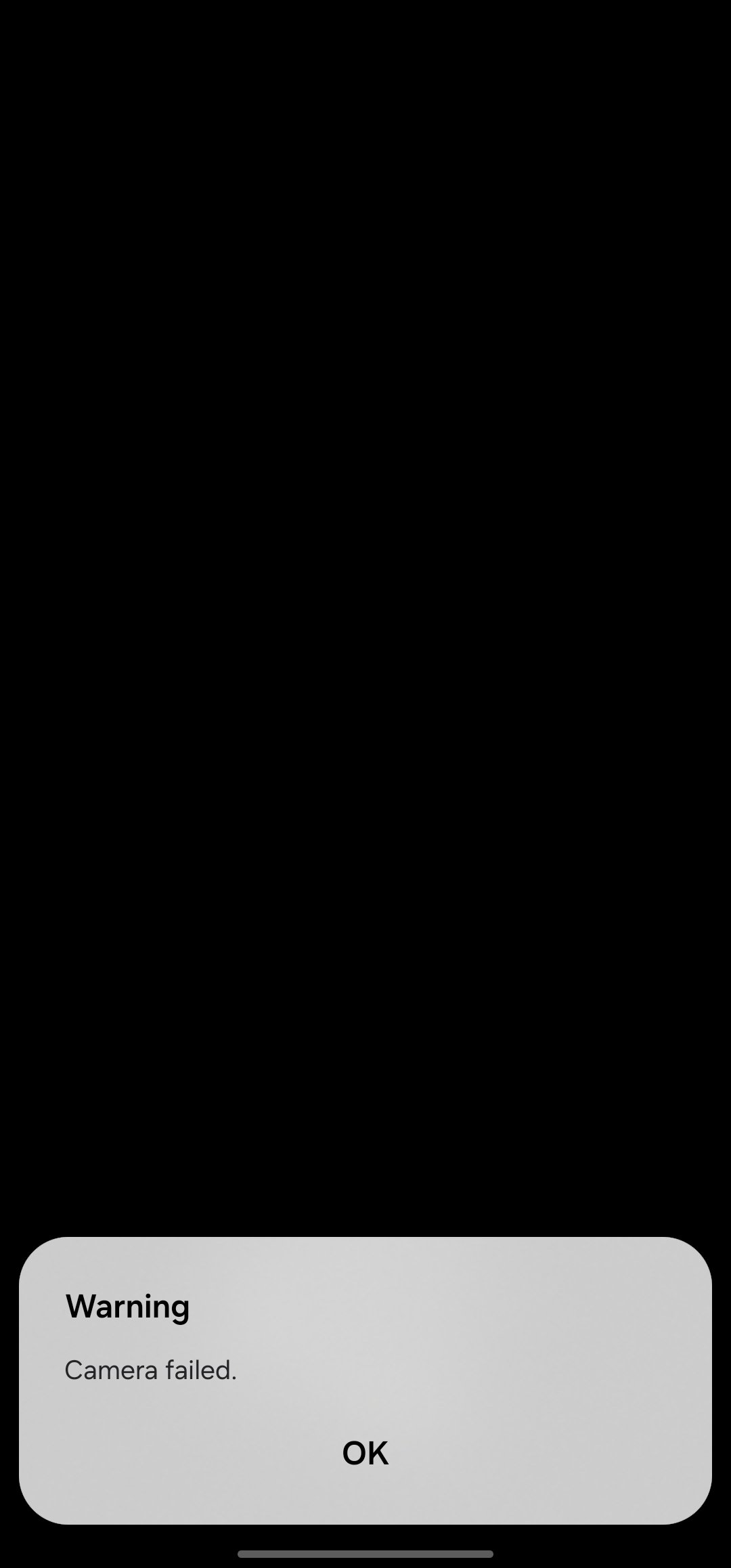
I just did the update on my phone and now the camera doesn't work it shows warning camera failed
Related Content
One Ui 9 Gallery Sync not showing older Google photos
in Galaxy S 2026/10/20 02:27 PM
Samsunga36 frame pacing
in Galaxy A 2026/11/6 11:13 PM
SPen support S10 FE +
in Galaxy S 2026/11/7 01:42 AM
Galaxy S24 Wi-Fi issues since the One UI 9.0 update
in Solutions & Tips 2026/11/7 01:32 AM
Text/Notif Tone Needs To Seperate
in Solutions & Tips 2026/11/2 04:02 PM
Haisley
Moderator
2026/11/6 05:17 PM
in
Hello Samsung_9qBzLxI,
We are very sorry to hear that you are experiencing the "Warning: Camera failed" error after the recent software update on your device. We understand how inconvenience it is to lose access to your camera, and we want to help you get this resolved as quickly as possible.
Please try the following troubleshooting steps in order to resolve the issue:
1. Clear the Camera App Cache and Data
• Go to Settings > Apps > Camera.
• Tap Storage, then select Clear cache and Clear data.
• Restart your phone and check the Camera app.
2. Update the Google Play System
• Go to Settings > Security and privacy > Updates.
• Tap Google Play system update, install any pending updates, and restart your phone.
3. Reset Camera Settings
• Open the Camera app.
• Tap the Settings (gear icon) in the top corner.
• Scroll down and select Reset settings, then confirm.
4. Test in Safe Mode
• Press and hold the Side (Power) key and Volume down key simultaneously.
• Tap and hold the Power off icon on the screen until Safe mode appears.
• Tap Safe mode to restart your device.
• Test the camera. If it works normally, a recently downloaded third-party app is causing the conflict and should be uninstalled. Restart your device normally to exit Safe mode.
5. Run a Hardware Diagnostic
• Open the Samsung Members app.
• Navigate to the Support tab at the bottom.
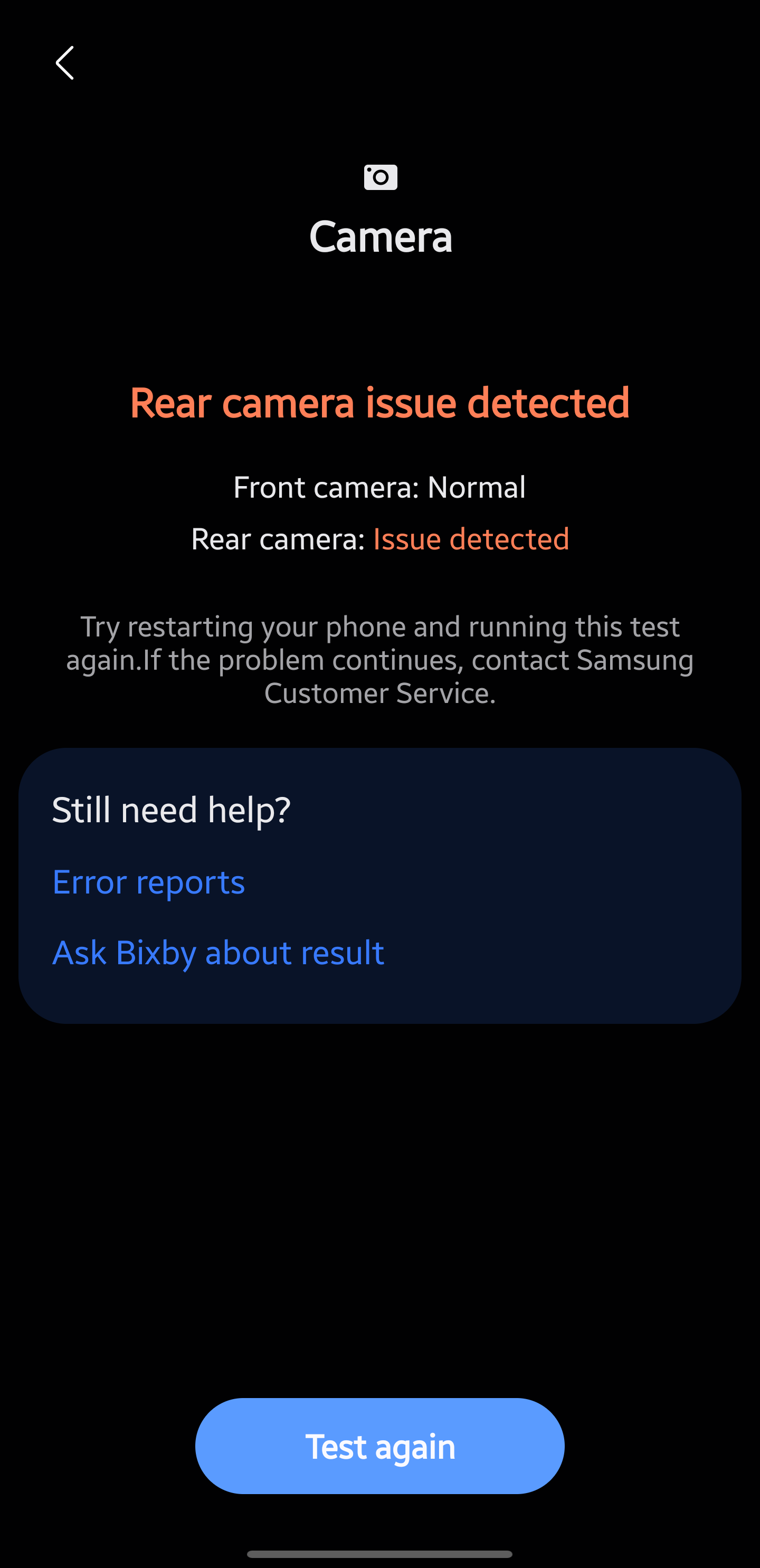
• Select Phone diagnostics and tap Camera to test if the physical hardware is responding correctly.
Please let us know how these steps work out for you.
Samsung_9qBzLxI
Active Level 1
2026/11/6 05:28 PM
in
it still doesn't work
0 likes
Haisley
Moderator
2026/11/6 08:44 PM
in
Could you please provide a screenshot of the specific error message within the Diagnostics tool? This will help our team check the issue more accurately.
0 likes
Samsung_9qBzLxI
Active Level 1
2026/11/6 08:47 PM
in
i have restarted my phone multiple times too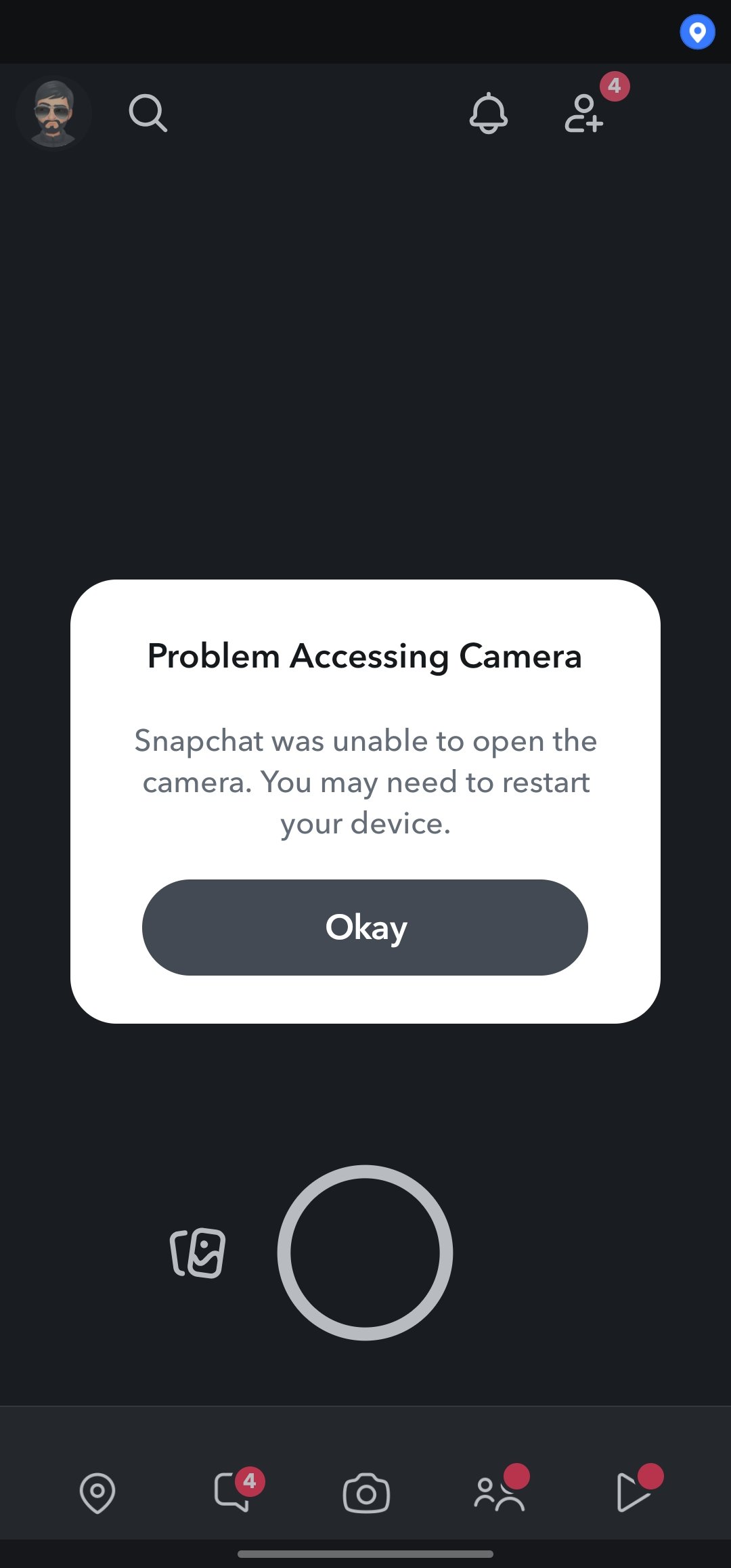
0 likes
Samsung_9qBzLxI
Active Level 1
2026/11/6 08:50 PM
in
another ss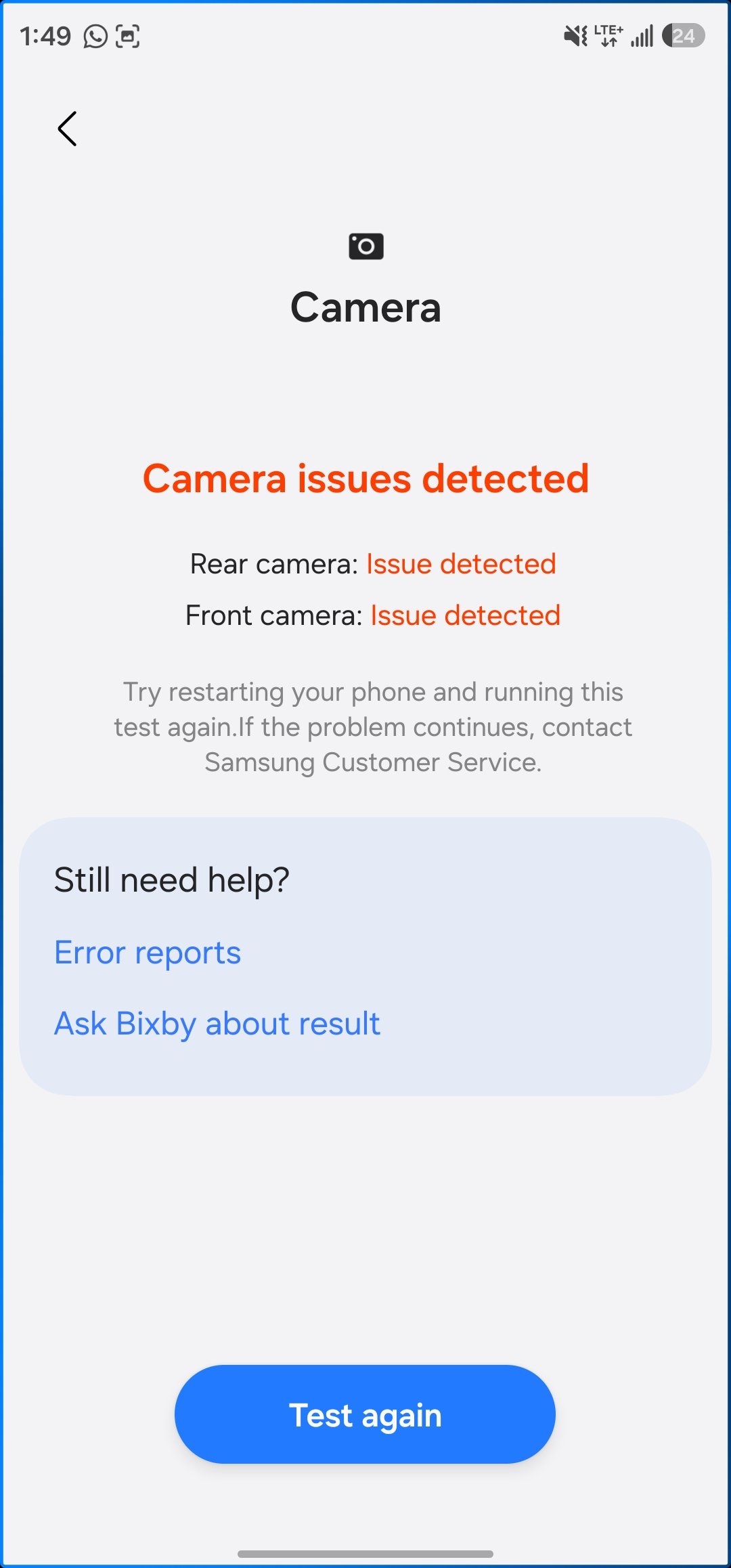
0 likes
nyuli_6
Beginner Level 3
2026/11/7 04:35 AM
in
Yep this happens to me too!! Been painful !
0 likes
Samsung_9qBzLxI
Active Level 1
2026/11/7 04:36 AM
in
what did you do in the end? is it fixed?
0 likes
nyuli_6
Beginner Level 3
2026/11/7 04:38 AM
in
Nope. Ever since I updated to when you one ui-9 my rear camera works whenever it feels like it. Doesn't matter if it's the camera off Snapchat or Google messages I get an error. All they ever suggest is doing what they said which is clearing the camera cache updating the Play store or whatever but none of that works it's the little bug and it's rubbishh that my s26 ultra a 2500 phone is so hard to get answer for. I updated my phone when one UI 9 came to my region and ever since then (probably a month if not more) this has been going on.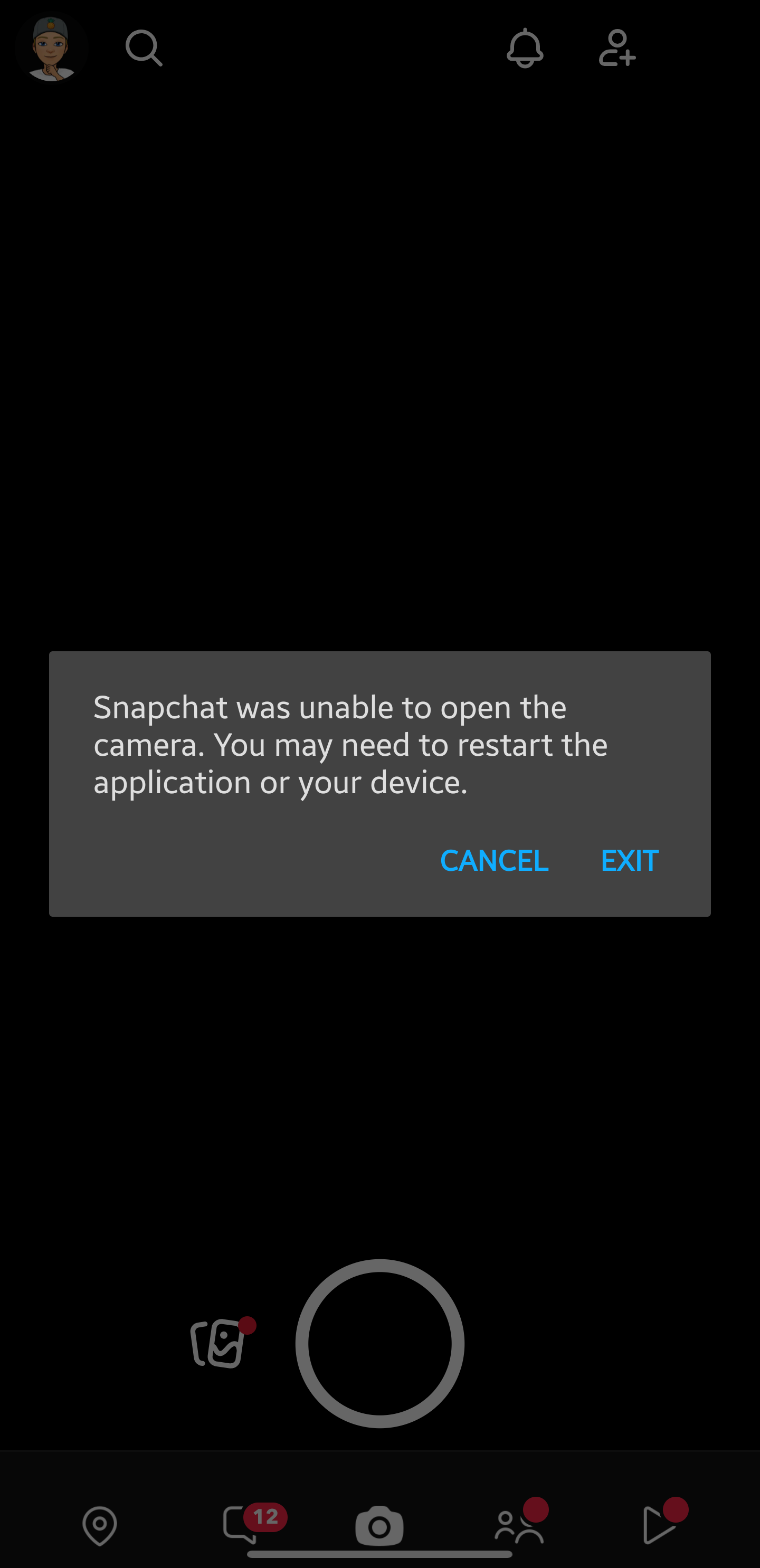
0 likes
Samsung_9qBzLxI
Active Level 1
2026/11/7 04:39 AM
in
same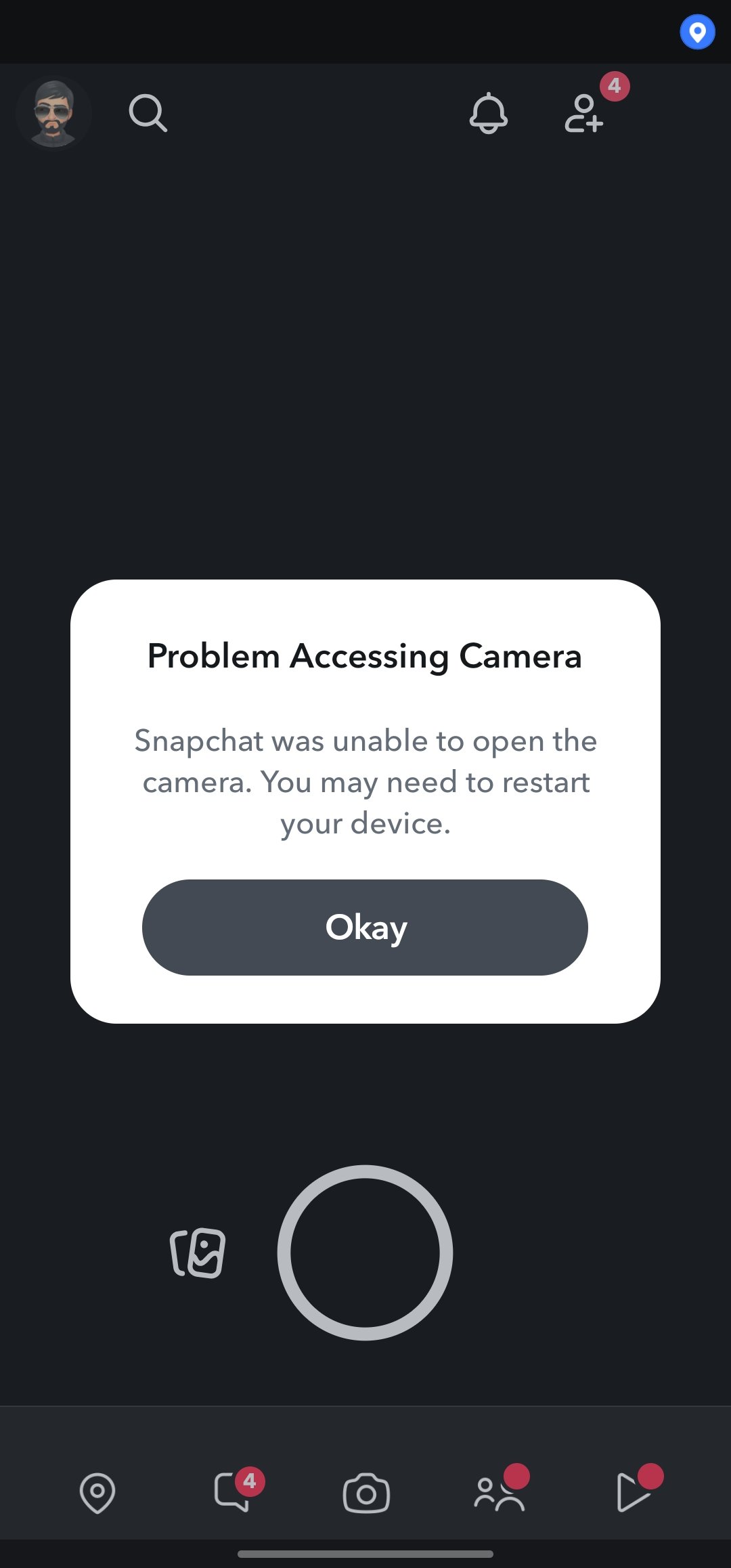
0 likes