
One of my biggest issue with One UI used to be the network controls. You were pretty much limited choosing between restricting an app to Wi-Fi only or letting it use mobile data too.
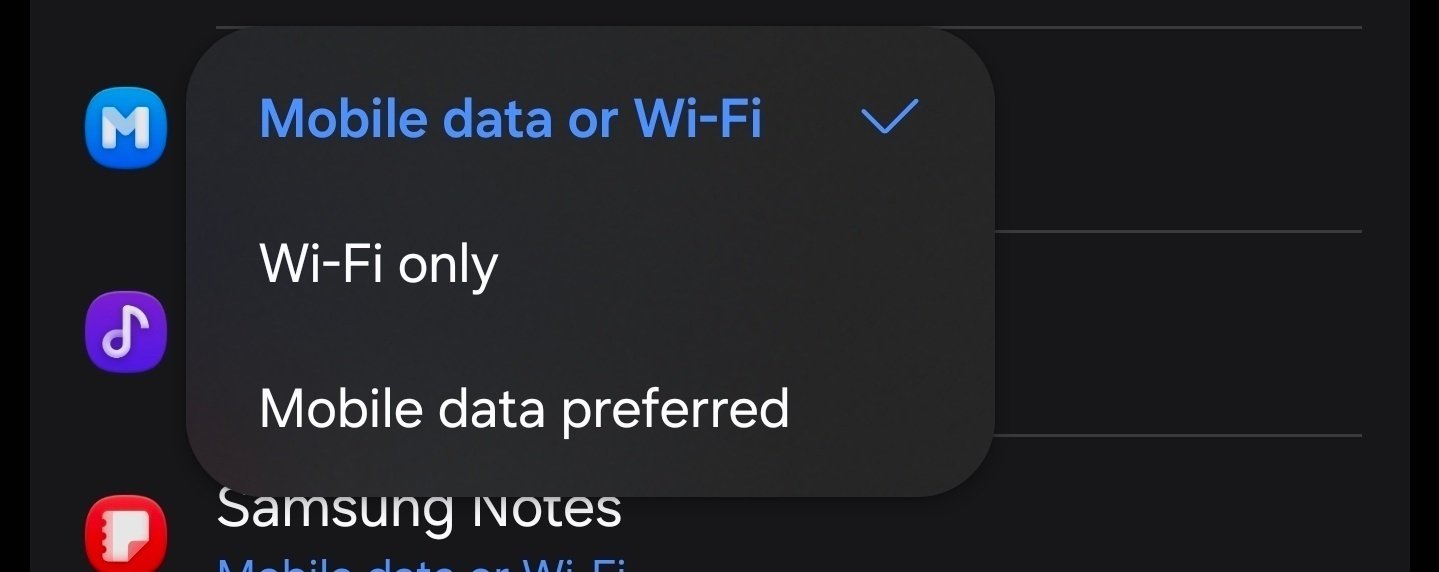
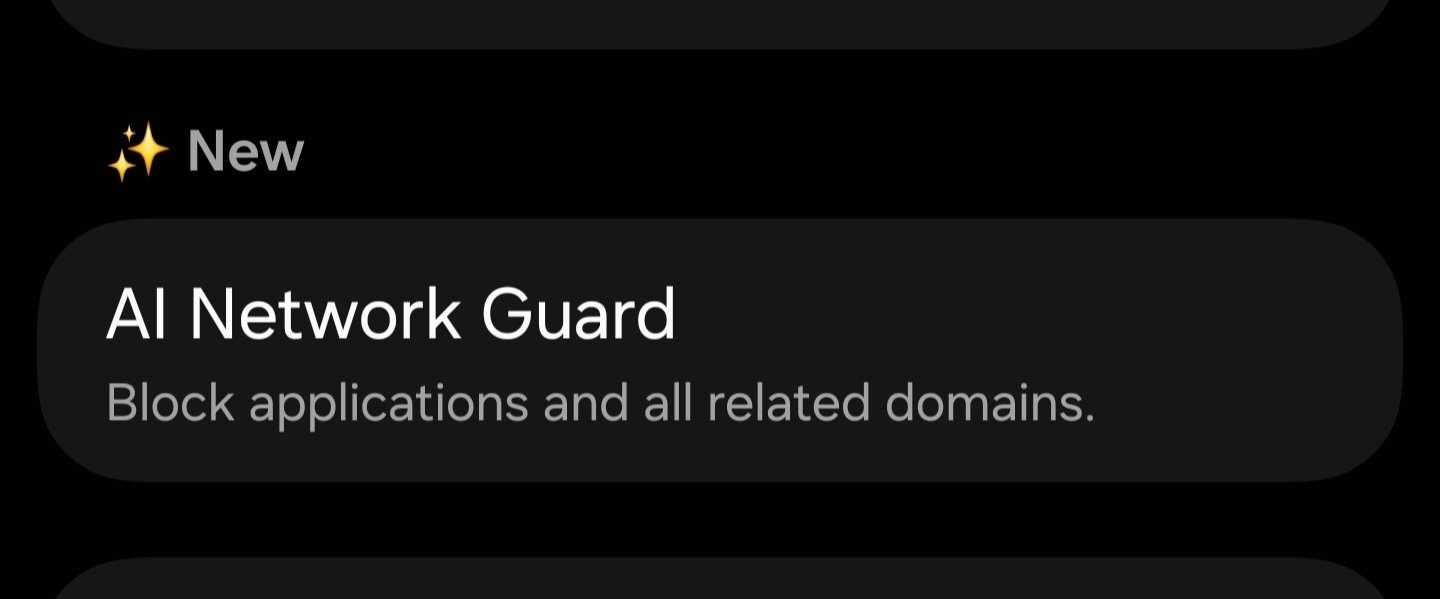
Finally with One UI 9, Samsung added a hidden feature called AI Network Guard inside Connectivity Labs that lets you completely prevent specific apps from going online.
Note: Connectivity Labs have features for advanced users. If you encounter any issues, click this option.
How to unlock:
1. Go to Settings > Connections > Wi-Fi.
2. Tap the three dots in the top right corner and select Intelligent Wi-Fi.
3. Scroll down and tap Intelligent Wi-Fi 7 times in a row.
4. You’ll see a new Connectivity Labs menu pop up at the bottom.
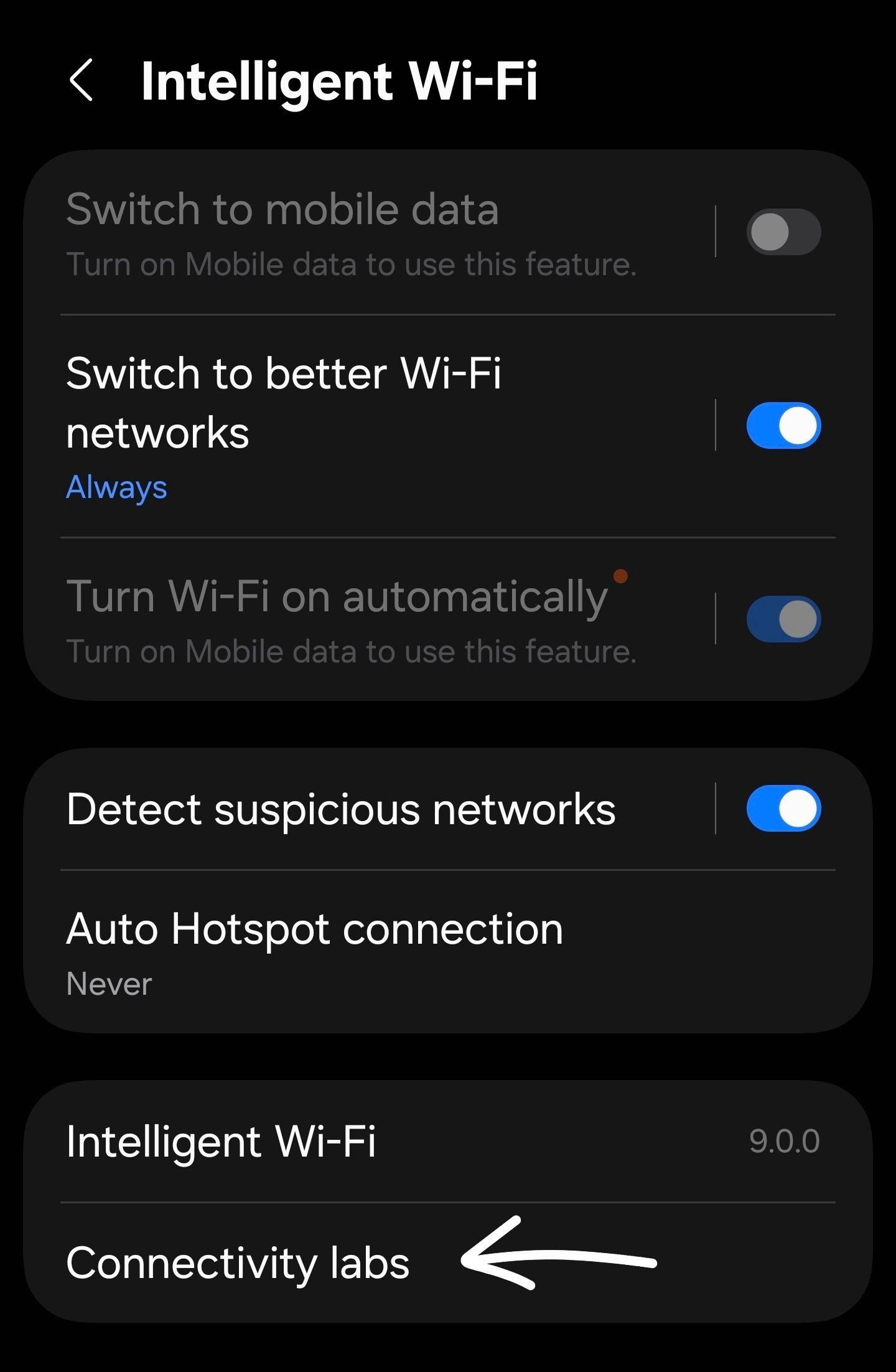
5. Open Connectivity Labs and select AI Network Guard.
6. Set up a Guardian PIN.
7. Tap Manage restrictions to pick which apps to block.
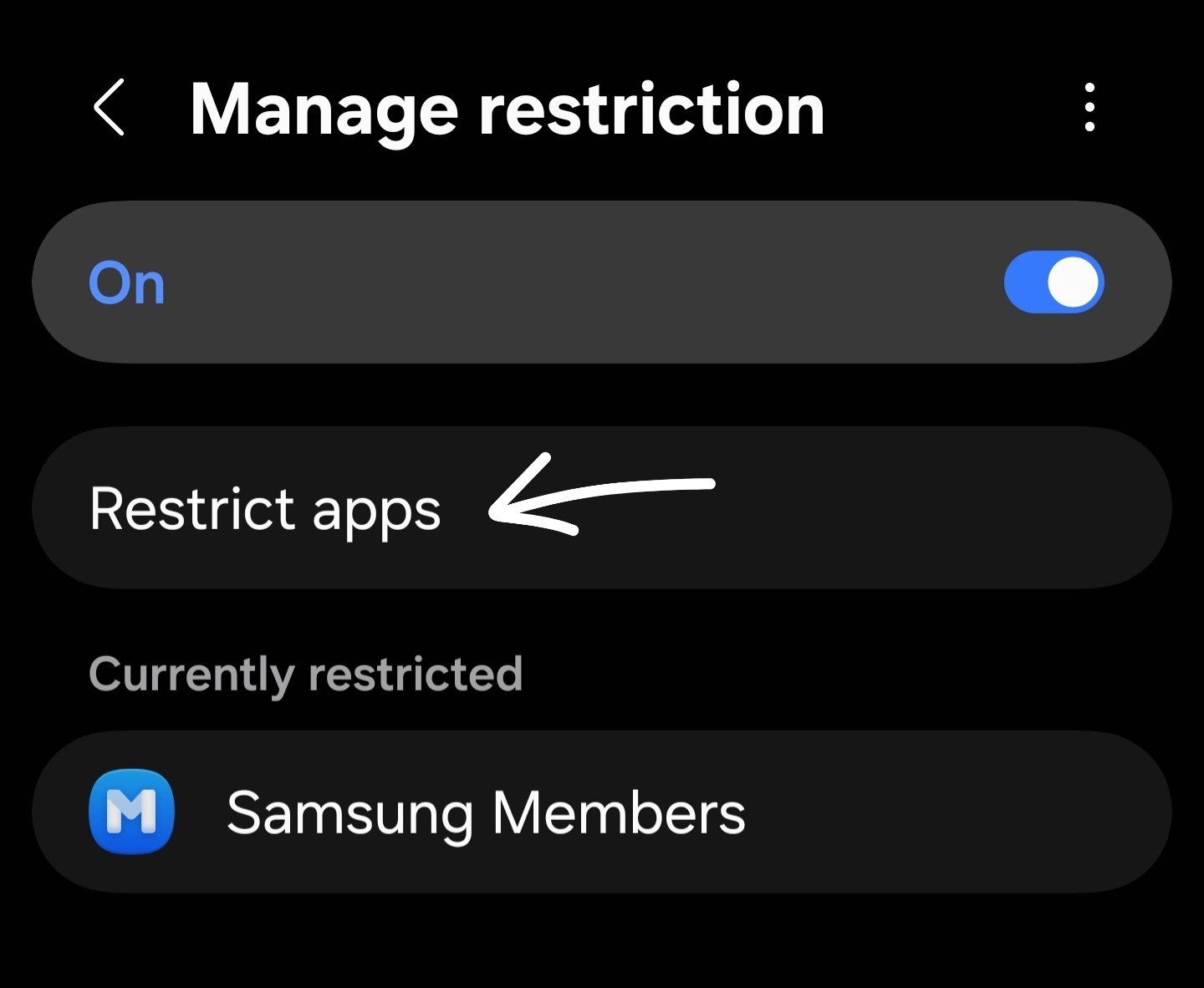
Now, when you try to open the app, it will show an Access Blocked error.
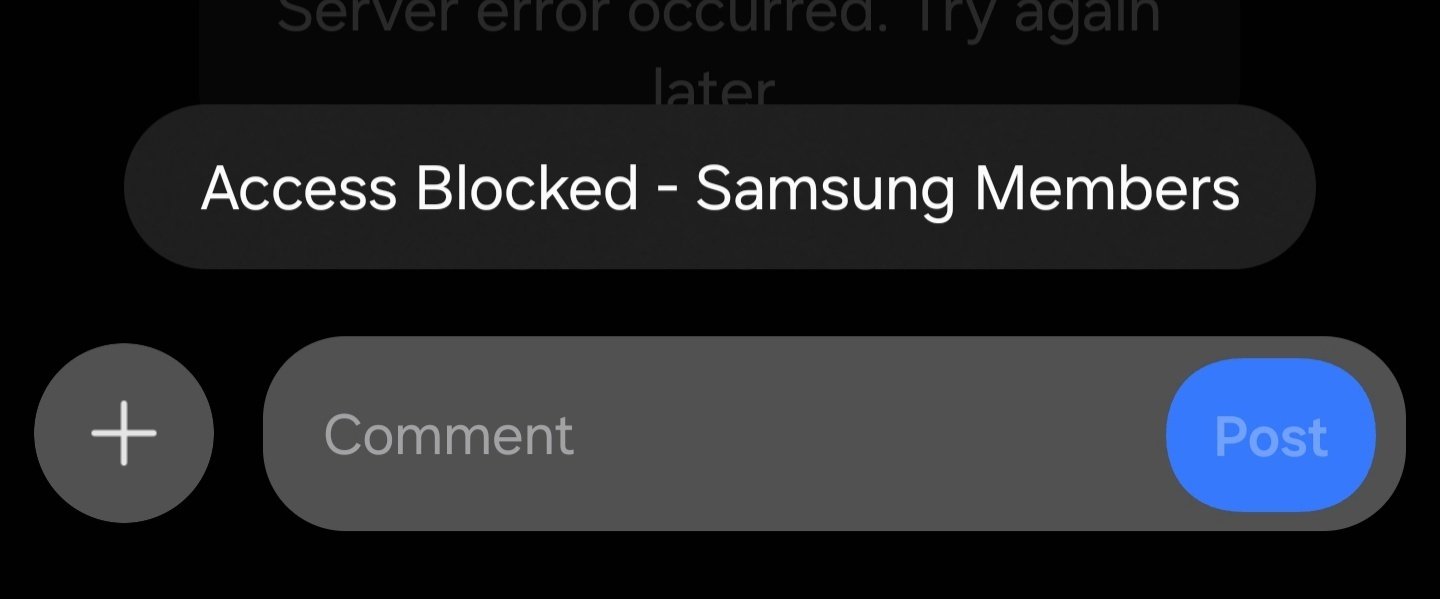
This completely blocks the app from accessing the network, both on Wi-Fi and mobile data! 🥳
A really neat bonus is that you can put these restrictions on a schedule. Inside Manage restrictions, just tap the three dots in the top right, go to Advanced settings, and you’ll find options to schedule downtime or quickly lock down things like browsers and games.
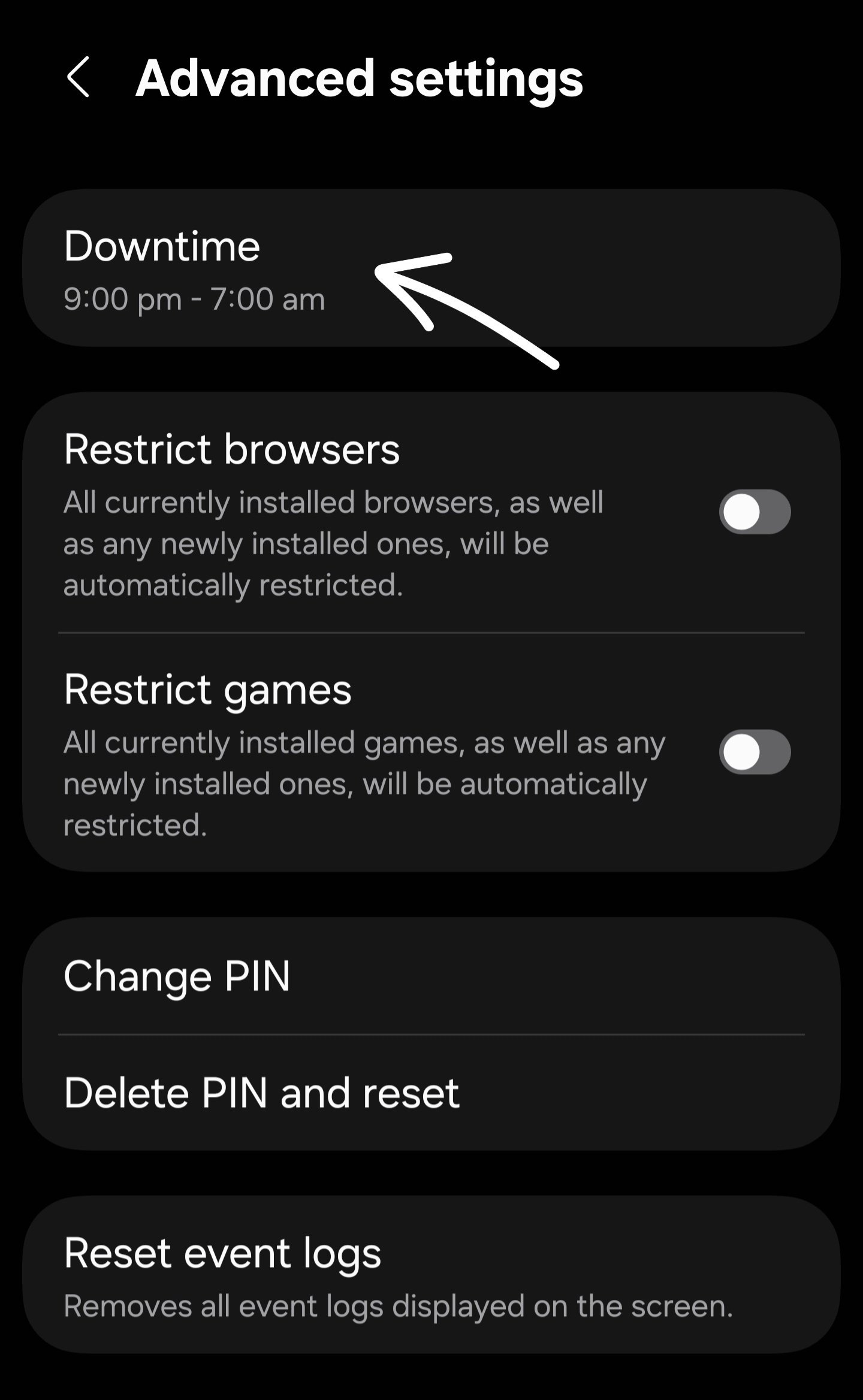
This is not only a boost on phone security but it works great as a built-in parental control too!
RdSingh
★
Friday, November 6th, 2026 11:56 PM
in
Wow.. this is great feature.
Thanks for sharing 👏👏👏
Dolgogi
★
Saturday, November 7th, 2026 12:21 AM
in
Awesome find.
Thanks for sharing the info 👏
Brenross5
Expert Level 1
Saturday, November 7th, 2026 01:20 AM
in
Nice, Don't really use it But good to have there..Its not really useful if you get 100gb data allowance But I can see if trying to save on data 📶🛜
_nok_
★
Saturday, November 7th, 2026 01:32 AM
in
It's not just for saving data, but also for extra security so you can stop apps from connecting to the internet and doing things you don't want them to.
Or if it's your child's phone and you don't want them browsing or watching YouTube at certain times, you can just schedule those apps to stay offline.
Brenross5
Expert Level 1
Saturday, November 7th, 2026 02:25 AM
in
Yes agree well explained 😀👍
nxmah
Active Level 10
Saturday, November 7th, 2026 01:22 AM
in
Finally a POST ,informative , really well explained ,luckily there still a few left who really worth reading🔥🔥🔥👏👏
Meowie117
Active Level 7
Saturday, November 7th, 2026 02:12 AM
in
Interesting that you could post this, I tried for the entire week and it keeps tripping the word and phrase not allowed error.
_nok_
★
Saturday, November 7th, 2026 03:45 AM
in
😓
NSter
Expert Level 5
Saturday, November 7th, 2026 02:59 AM
in
Thank you for the tip and the breakdown!
💯 😸 💯
Protonumus
Expert Level 2
Saturday, November 7th, 2026 09:46 AM
in
😊 Helpful tip and learner.
Thank you. 🙏
HS_NzAu
★
Saturday, November 7th, 2026 10:05 AM
in
This is a great find and the breakdown is really well written 👌 🔥