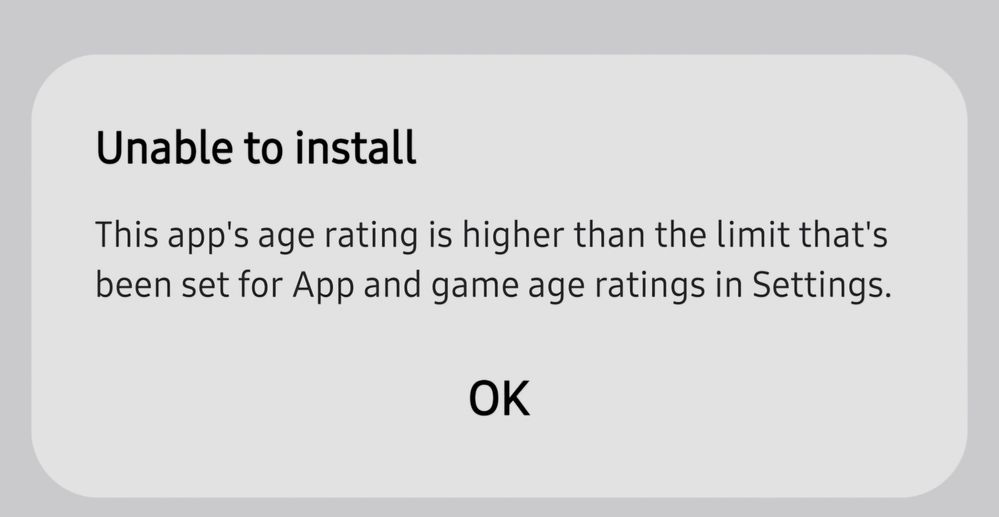
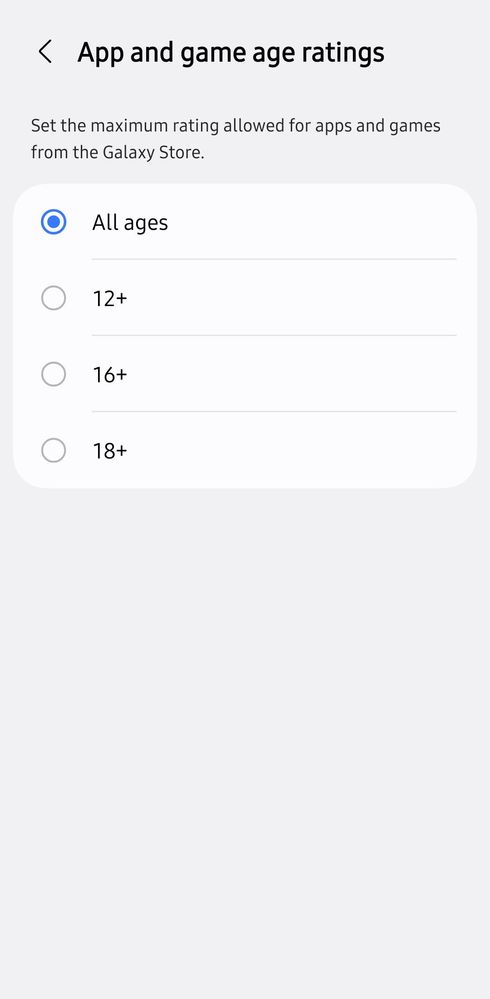
This probably relates to the age limit set in your device for allowing/limiting limits on the age you have to be to play games with, for example games with adult content (or other reasons identified by developers)? Here is a starting point. : To change the age rating or parental restrictions on a Samsung phone, update the settings in the Google Play Store, the Samsung Galaxy Store, or your Google/Samsung account birthday information"

JoshF
★
Sunday, July 26th, 2026 12:20 AM
in
Meowie117
Active Level 7
Sunday, July 26th, 2026 02:21 AM
in
Troubadour
Expert Level 2
Sunday, July 26th, 2026 05:19 AM
in
To change the age rating or parental restrictions on a Samsung phone, update the settings in the Google Play Store, the Samsung Galaxy Store, or your Google/Samsung account birthday information"
teailsa
Active Level 1
Sunday, July 26th, 2026 05:35 AM
in
StormChaser
Active Level 4
Tuesday, July 28th, 2026 12:52 PM
in
0 likes