
Original topic:
Samsung notes not showing web link
(Post creation time:
2 years ago
)
7683 Views
PR
Piyush Roy
Constellation
Why my notes is not showing web link .please give me answer I also called service center and visited service center. It is a joke are u think I have a lot of time to visit service centre.
This post has been closed.
Selected Answer
LongHiker
Galactic Samsung Care Ambassador
2 years ago
in
@Piyush Roy As the others have said, you have to have Samsung Notes in Reader mode. Click this icon in the upper right to put Notes into Reader mode.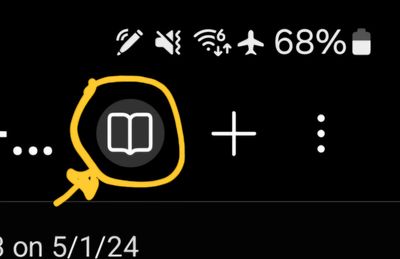
Stevekim24
Galaxy
2 years ago
in
ButtaBean_42
Honored Contributor
2 years ago
in
0 likes