All community
Sign In/Register
/
How to change screen orientation
(Post creation time:
4 years ago
)
4082 Views
userOL9f59TLbG
Constellation
last edited
in
How do I change the screen display from landscape to portrait on my new Tab A8?
0 people had this problem.
Me too
2 likes
This post has been closed.
3 Comments
Selected Answer
LongHiker
Galactic Samsung Care Ambassador
@userOL9f59TLbG Try this:
It will enable auto rotate and turn into this icon.
0 likes
bill-e
Cosmic Samsung Care Ambassador
Pull down from the top of the home screen twice
1 like

Selected Answer
LongHiker
Galactic Samsung Care Ambassador
4 years ago
in
@userOL9f59TLbG Try this:
It will enable auto rotate and turn into this icon.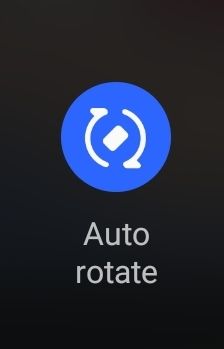
userOL9f59TLbG
Constellation
4 years ago
in
0 likes
bill-e
Cosmic Samsung Care Ambassador
4 years ago
in
Pull down from the top of the home screen twice