All community
Sign In/Register
/
Galaxy Tab A8 - How to Rotate Screen
(Post creation time:
4 years ago
)
5720 Views
MyungA
Constellation
last edited
3 years ago
in
I can't find the screen rotation icon
0 people had this problem.
Me too
0 likes
This post has been closed.
2 Comments
Selected Answer
LongHiker
Galactic Samsung Care Ambassador
@MyungA The icon changes when the auto rotation is turned off.
Click on that icon and it will enable Auto rotation and the icon will change into this
1 like

Selected Answer
LongHiker
Galactic Samsung Care Ambassador
4 years ago
in
@MyungA The icon changes when the auto rotation is turned off.
Click on that icon and it will enable Auto rotation and the icon will change into this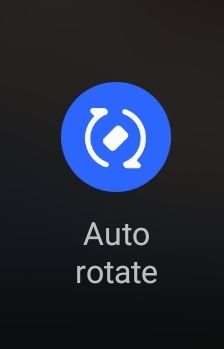
MyungA
Constellation
4 years ago
in
0 likes