
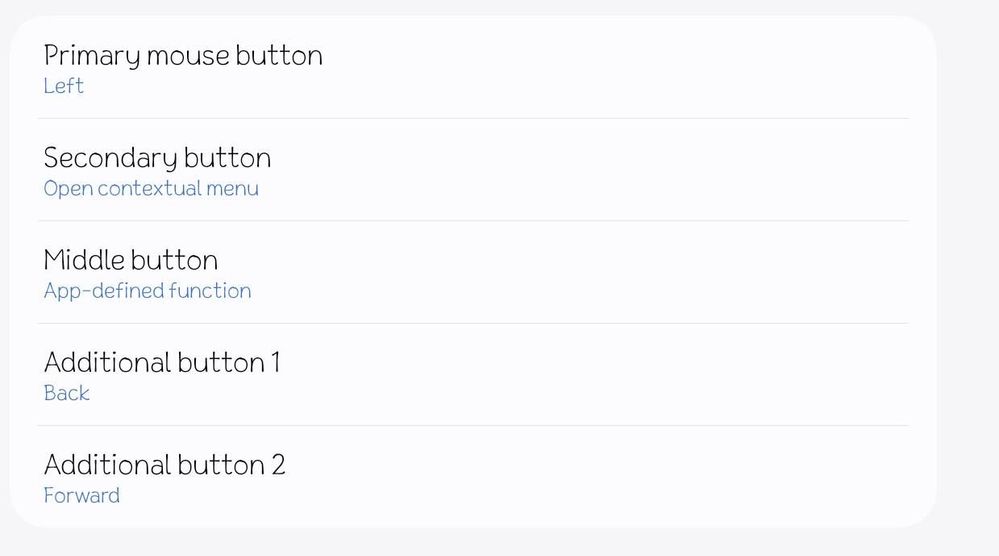
I recently got the S9 FE tablet and a third-party keyboard. The scrolling direction of the trackpad is reversed. I looked into different posts but still wasn't able to figure out a way to reverse the scrolling direction. The photo shows all the buttons that I can control in both the new and classic dex interface.
I am really frustrated with the issue as it makes the trackpad almost unusable. Is there any ways to fix it?
Selected Answer
bill-e
Cosmic Samsung Care Ambassador
2 years ago
in
It appears that the Tab 9FE does not have the same built-in functionality as my Tab S8Ultra. So you only options are as @GaryB82 suggested to contact the 3rd party or to search the Play Store and see if you can find an app to accomplish this.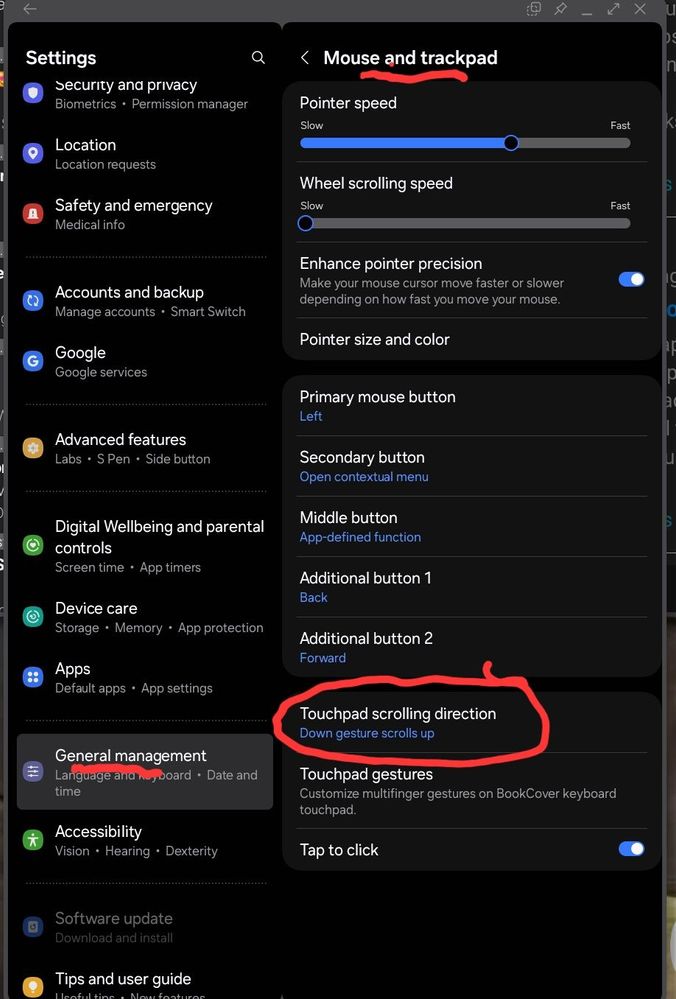
GaryB82
Galactic Samsung Care Ambassador
2 years ago
in
You would need to contact the manufacturer of the 3rd party keyboard since that’s how they designed the keyboard to work. I would suggest contacting them and asking them for an update that includes an option to reverse the direction.
0 likes