
Hello - I recently upgraded to the S26 Ultra, and have been experiencing issues with the wireless emergency alerts.
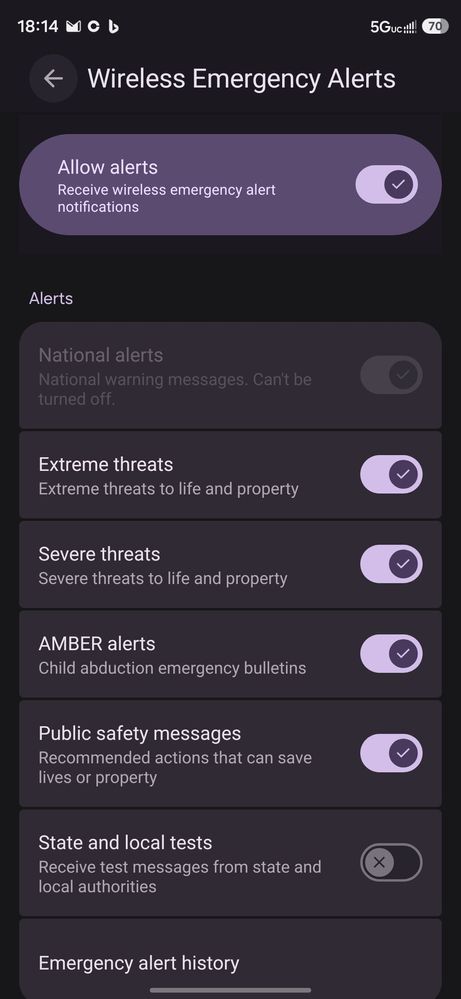
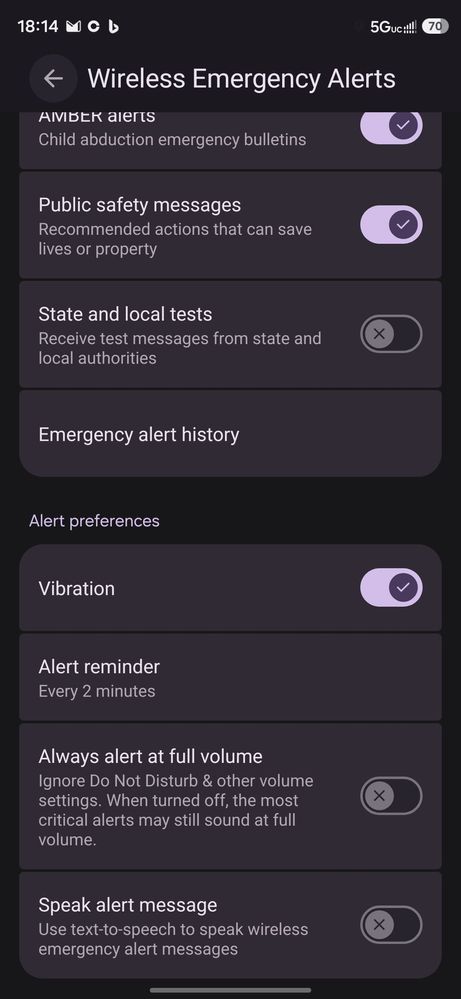
I setup the emergency alerts to notify me if any state and local tests, I also configured the app to notify me at full volume and to read the alerts out loud; however, each time I restart my phone, the settings are reset to the default options. I have not been able to have the options I select stay permanently configured.
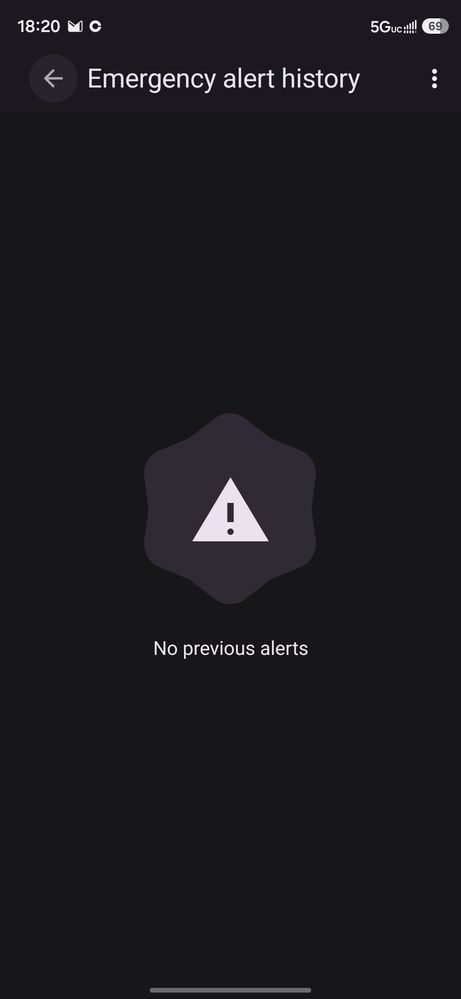
Also. Last week there was a tornado in the area. The emergency alert system sent out notifications to every other person's phone that I was with, but no alerts ever came to my phone.
If anyone has any input on this issue it would be extremely helpful! Thank you in advance for any help that you can provide.
Nyrfan26
Constellation
09-15-2026 01:25 AM
in
Samsung_Moderator
Community Manager
09-15-2026 07:48 PM
in
Hello, pk0611, and welcome to the Community! We understand the importance of your concern, and we want to help.
Thank you for sharing what you've already checked. Have you checked that the phone is not in Do Not Disturb mode?
We look forward hearing back from you.
If the link above is not working, here is the web address: https://www.samsung.com/us/support/answer/ANS10002889/
pk0611
Asteroid
09-15-2026 08:08 PM
in
0 likes
Samsung_Moderator
Community Manager
09-16-2026 04:20 PM
in
Hi, pk0611, thank you for following up. Please let us know where you purchased your Galaxy S26 Ultra and the name of your cellular carrier. Have you reached out to your carrier about this?
pk0611
Asteroid
09-16-2026 05:24 PM
in
0 likes