
For about a month now I've been experiencing issues with my watch ultra 2.
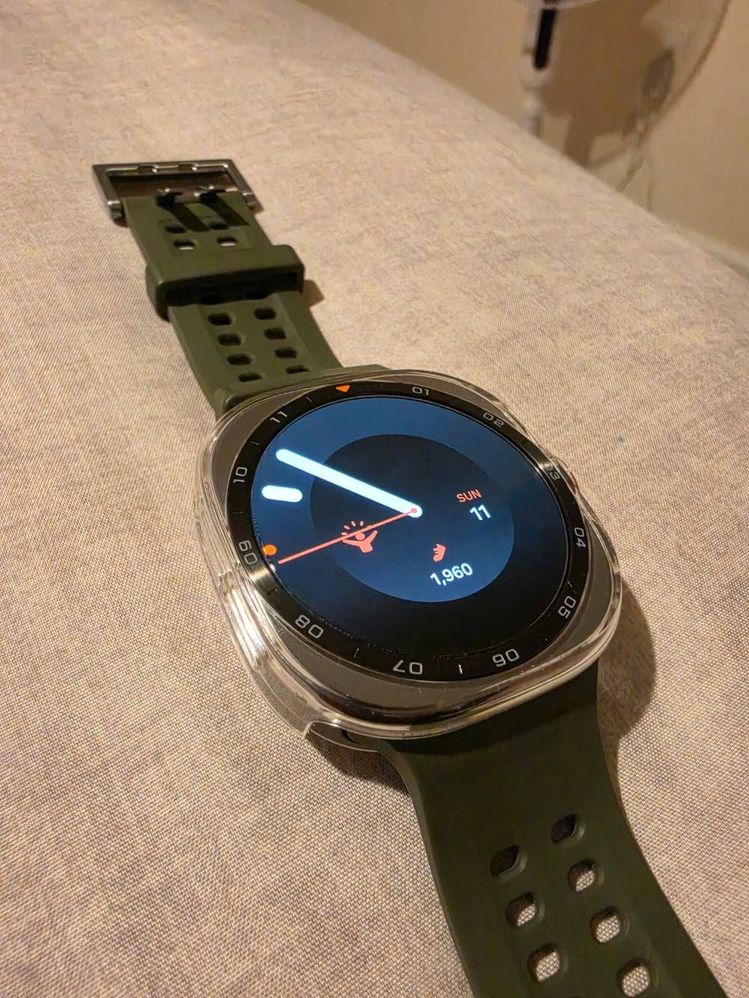
It's sometimes randomly turns on and off at times and sometimes I have to manually turn it back on again, especially when charging.
Also I have notification issues, delayed ones or none at all I've tried everything in the book and nothing.
I've tired toggling off settings, hard restart and resetting but its still not working.
I would really love some assistance please. Or i just might make a claim on samsung care +
Selected Answer
Samsung_Moderator
Community Manager
10-12-2026 09:23 PM
in
@Dami876, thank you for verifying that information. The only other step we can suggest is running diagnostics on the watch to see if any issues are detected.
If the diagnostics do not identify the problem, we have authorized service locations that can evaluate the device and, if eligible, offer a warranty repair. You can find a service location using the link below or call 1-800-SAMSUNG (1-800-726-7864) to arrange mail-in service.
Service locations:
https://www.samsung.com/us/support/service/locations/
If you need instructions on how to run diagnostics on your watch, please refer to the following guide:
https://www.samsung.com/us/support/answer/ANS10003632/
Please let us know if you have any other questions.
0 likes
Samsung_Moderator
Community Manager
10-12-2026 08:55 PM
in
Hi @Dami876, thank you for reaching out to the Samsung Community. That sounds frustrating and is definitely not how the watch should be behaving. We'd be more than happy to help, but before we do, we have a few questions:
Please let us know your answers to these questions so we can better assist you with troubleshooting and finding a solution.
0 likes
Dami876
Halo
10-12-2026 10:16 PM
in
0 likes
Samsung_Moderator
Community Manager
10-13-2026 06:05 PM
in
0 likes
Dami876
Halo
10-13-2026 08:52 PM
in