
Why did you remove the keyboard feature that helped you take a picture of a document and copy and paste what you wanted?
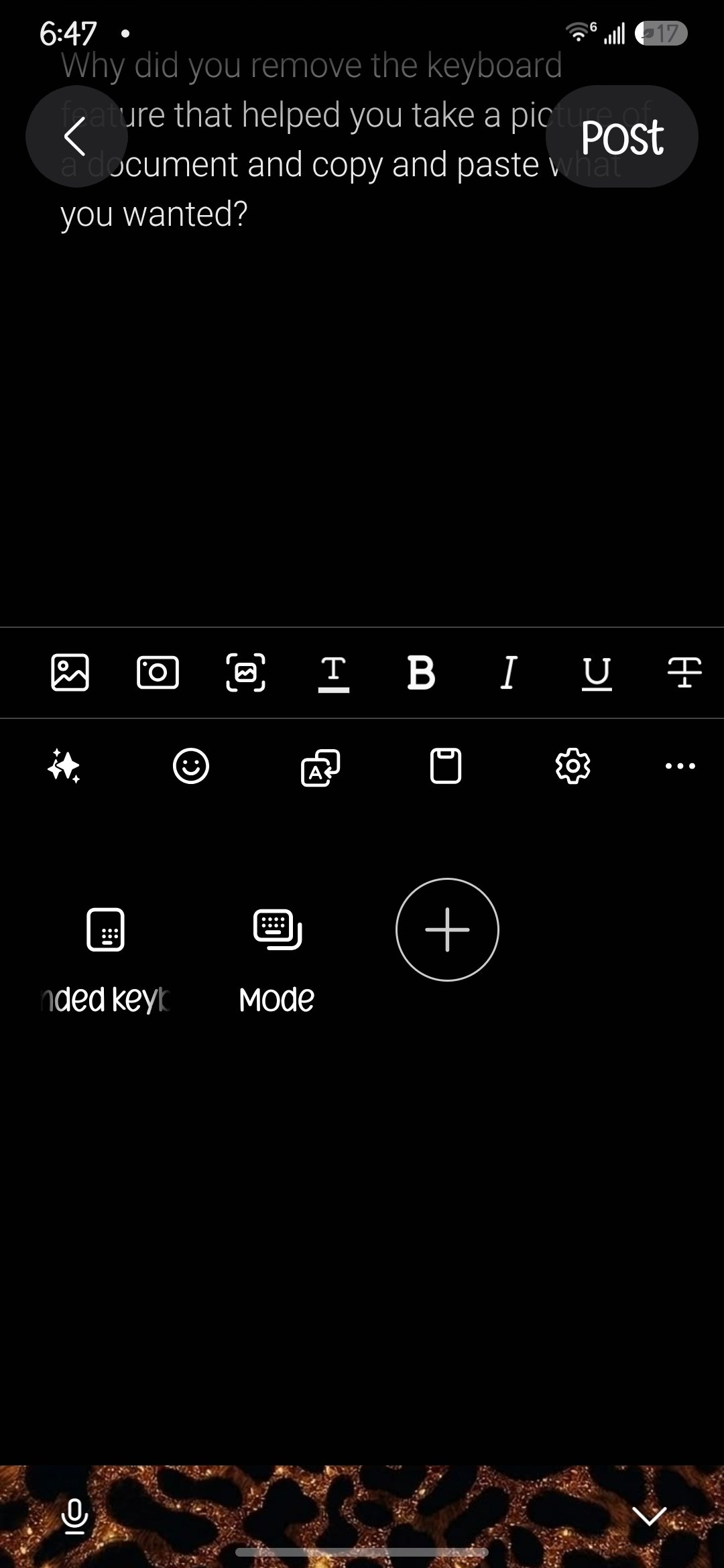
It was in this area
Why did you remove the keyboard feature that helped you take a picture of a document and copy and paste what you wanted?
SamsungMatt
Samsung Moderator
11-4-2026 06:34 PM
in
Hello @grafanm. Welcome back to the Samsung Community!
We know how convenient it is to scan text straight from a document, and we want to help you get that feature right back.
Software updates can sometimes shuffle things around, but the feature is still fully active on your Galaxy S24. You can find it using these quick steps:
Keyboard shortcut: Open your keyboard, tap the three dots menu icon on the toolbar, and look for Extract Text. You can drag it to your main toolbar for easy access.
Camera app: Point your camera at the document and tap the yellow "T" icon that appears in the bottom right corner to highlight and copy text.
System settings: Go to Settings > General Management > Samsung Keyboard Settings and confirm your toolbar is turned on.
For a complete walkthrough on configuring your options, check out the official Samsung Keyboard Settings Guide.
Did one of these methods help you locate the scanner? Please let us know the results so we can assist further if needed!
0 likes
grafanm
Asteroid
11-4-2026 08:38 PM
in
Nope nothing works perfectly aside if the copy directly from the gallery
0 likes