
This is a workaround to hide Recent and Favorite folders
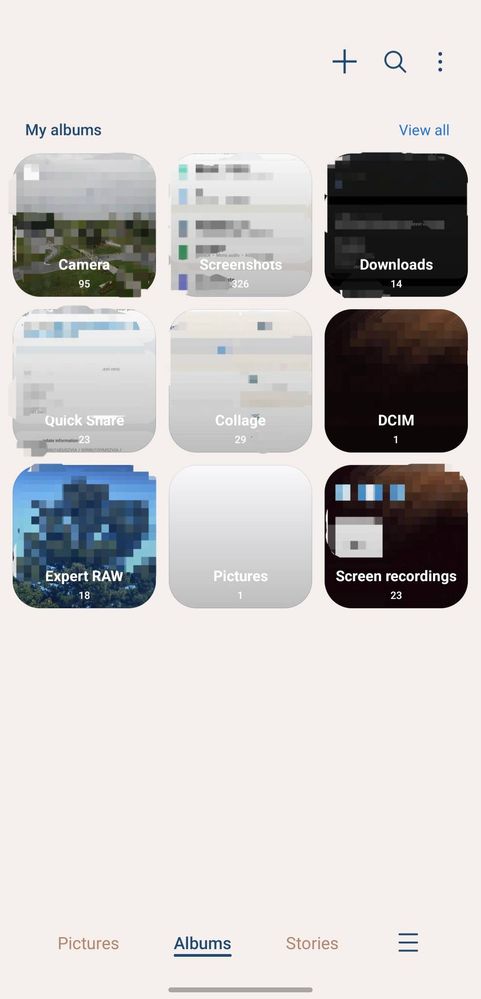
1. Create a group folder (tab "+" next to search icon)
2. Go inside that group folder > add albums
3. Select Recent and/or Favorite folders > click add at the bottom
4. Tab 3 dot next to search icons > select albums to show
5. Deselect that group folder > done
Those Recent and/or Favorite folders are now hidden on the first page of albums, but it is still there if you view all albums.
No replies and comments found