
Lock Screen Notification Cards
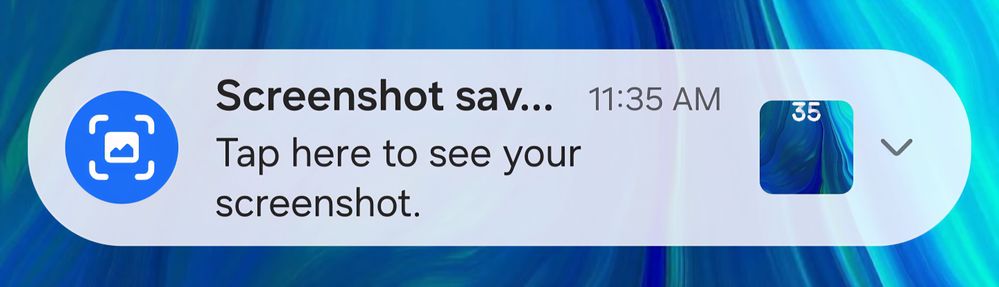
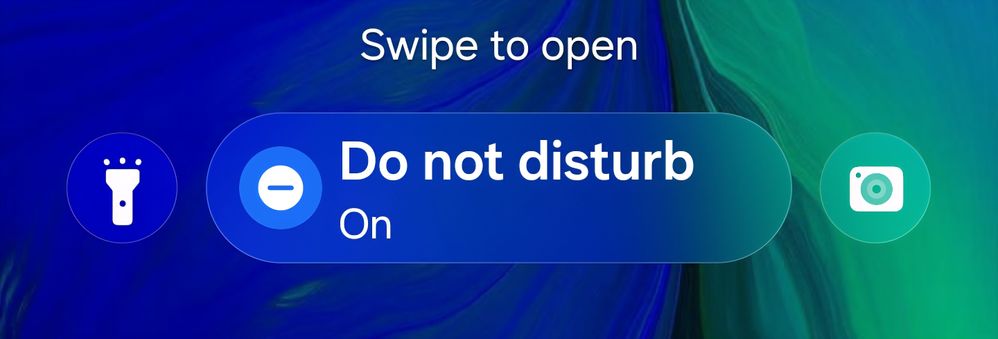
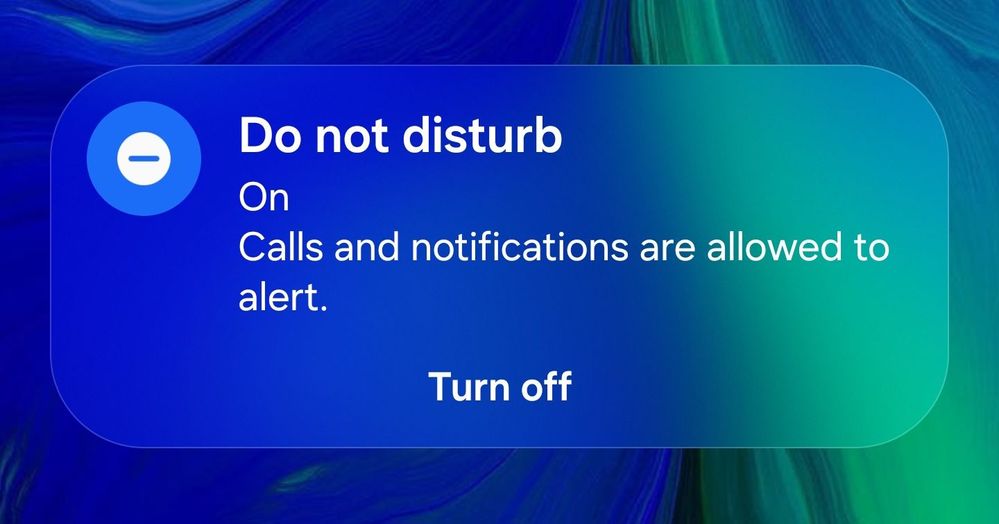
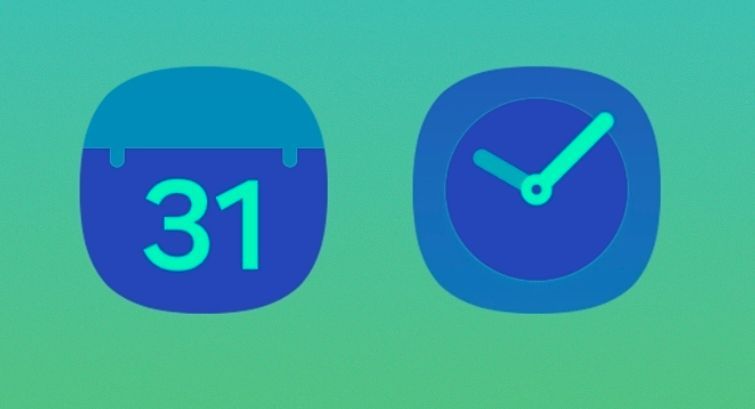
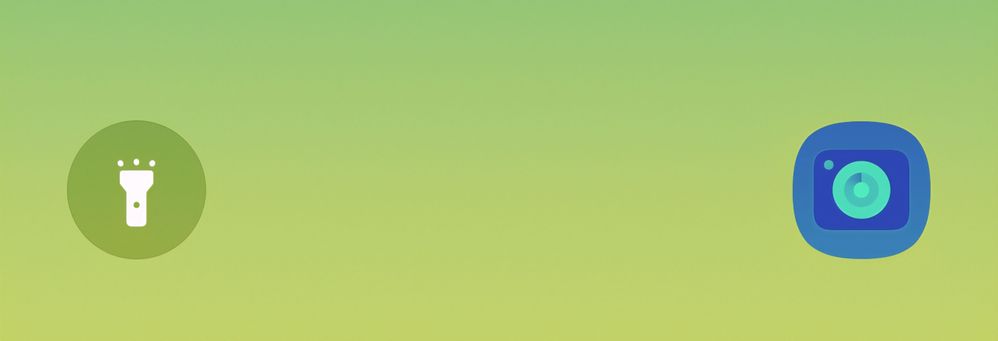
The Lock Screen Notification Cards still feature a transparency effect rather than blur. Beyond this, the colors are not always consistent (sometimes appear lighter or darker.)
Please apply the same beautiful blur that appears on the Now Bar and lock screen shortcuts to the notification cards.
NavBar
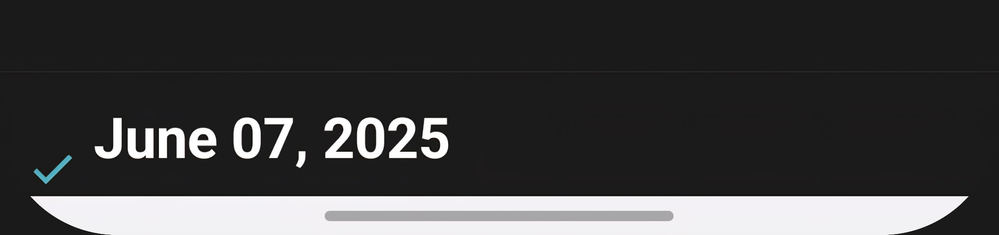

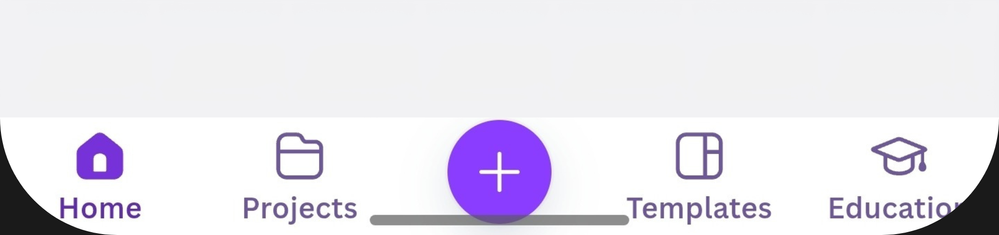
Using the navbar in non edge-to-edge apps, especially dark-only apps when light mode is on (or vice versa) creates a stark contrast at the bottom of the display.
I had hoped that disabling the gesture hint would resolve this, and it does in most cases, but extending apps to the bottom of the display introduces a new issue — cutting off UI elements at the corners of the display.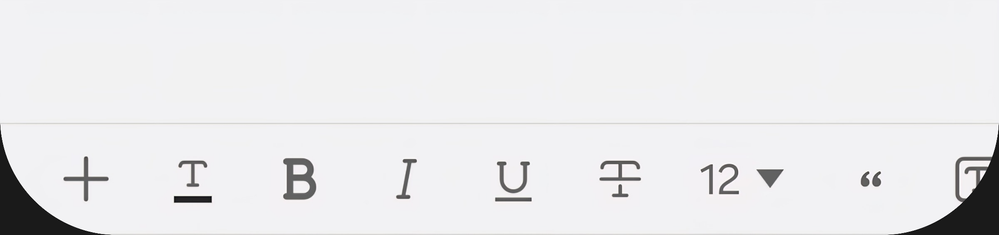
NavStar further complicates the issue by overlapping the navbar with the UI elements in question.
Quick Settings Cutoff
There is still a hard cutoff when scrolling quick settings. Please apply the same blur present in the vertical app drawer.
Icon Theming
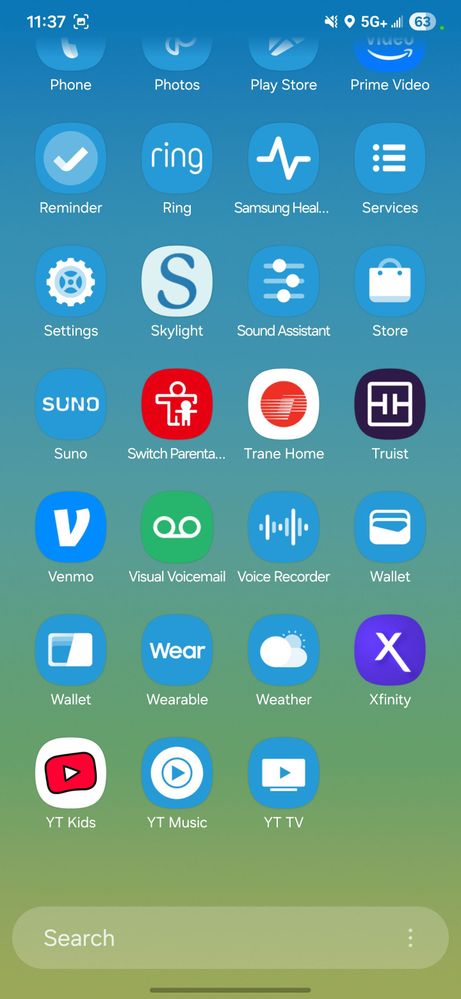
Please allow color palette to force-theme unsupported icons for visual consistency.
Theme Park demonstrates that universal color masking icons is possible, but theme park breaks the dynamic icons (clock and calendar) and lock screen shortcuts that color pallete preserves.
In their current state, neither Color Palette nor Theme Park are adequate theming solutions.
Thank you for your time and consideration. I understand that these details are being brought up late in the beta timeline. Please consider implementing these fixes in One UI 8.5 or 9.
userlQcCM1wRc8
Black Hole
09-5-2025 06:27 PM
in
I'm still waiting for the scrolling notification settings button to be changed to a static button or icon. Clock and Date in the quick settings screen would also be welcomed. Requesting since OneUI 7 beta.
USBetaModerator3
Beta Moderator
09-8-2025 11:27 PM
in
Hello,
Thank you for taking the time to share your feedback with us and including the visual details!
We truly appreciate your suggestions and will share them with the relevant team for review and consideration in future updates. Your input helps us improve the overall One UI experience.
Thank you again for supporting the One UI Beta Program!
Regards,
One UI Beta Team
Aztec246
Comet
09-18-2025 03:47 AM
in