
Contextual placement of camera settings
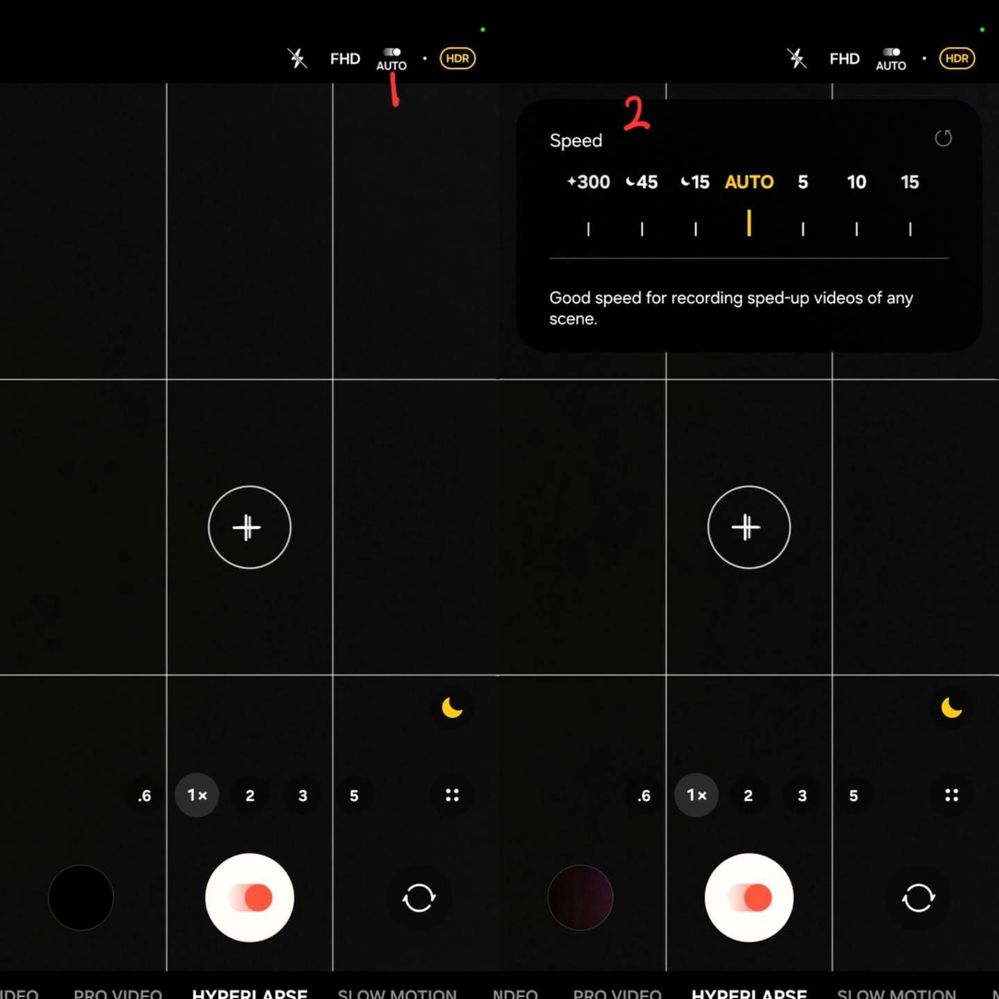
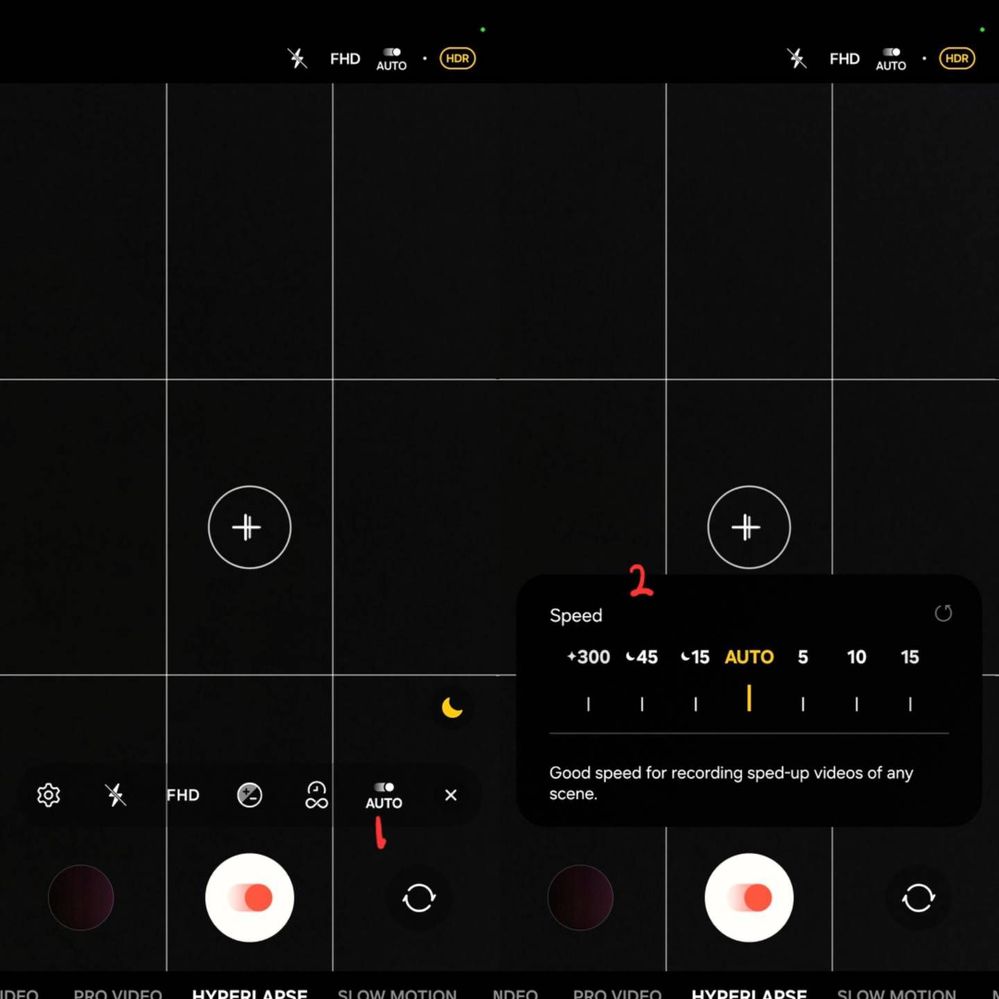
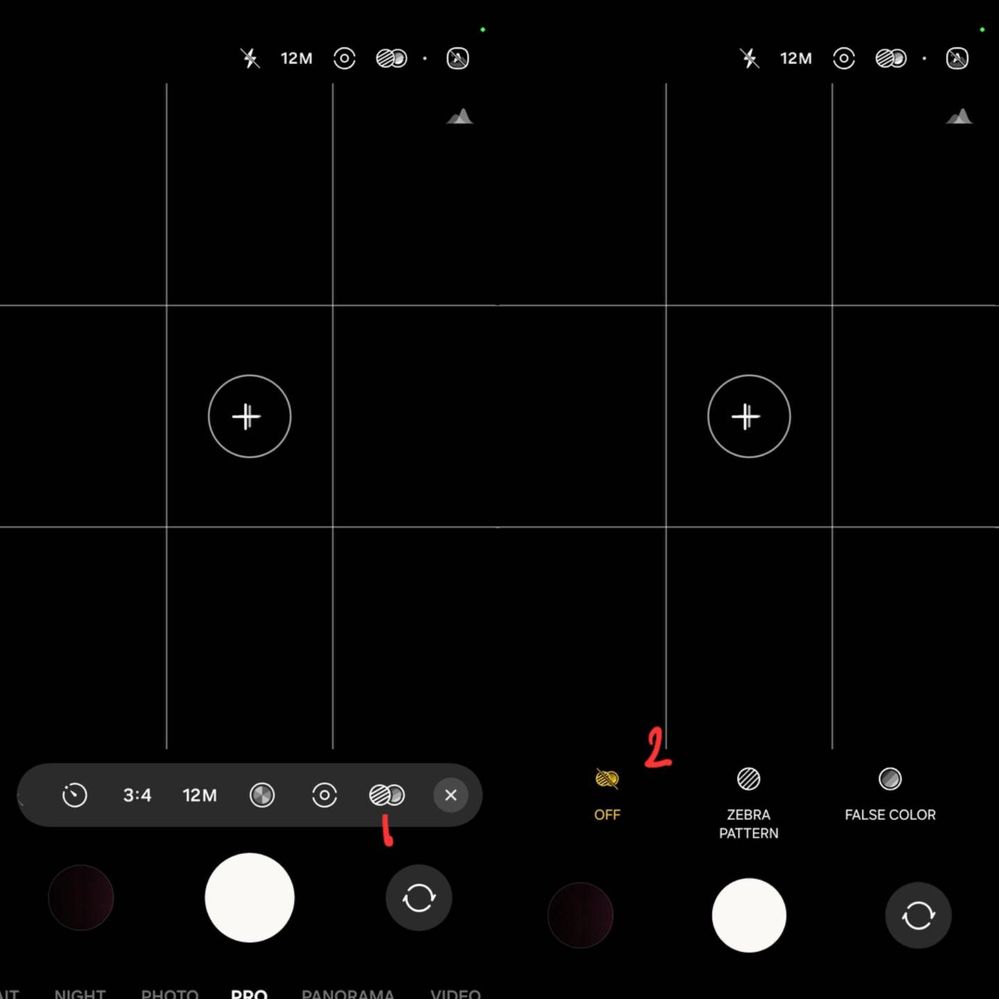
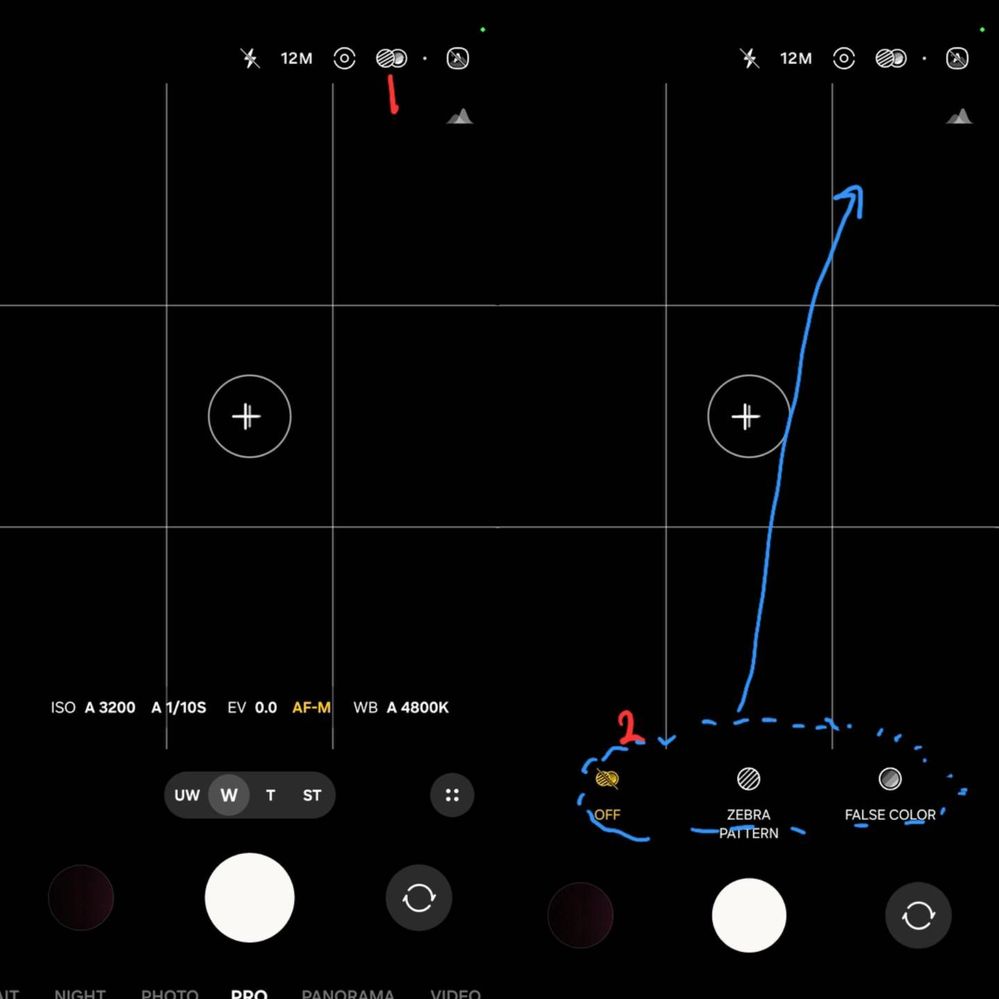
Access the settings at the top (#1). Options appear at the bottom (#2) which should have been moved to the top
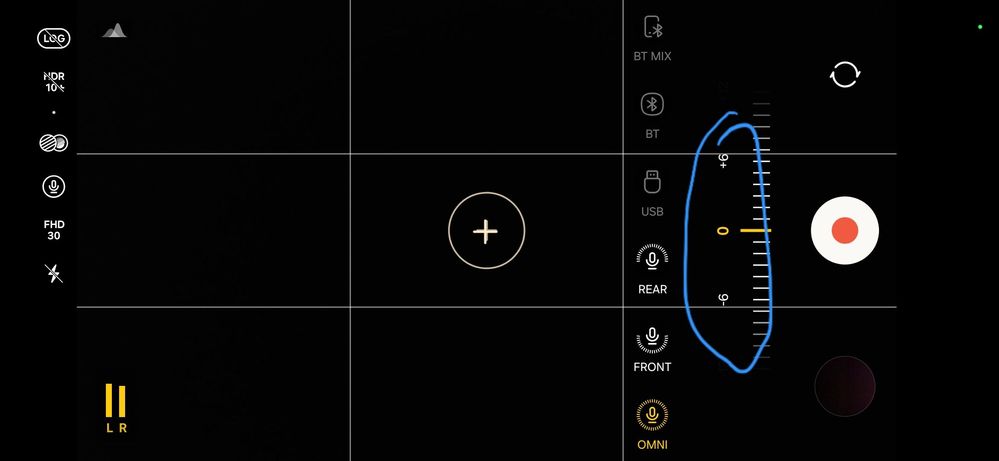
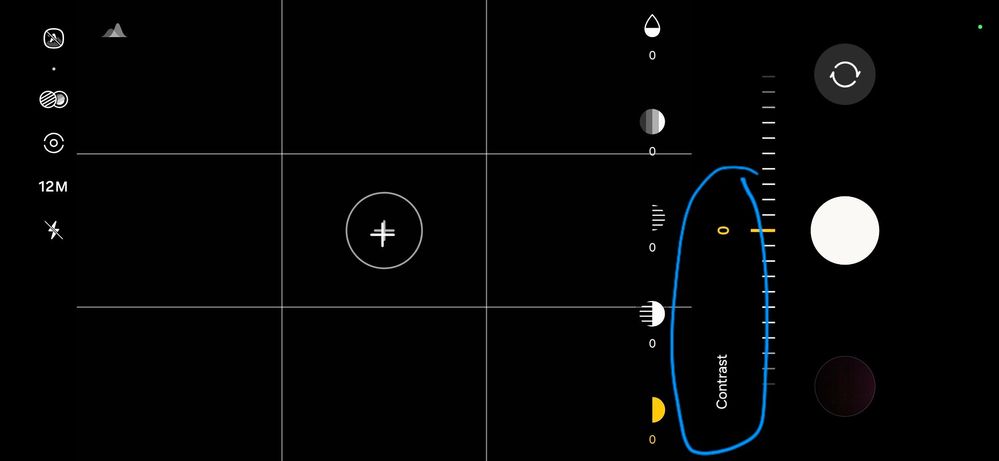
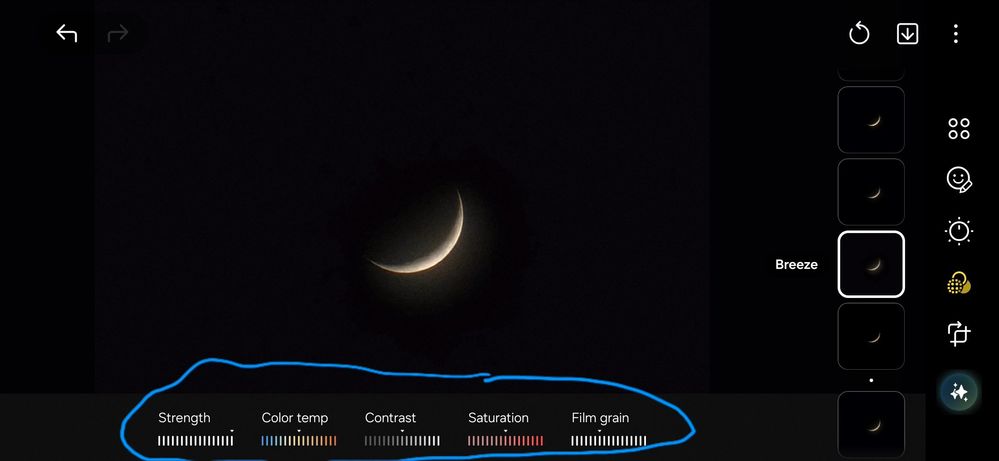
The expanded options for camera settings should appear near the area of interaction, leveraging the proximity of the user's finger.
- For example, in Hyperlapse, if "Speed" is accesed at the top of the screen, its options appear at the top. Similarly, if accessing it at the bottom, the options appear at the bottom
Access the settings at the top (#1). Options appear at the top (#2)
Access the settings at the bottom (#1). Options appear at the bottom (#2)
This contextual placement of options is already implemented for many camera settings such as Flash, Resolution, and Metering modes.
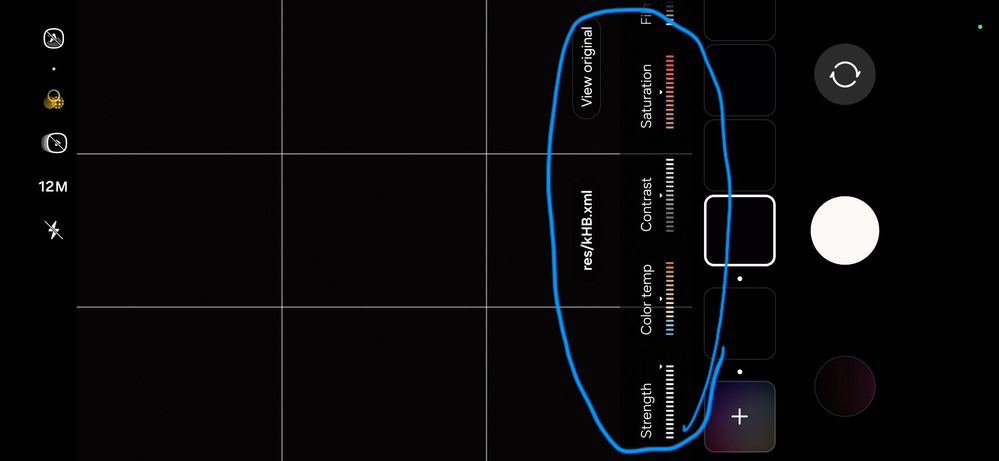
However, some settings such as Al filters, Mic, and Exposure monitor still need this UI/UX enhancement.
- For instance, "Exposure monitor" options currently always appear at the bottom, regardless of where the control is accesed.
Access the settings at the bottom (#1). Options appear at the bottom (#2)
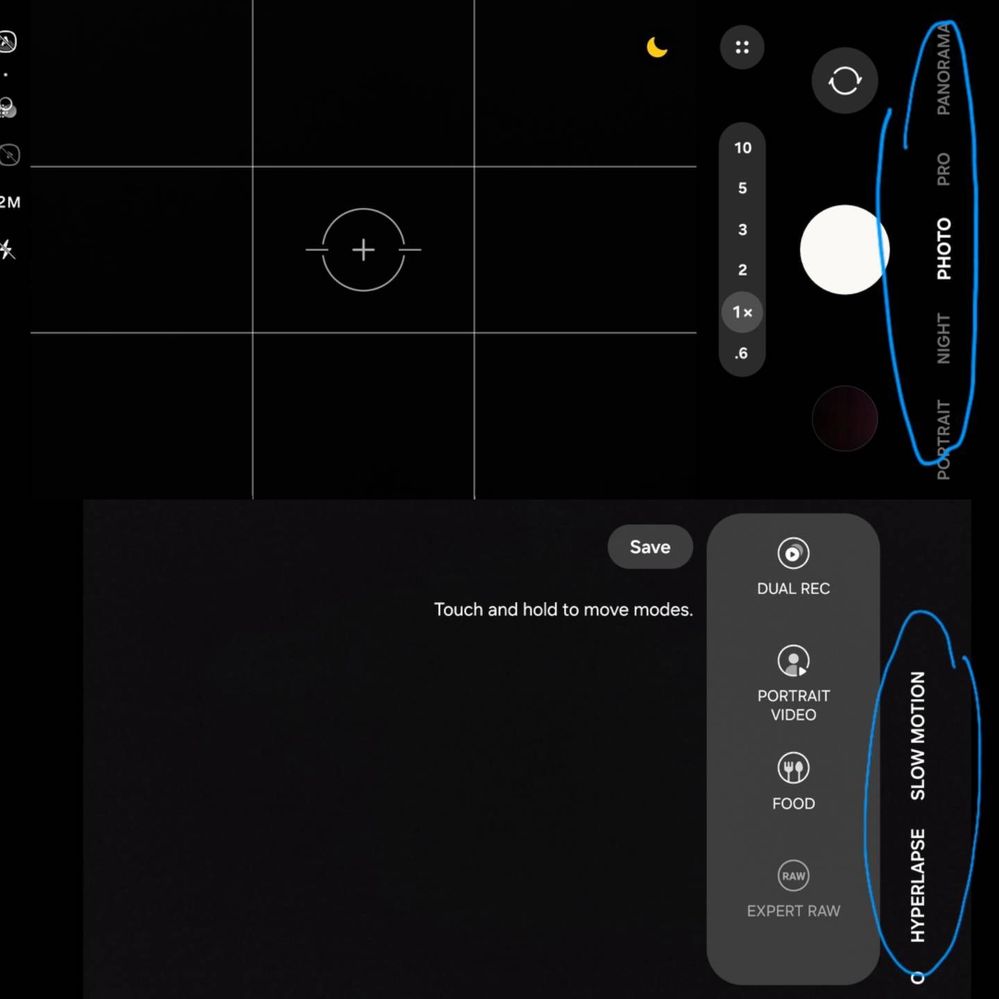
Optimizations for landscape mode
1. The camera mode should finally support landscape orientation
It looks strange especially when editing the modes in landscape
2. Some setting elements also need to be oriented to landscape
- For the AI filter options, you could adopt the same landscape UI already present in the photo editor
No replies and comments found