
Original topic:
Separate app lock
(Post creation time:
Yesterday
)
77 Views
Hi
My phone is updated to the most recent one ui 9.5 update and ive been reading about self locking apps and have been seeing peaple on YouTube and Instagram showing how to do it but when I try the option to lock doesn't show
Is there any settings I need to put on first ?
Would appreciate any help
RevengeOneUI
Nebula
Yesterday
in
Just to clarify, you don't see the highlited lock symbol button when you long press an app in the home or app screens?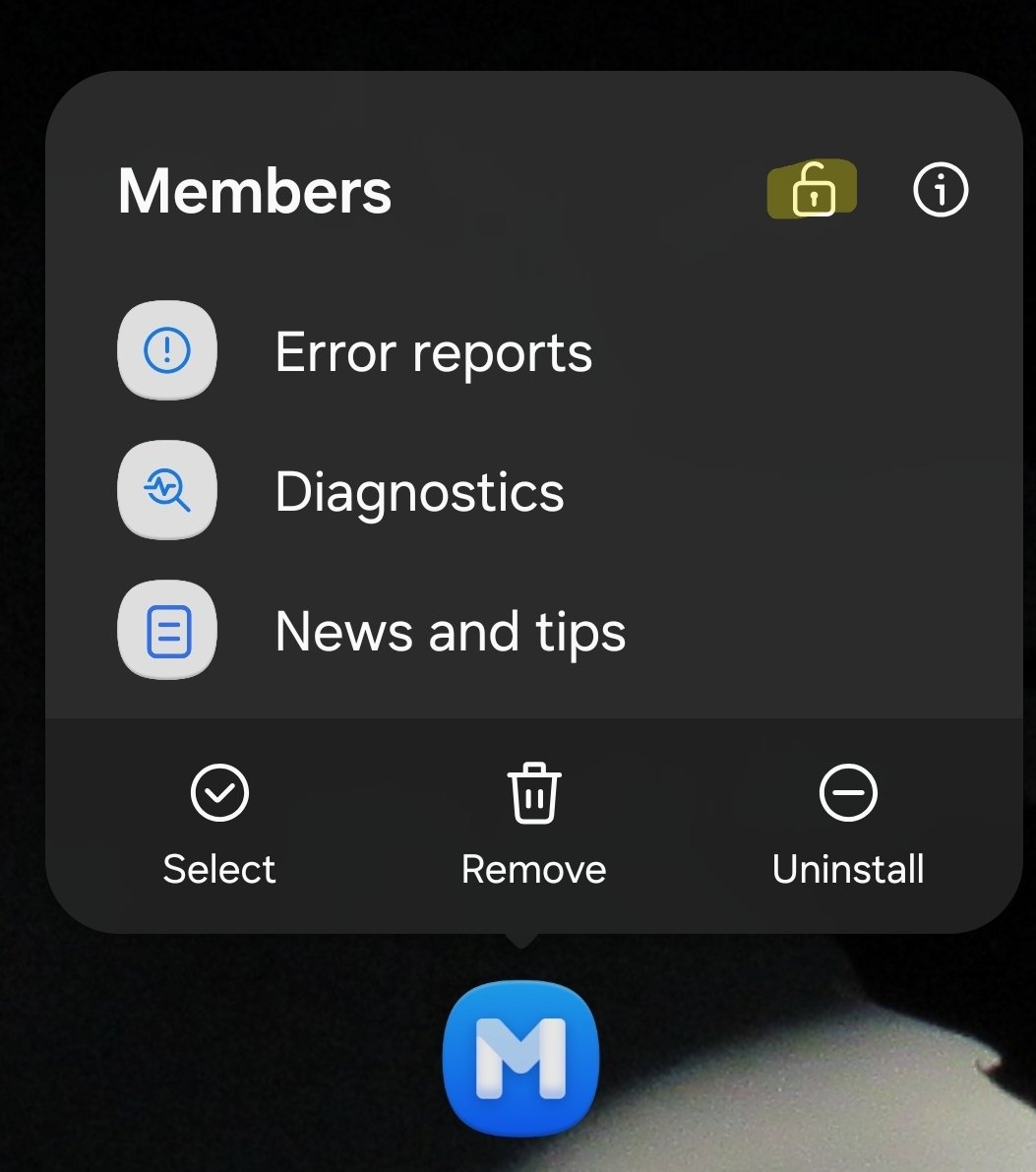
pinn1
Asteroid
Yesterday
in
Yes exactly i don't see that
RevengeOneUI
Nebula
3 hours ago
in
I don't know what else to say over what @Y0u already advised.
Being that we're in the beta, I wouldn't be too concerned that you won't have it in the final build, but you can report feedback in the Samsung Members app.
0 likes
Y0u
Honored Contributor
Yesterday
in
I think you need to activate it to work, kinda like secure wifi samsung pass etc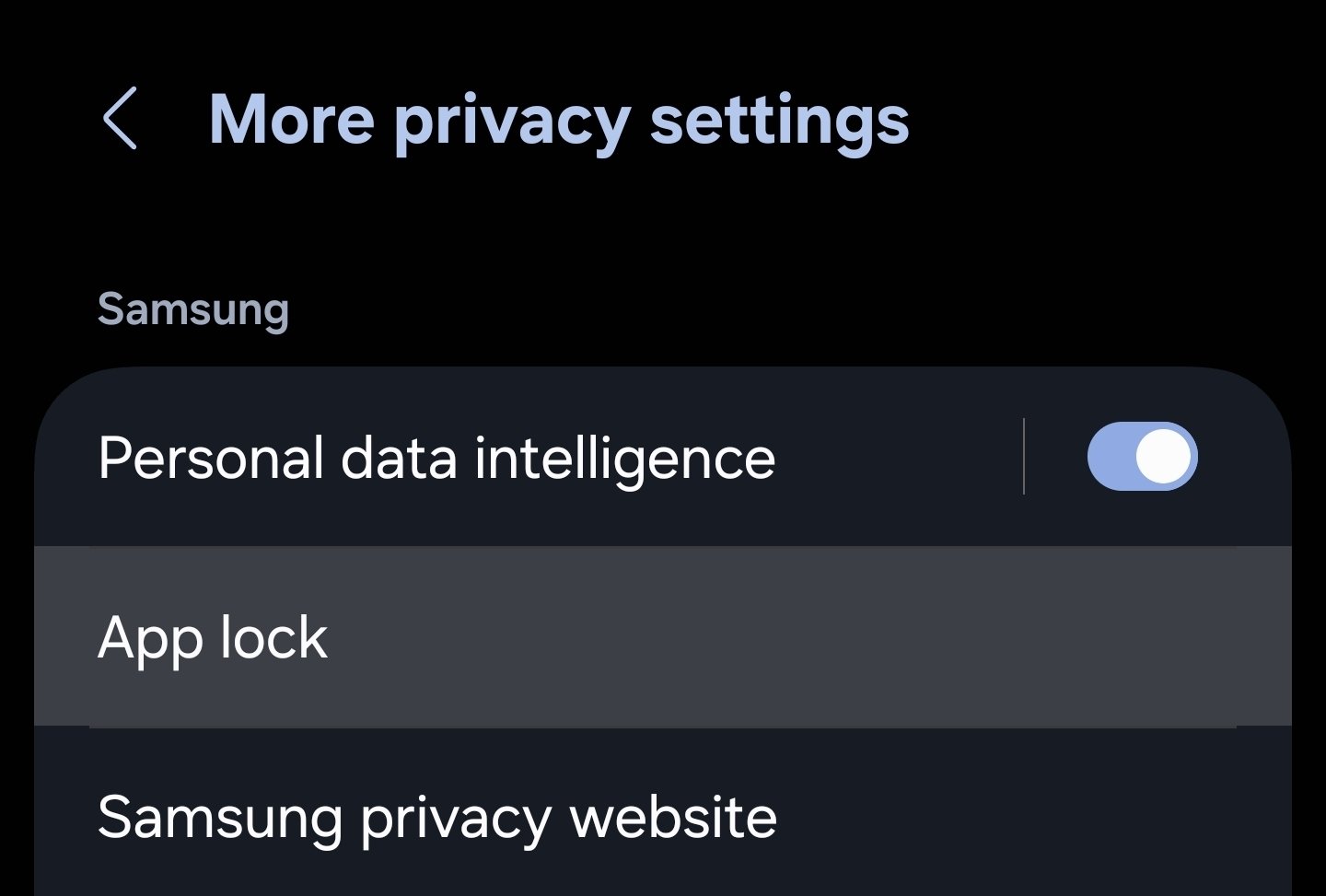
pinn1
Asteroid
Yesterday
in
Thank you, tho I don't see that option here either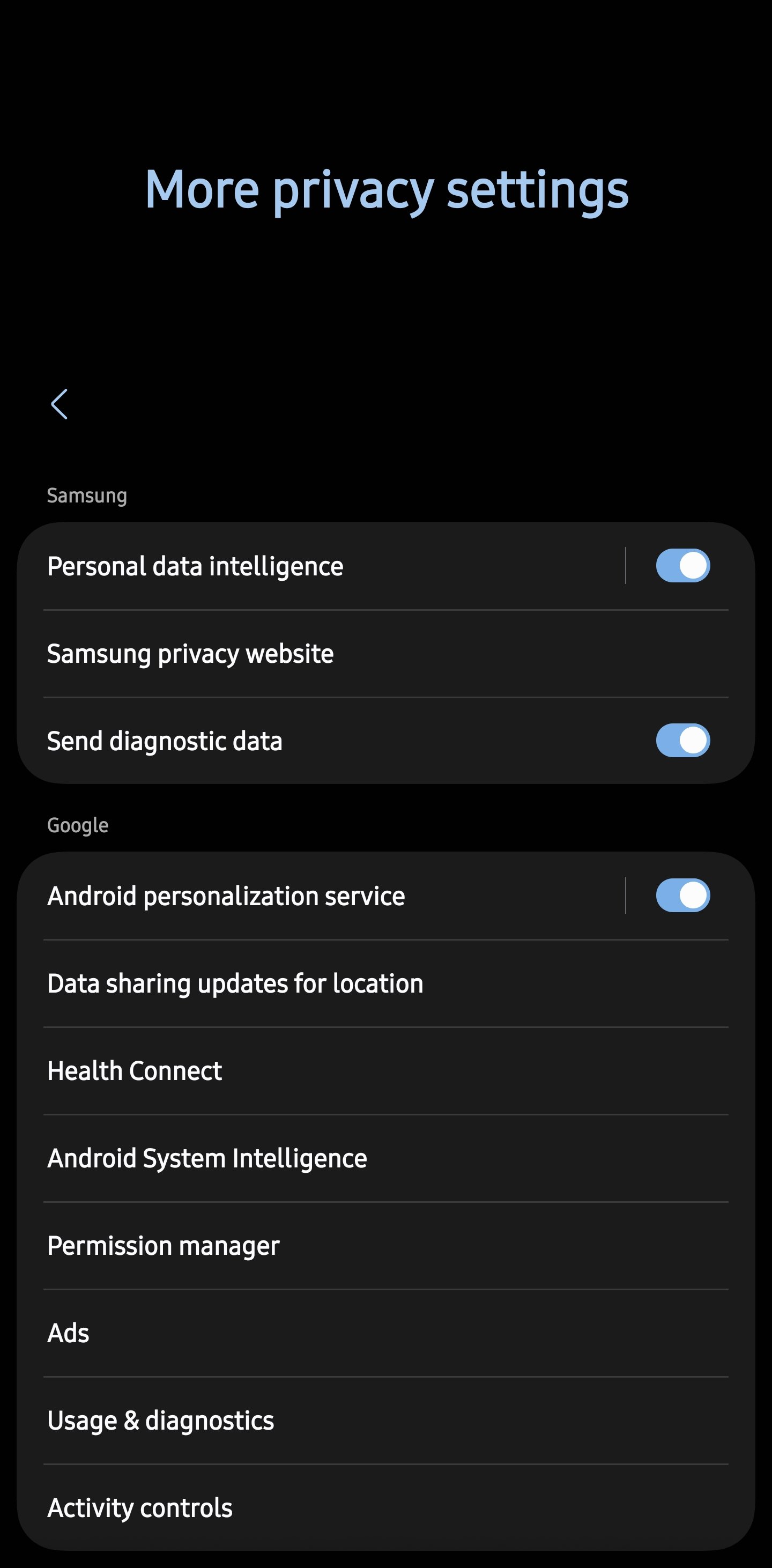
Y0u
Honored Contributor
Yesterday
in
Stupid question, did you update all the apps on the galaxy store after updating beta. Try clearing cache/data on oneui home. Restarting your phone?
pinn1
Asteroid
Yesterday
in
I checked that all apps are updated and I restarted my phone too, but how do I clear the cache for One UI Home?
Y0u
Honored Contributor
Yesterday
in
Apps -> oneui home -> storage-> clear cache
pinn1
Asteroid
Yesterday
in
Thank you , still isn't working but i appreciate your help