Whenever i export annotated (highlighted) pdfs from samsung notes, the highlighted text becomes less visible as if the highlights are blocking the letters. When will this issue be solved?
Thank you for reaching out to us to inquire about your experience, having difficulty reading annotated text while using your Samsung Notes.
Hope with the below clarifications, I can provide guidance and solve your worries.
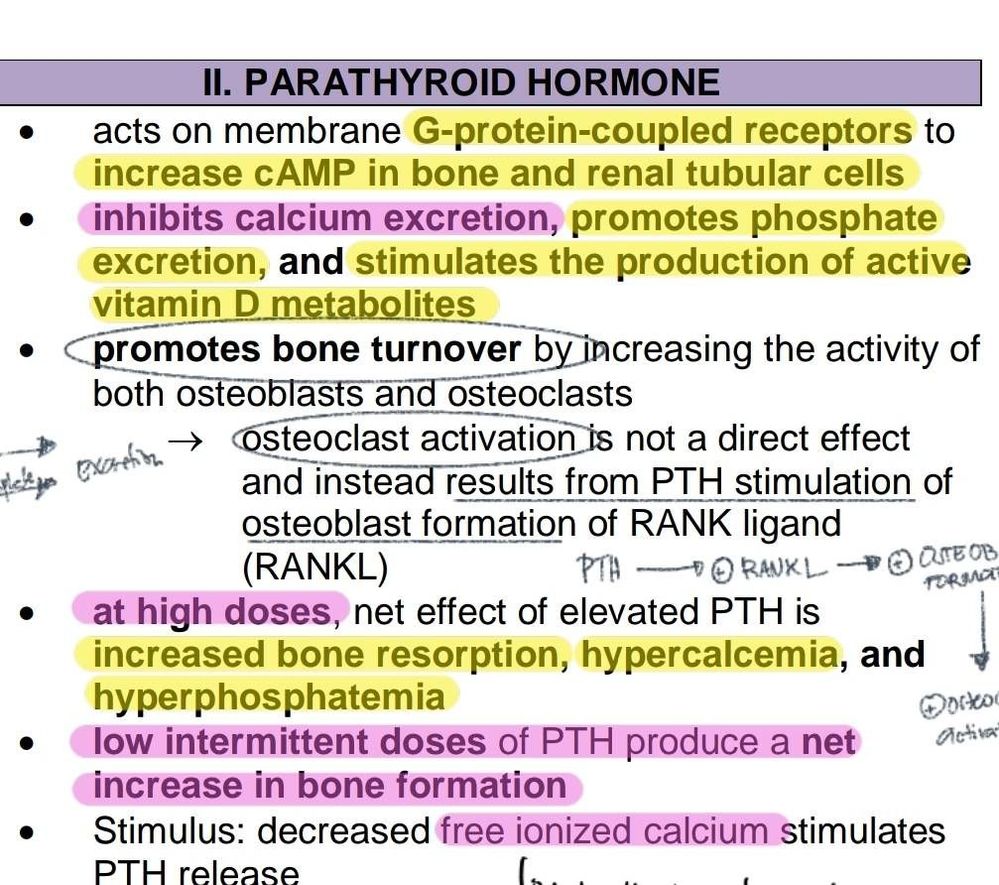
The color and highlighter effect somehow really have an impact on the visibility of the text given that the color over the text either is much lighter or darker shades, which overrides the default text color, mostly in black, resulting in a gray or having a blur effect.
If you are encountering the same results, I highly suggest to use different method of using Samsung Notes with Microsoft Office.
With the new Android 12 updates, Samsung Notes integration in Microsoft 365, you can search notes you took from any Galaxy device, and copy contents like text and images directly into your PowerPoint, Excel workbook or Word document on your PC for effortless editing and adding final touches.
You can find out more about Samsung Notes, by clicking the below link
I now see where you're coming from. I tried importing within the Samsung notes app and had the same result as yours.
I tried importing the whole document following the longer procedure I mentioned and had the same result (in photos).
While importing the pdf though, I noticed a pop up saying "maximum number of text reached" or something like that appeared in Samsung notes app.
I think it can't export a huge file document and while keeping the same quality of the annotations while it can keep the same quality of the annotations if done for a minimal number of pages in a single note file.
You can try exporting just one page to see what I mean.
I see that it will be such a task if you want to keep the quality of your annotations made in the documents you're working on for it seems like you would need to divide the whole document into multiple Notes file - say 5 pages (or less) of the document per one Notes file. Then your may print or export each Notes file containing the pages of the whole annotated document.
It seems like Samsung Notes needs to increase their support for larger documents to maintain the quality of the annotations made therein.
Still not. I exported only 1 page, try to see the difference of low transparency vs 100% (dark pink) transparency annotation when exported. It completely blocked the texts
I changed the colour of the highlighter, and deleted the rest of the page from the Note file before exporting it to pdf. I find that though the exported pdf is still readable, I can't deny that the texts are more readable if the document would stay in Samsung Notes app.
I opened 2 pic and put them side by side: Left: in Samsung Notes app Right: exported to pdf
The only thing left for now is for devs to improve on this feature of the Notes app. There should be a way to export notes exactly how they look like in the Notes app.
Thank you for sharing. I don't use this feature of the Notes app so I didn't notice.
Samsung notes turn into a mess and very low quality every time i save my notes in any file especially in pdf files. My written notes tends to be blurry and the highlighted text becomes less visible. Including the attached picture, it becomes very unreadable and blurred after saving it in a pdf file. Pls fix it, and I'll be sure that more people will love samsung esp. us students.

Selected Answer
SamsungRightCare
Community Manager
Thursday, September 8th, 2022 06:00 AM
in
Hello camsss16,
Thank you for reaching out to us to inquire about your experience, having difficulty reading annotated text while using your Samsung Notes.
Hope with the below clarifications, I can provide guidance and solve your worries.
The color and highlighter effect somehow really have an impact on the visibility of the text given that the color over the text either is much lighter or darker shades, which overrides the default text color, mostly in black, resulting in a gray or having a blur effect.
If you are encountering the same results, I highly suggest to use different method of using Samsung Notes with Microsoft Office.
With the new Android 12 updates, Samsung Notes integration in Microsoft 365, you can search notes you took from any Galaxy device, and copy contents like text and images directly into your PowerPoint, Excel workbook or Word document on your PC for effortless editing and adding final touches.
You can find out more about Samsung Notes, by clicking the below link
https://www.samsung.com/global/galaxy/apps/samsung-notes/
Hope this content is helpful.
EllisKai
Expert Level 2
Thursday, September 8th, 2022 05:13 AM
in
It seems like it would look the same if it were a photo that was highlighted through the native photo editor.
For now, I think one workaround is to take a screenshot of the annotated pdf doc then import that pic to Samsung notes.
EllisKai
Expert Level 2
Thursday, September 8th, 2022 08:10 AM
in
I now see where you're coming from. I tried importing within the Samsung notes app and had the same result as yours.
I tried importing the whole document following the longer procedure I mentioned and had the same result (in photos).
While importing the pdf though, I noticed a pop up saying "maximum number of text reached" or something like that appeared in Samsung notes app.
I think it can't export a huge file document and while keeping the same quality of the annotations while it can keep the same quality of the annotations if done for a minimal number of pages in a single note file.
You can try exporting just one page to see what I mean.
I see that it will be such a task if you want to keep the quality of your annotations made in the documents you're working on for it seems like you would need to divide the whole document into multiple Notes file - say 5 pages (or less) of the document per one Notes file. Then your may print or export each Notes file containing the pages of the whole annotated document.
It seems like Samsung Notes needs to increase their support for larger documents to maintain the quality of the annotations made therein.
camsss16
Active Level 3
Thursday, September 8th, 2022 08:17 AM
in
0 likes
EllisKai
Expert Level 2
Thursday, September 8th, 2022 09:08 AM
in
I opened 2 pic and put them side by side:
Left: in Samsung Notes app
Right: exported to pdf
The only thing left for now is for devs to improve on this feature of the Notes app. There should be a way to export notes exactly how they look like in the Notes app.
Thank you for sharing.
I don't use this feature of the Notes app so I didn't notice.
camsss16
Active Level 3
Thursday, September 8th, 2022 05:17 AM
in
suraj7275
Beginner Level 3
Monday, December 19th, 2022 06:10 PM
in
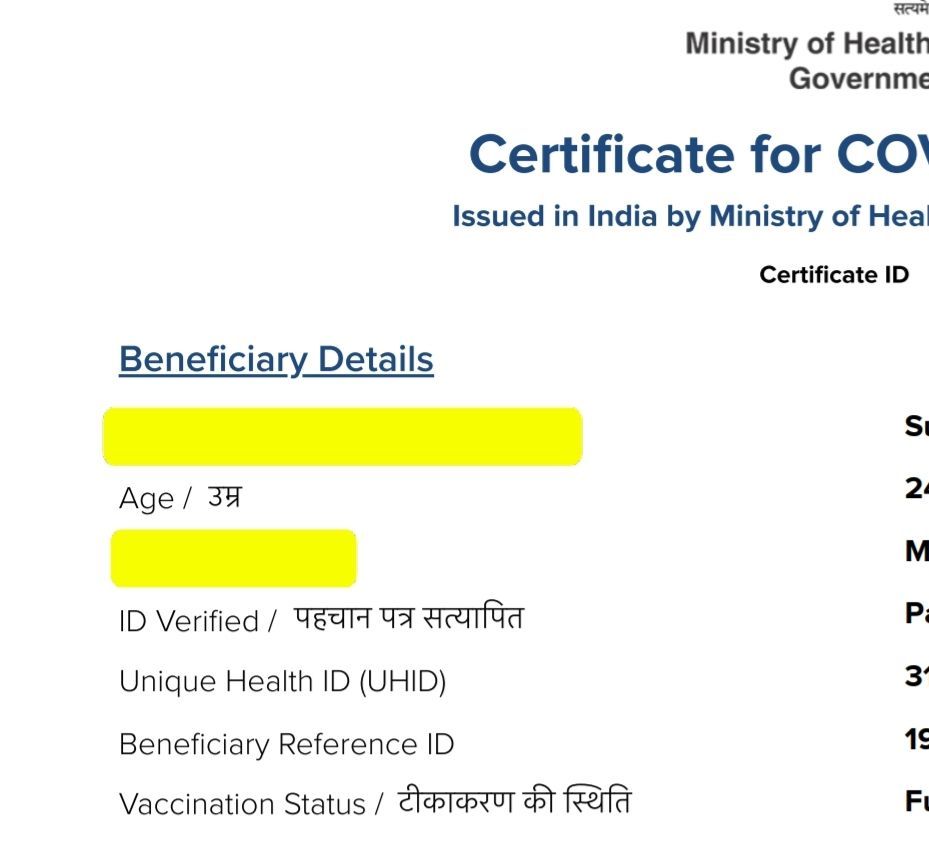
Still the issue is there not fixed by samsung 😔 look when editing and after export as pdf. Most of my work i cant share because of highlighter issue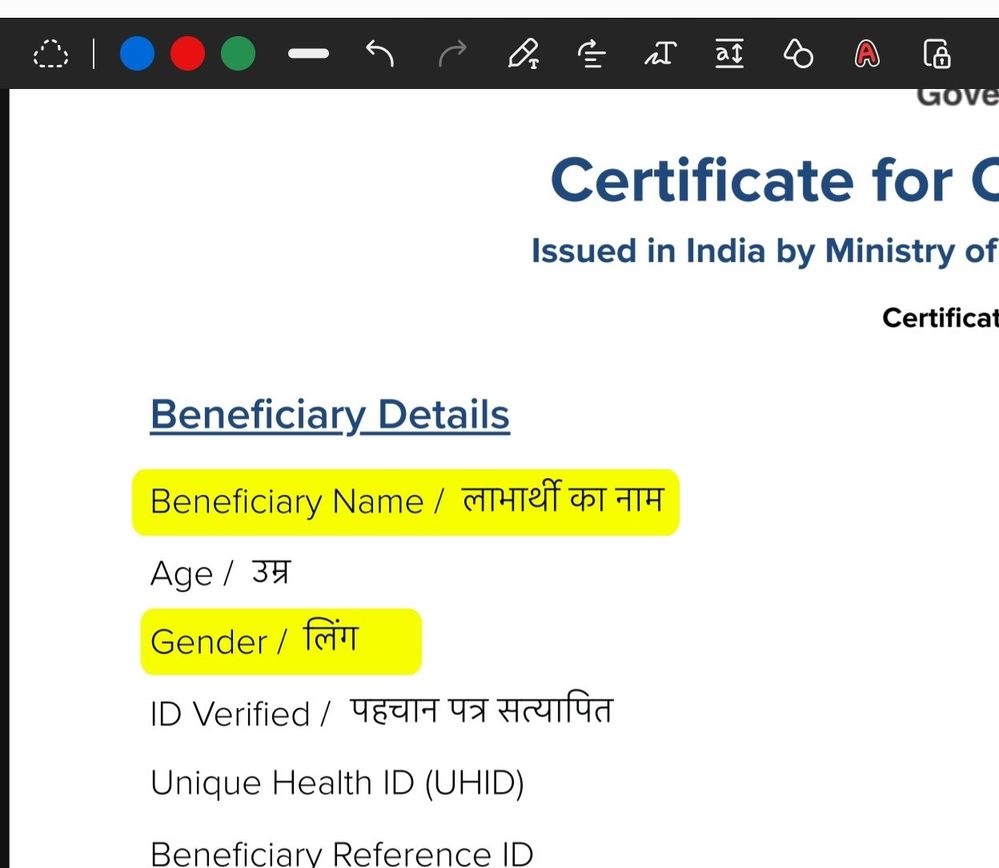
medlabs
Active Level 1
Tuesday, September 24th, 2024 12:05 PM
in
0 likes