
Usingbdual backup app because the 1st backup app (green) doesn't backup google apps (only system) the 2nd app (blue) do backup google apps on Samsung Tab A. Backup is critical because I am forced to do reset if errors starts to appear. Once the reset is done, those backup are reinstalled without using internet (Samsung Tab A requires you to connect to internet after reset to reinstall the files)
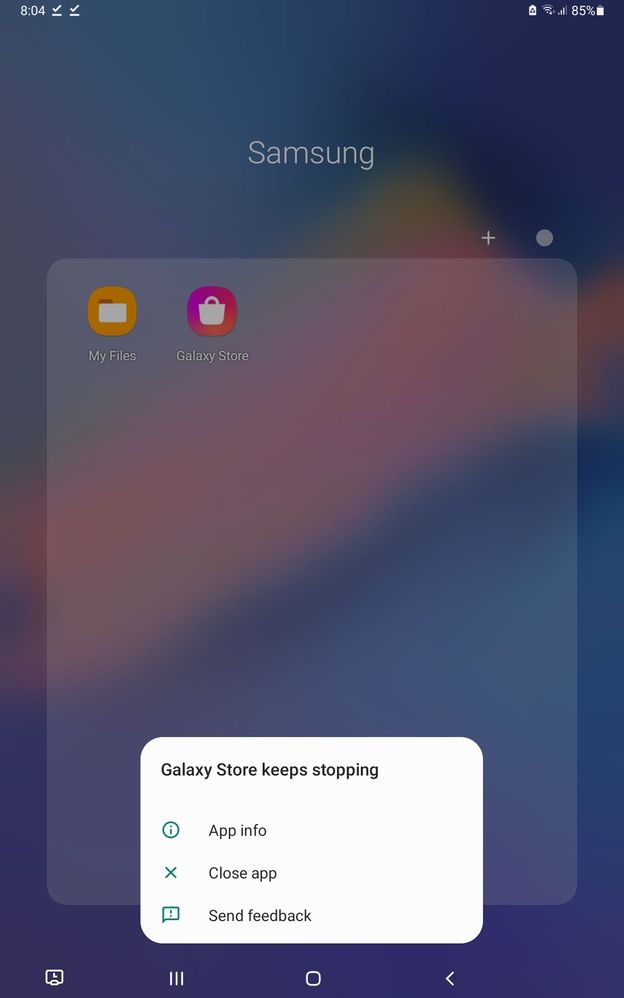
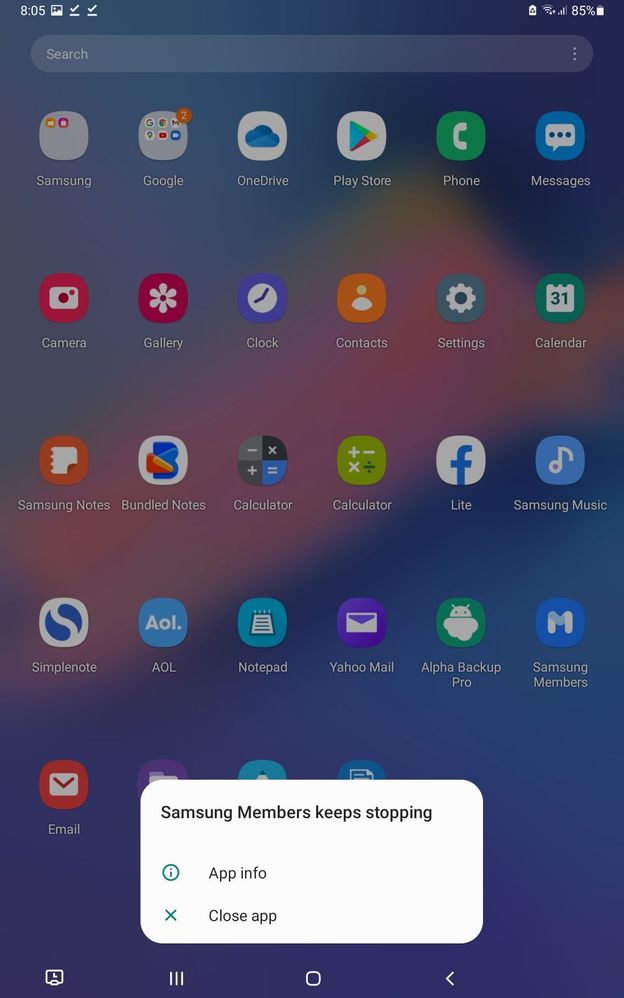
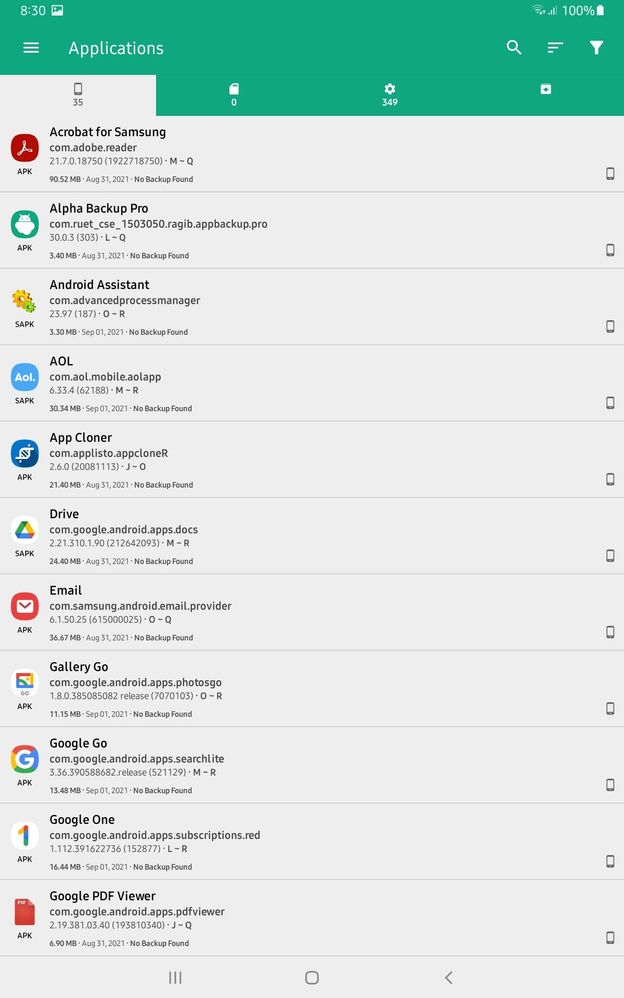
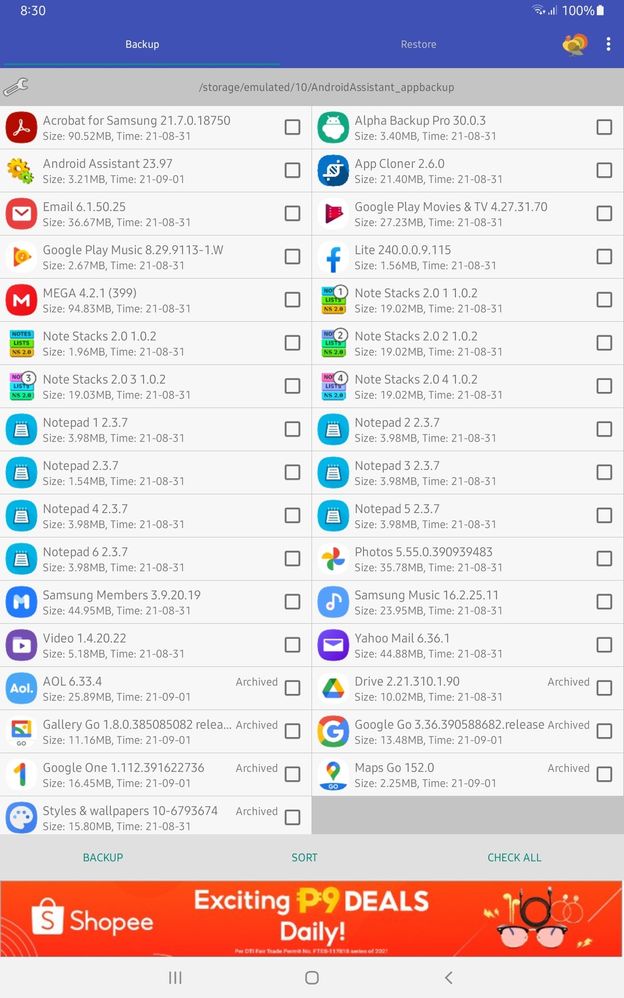
while the 2nd apps backup on the installed apps.
SamsungRightCare
Community Manager
Wednesday, September 1st, 2021 02:36 AM
in
We are very sorry for this inconvenience but we're trying our best to work on this. Should you need technical assistance, don't hesitate to reach us via our TOLL-FREE mobile number #GALAXY (#425299) or via our TOLL-FREE LANDLINE: PLDT Toll free : 1-800-10-726-7864 Globe Toll Free : 1-800-8-726-7864 Standard Landline : (02)8-422-2111 Daily (8:00 AM to 8:00 PM) or via LIVE CHAT SUPPORT: https://livechat.support.samsung.com/Customer_new/PH
0 likes
Ian6579ph
Active Level 2
Wednesday, September 1st, 2021 02:40 AM
in
0 likes