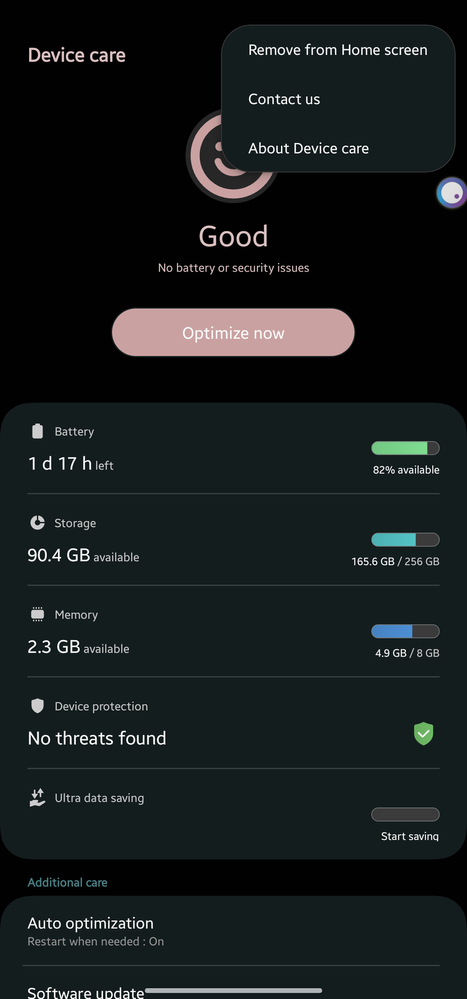
Thanks for sharing your comments about the auto-restart preference on your beloved Samsung Galaxy A52s. But it was changed to auto optimization in the latest software updates.
In order to raise your concern, you may submit an error report through the Samsung Members app as follows:
Step 1.Long press Samsung Members icon on Apps screen and tap Error reports.
Step 2. Tap OK on agreement popup to send system log data.

butete
Expert Level 5
Monday, March 20th, 2023 11:11 PM
in
0 likes
Khaled75
Expert Level 5
Monday, March 20th, 2023 11:37 PM
in
0 likes
TeamGalaxyRene
Moderator
Tuesday, March 21st, 2023 03:26 AM
in
Hello Juls98,
Thanks for sharing your comments about the auto-restart preference on your beloved Samsung Galaxy A52s. But it was changed to auto optimization in the latest software updates.
In order to raise your concern, you may submit an error report through the Samsung Members app as follows:
Step 1. Long press Samsung Members icon on Apps screen and tap Error reports.
Step 2. Tap OK on agreement popup to send system log data.
Step 3. Select Symptom category "Settings/System".
Step 4. Describe the problem in details and SEND.
How to submit an error report on Samsung Members app? | Samsung PH
For more assistance and guidance, you may contact us via our online Samsung Customer Care support channels below.
https://samsung-livechat.sprinklr.com/seao/ph/index.html
0 likes