I'm using Keys Cafe since last year, downloaded it via apkmirror but updating it is a hassle cause I need to check the site for updates and download it again.
Hoping all Good Lock modules will be available here in PH.
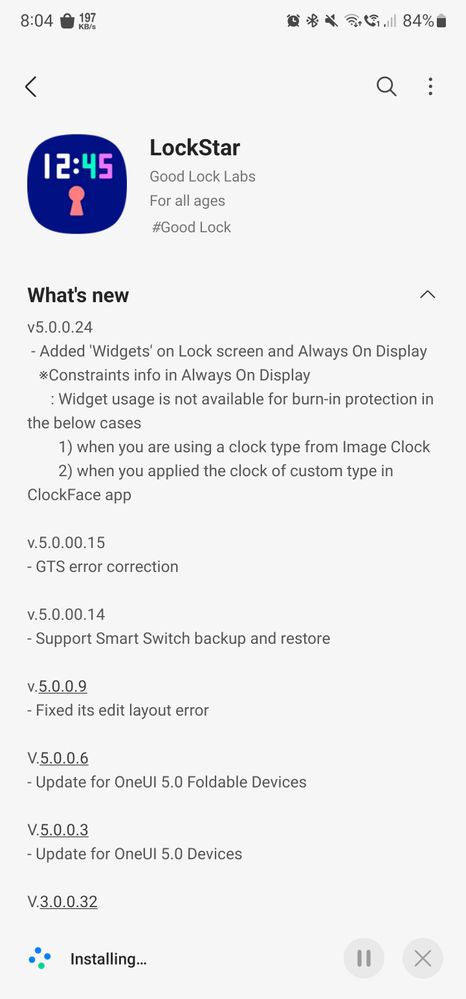
Use fine lock for easy updates, though goodlock is already available in philippines, I use both of them. I use goodlock for using modules that are available in the galaxy store. I use finelock to check for updates (to the modules that aren't accessible in ph yet)

rg_x
Expert Level 1
Saturday, August 5th, 2023 02:27 AM
in
Try Wonderland too, new update brings screen transition when turning on the screen.
bagol1209
★
Saturday, August 5th, 2023 02:33 AM
in
0 likes
rg_x
Expert Level 1
Saturday, August 5th, 2023 02:55 AM
in
Hoping all Good Lock modules will be available here in PH.
0 likes
pham_hni
Expert Level 1
Saturday, August 5th, 2023 07:35 PM
in
TeamGalaxyRene
Moderator
Monday, August 7th, 2023 08:49 AM
in
Hello bagol1209,
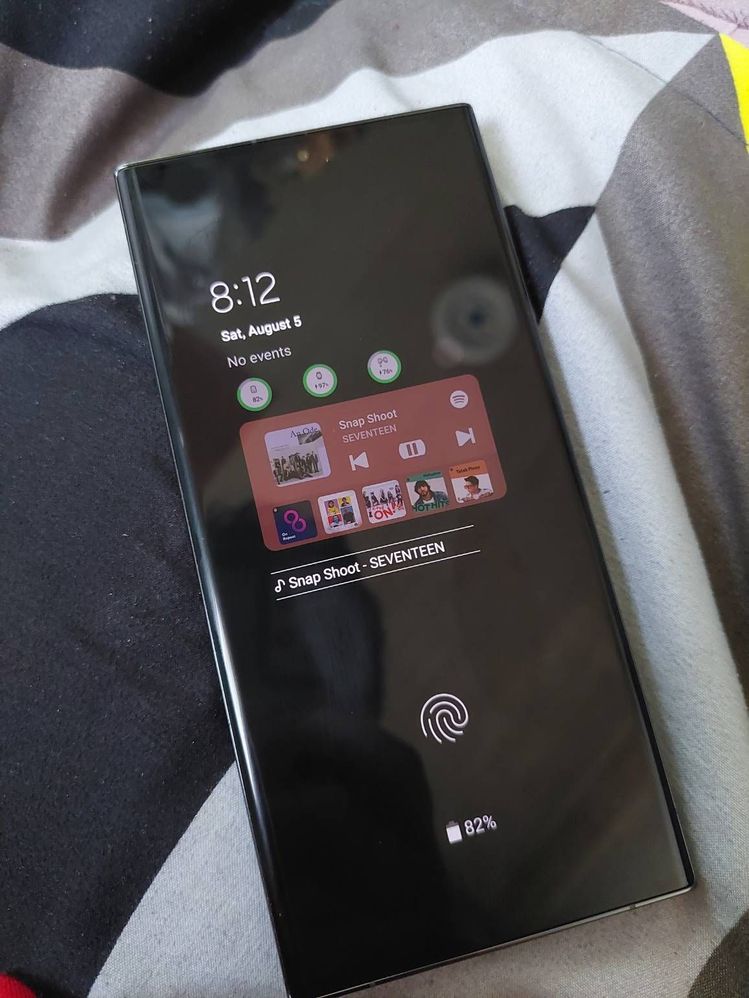
Thanks for sharing and featuring the Interactive Spotify Widget on AOD using the LockStar app on your beloved Samsung Galaxy S23 Ultra. Enjoy!
0 likes
TeamGalaxyBianx
Moderator
Monday, August 7th, 2023 10:42 AM
in
Interesting! Thanks for sharing this, bagol1209! 🙂
0 likes