Possibly you could delete the wifi connection by pressing ' forget ' first and reconnect it back. If the problem is still persist, then reboot your wifi router. It should work normally. Hope this helps.
please kindly proceed Sy3ney solution 1st before carry below checking. You have to try below setting one by one and check any improment of the WIFI connection.
1. phone setting - tap WIFI (your router) - tap setting next your router - auto reconnect. if it On, try to Off it.
2. phone setting - tap WIFI (your router) - tap 3 vertical dots on top right - advanced - Turn on WIFI automatically - turn it Off.
3. phone setting - tap WIFI (your router) - tap 3 vertical dots on top right - advanced - WIFI power saving mode - turn it Off.

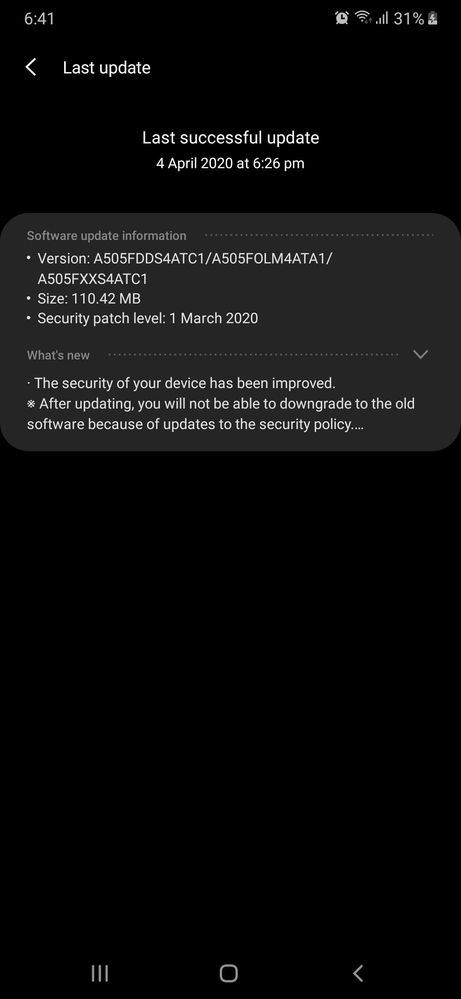
scinex
Expert Level 5
Tuesday, April 7th, 2020 12:19 PM
in
0 likes
Sy3ney
Expert Level 3
Tuesday, April 7th, 2020 02:53 PM
in
0 likes
SamNoteUser
Expert Level 5
Tuesday, April 7th, 2020 08:21 PM
in
1. phone setting - tap WIFI (your router) - tap setting next your router - auto reconnect. if it On, try to Off it.
2. phone setting - tap WIFI (your router) - tap 3 vertical dots on top right - advanced - Turn on WIFI automatically - turn it Off.
3. phone setting - tap WIFI (your router) - tap 3 vertical dots on top right - advanced - WIFI power saving mode - turn it Off.
4. phone setting - developer options - WIFI scan throttling - On.
5. phone setting - developer options - WIFI safe mode - On.
0 likes