
Hi to all..
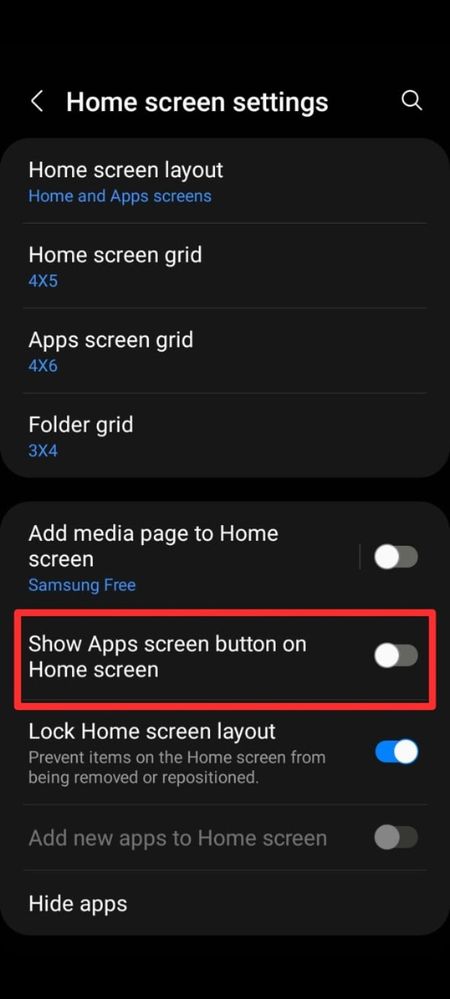
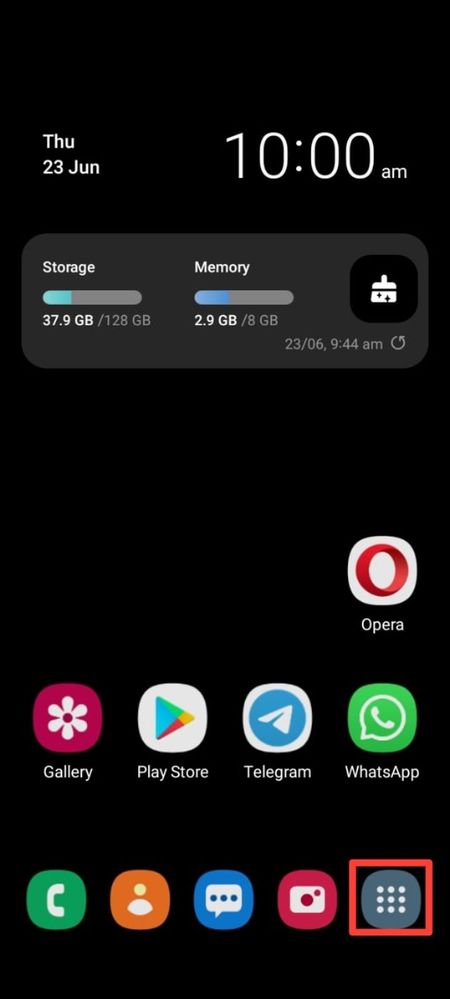
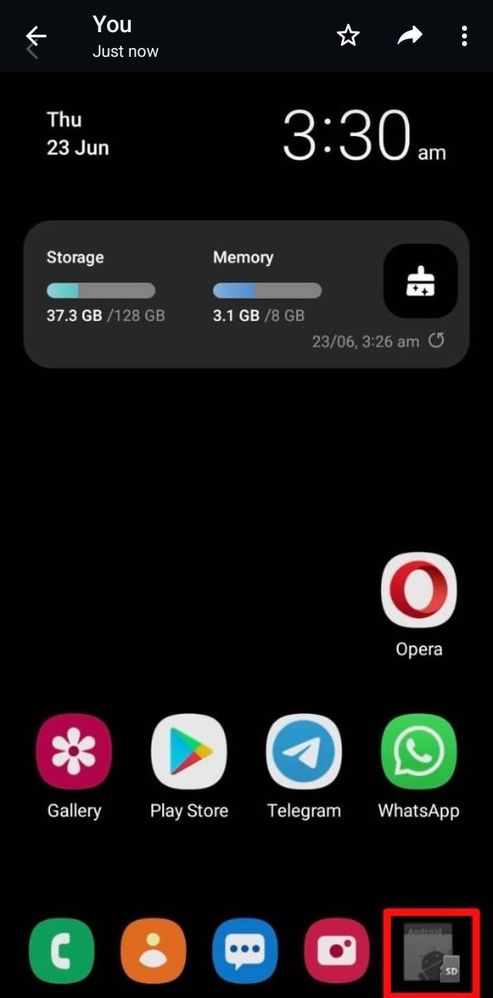
Would like to find a solution to above mentioned issue im having recently after the latest security update.
i have always enabled this feature on the Home Screen settings. But after the recent update..and everytime i restart my device..the button seems to be missing; as per my attachments.
Current solution:
1. Disable & re-enable the feature on Home Screen settings
2. Force stopping One Ui Home under Apps settings.
Anyone had encountered this issue before?
Greatly appreciate your inputs.
Thanks in advanvce.
Update (08 July 2022):
1. ive sent a report to samsung regarding this issue; yet no response.
2. this issue only occurs when i updated One Ui Home app via Galaxy Store to the latest v13.1.07.3.
ive clicked the hamburger icon..and proceed with Uninstall updates which brings me back to v 13.1.05.9.
i immediately restarted my device a few times & the issue is gone. it appear as per normal.
hopefully Samsung would address this issue on One Ui Home app upon releasing updates.
Thanks.
Update: 09 JULY 2020
As usual..Samsung replied to soft-reset..hard-reset..etc..nothing concluded.
im gonna stick to factory version of the One Ui Home for now.
WinnieC
Expert Level 5
Thursday, June 23rd, 2022 03:58 AM
in
When you said 'current solution', did you mean it solve the problem?
lance2679
Active Level 5
Monday, August 22nd, 2022 04:22 AM
in
With the recent security update..Samsung finally improved the One UI Home app.
And some stability improvement on GPS also.
Hope this helps.
Thanks.
0 likes