
title:
One UI 9 User experience
(Post creation time:
11-8-2026 09:58 AM
)
45 Views
Related Content
One ui 5 Experience
. Galaxy A 03-4-2024 01:43 AM
Samsung Elevates User Experience with One UI Updates
. Others 09-4-2023 09:33 AM
One UI 9 goes live for US user 🚨
. Galaxy S 09-23-2026 06:54 AM
One UI 9
. Tech Expert 10-6-2026 07:18 AM
Samsung A13 user experience
. Galaxy A 09-8-2022 06:20 PM
GAYANTHA_SENANAYAKA
Active Level 6
11-8-2026 10:43 AM
in
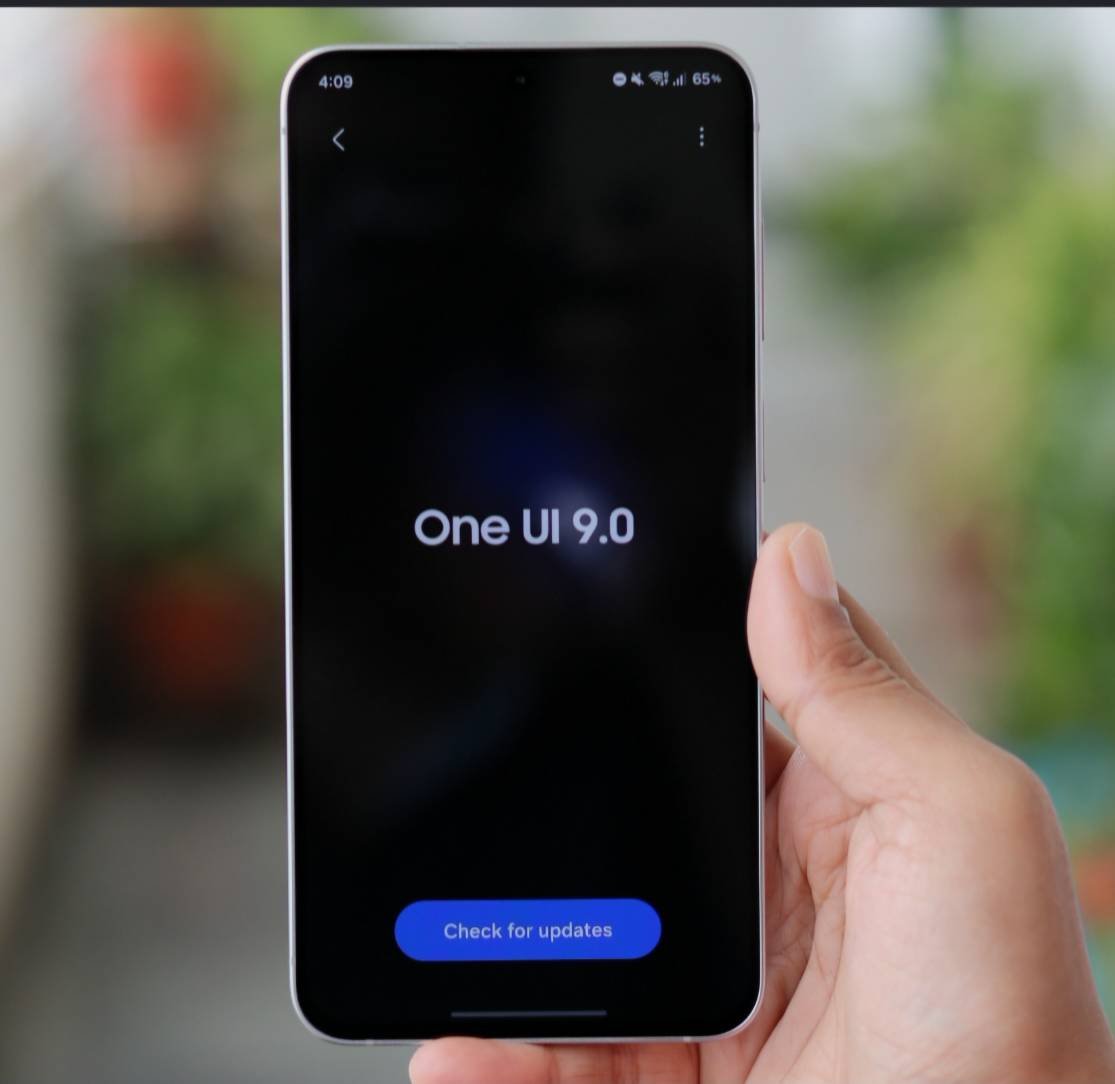
Samsung’s One UI 9 (built on Android 17) focuses heavily on under-the-hood polish, productivity tools, and deeper AI automation.
Rather than a radical visual overhaul, One UI 9 acts as a refinement update. While it makes daily usage noticeably smoother, it comes with a few initial rollout hiccups.
The Experience: Key Upgrades
1. System Fluidity & Animations
* Smoother Motion: Animation rendering and system gestures are significantly improved. App opening, closing, and multi-tasking transitions feel snappier and maintain higher frame rates across supported devices.
* Quick Panel Customization: The Quick Panel allows freeform toggle resizing. Brightness and volume sliders can be resized into smaller footprints to fit additional custom toggles side by side.
2. Deep AI Integration
* Gemini Intelligence Hub: Gemini operates natively as a system agent capable of running multi-step tasks across system and third-party apps.
* Gemini Notebook: A centralized workspace that pulls together notes, PDFs, images, and audio recordings to automatically build meeting summaries, audio overviews, and reports.
* Smarter Now Nudges: The system automatically surfaces contextual chips during messaging (e.g., retrieving calendar slots, location links, or flight info in split-view) without requiring manual app switching.
3. Security, Privacy & System Tools
* Centralized AI Activity & Privacy Alerts: The interface includes an AI Assistant Activity dashboard alongside proactive privacy alerts that highlight unexpected background permission access.
* Warranty & Care Menu: Built directly into the main Settings app to aggregate hardware diagnostics, warranty status, and service options in one location.
* Scanner & Camera Improvements: Document scanning automatically flattens curved book pages and suppresses finger artifacts. Dual-recording in the camera app adds vertical split layouts tailored for video creation.
The Good vs. The Bad
| The Good 👍 | The Bad 👎 |
|---|---|
| Noticeably fluid: Faster app switching and smoother gesture animations. | Conservative design: Lacks bold new visual themes or radical UI redesigns ("more of the same"). |
| Highly customizable Quick Settings: Drag-to-resize toggles eliminate wasted screen real estate. | Early power management bugs: Some older flagship models (e.g., Galaxy S24/S25 series) report elevated idle battery drain post-update. |
| Context-aware automation: Gemini & Now Nudge eliminate repetitive copy-pasting across apps. | Initial app conflicts: Minor launch issues occurred with external connections like Android Auto (requiring app updates). |
Is it Good or Bad Overall?
It is a net-positive, solid update. If stability, performance speed, and multi-tasking AI are top priorities, One UI 9 delivers a refined experience. However, if a flashy visual revamp was expected, the conservative interface changes might feel underwhelming.
Janith842
Expert Level 5
11-9-2026 07:37 AM
in
Definitely Good in S25 Ultra Bro. ❤