
It’s all started with a simple search in Google, trying to find a way to use SPen Air Actions in Windows to do a presentation in a cool way. Well, I could use a Bluetooth remote to do that, but where’s the fun. So searched for months and found a documentation on how to add Air Action to 3rd party android apps but there was no tool to integrate it to Windows. So here I am, developing my very own application, just to do presentations.
And I’m open sourcing it so that anyone can freely use it or customize it to their own needs. It's just not for doing presentations, you can map keys to each air action, but in future I’m planning to add shortcut mappings, so with a simple gesture, you can do more with your Windows device. So, let me introduce,
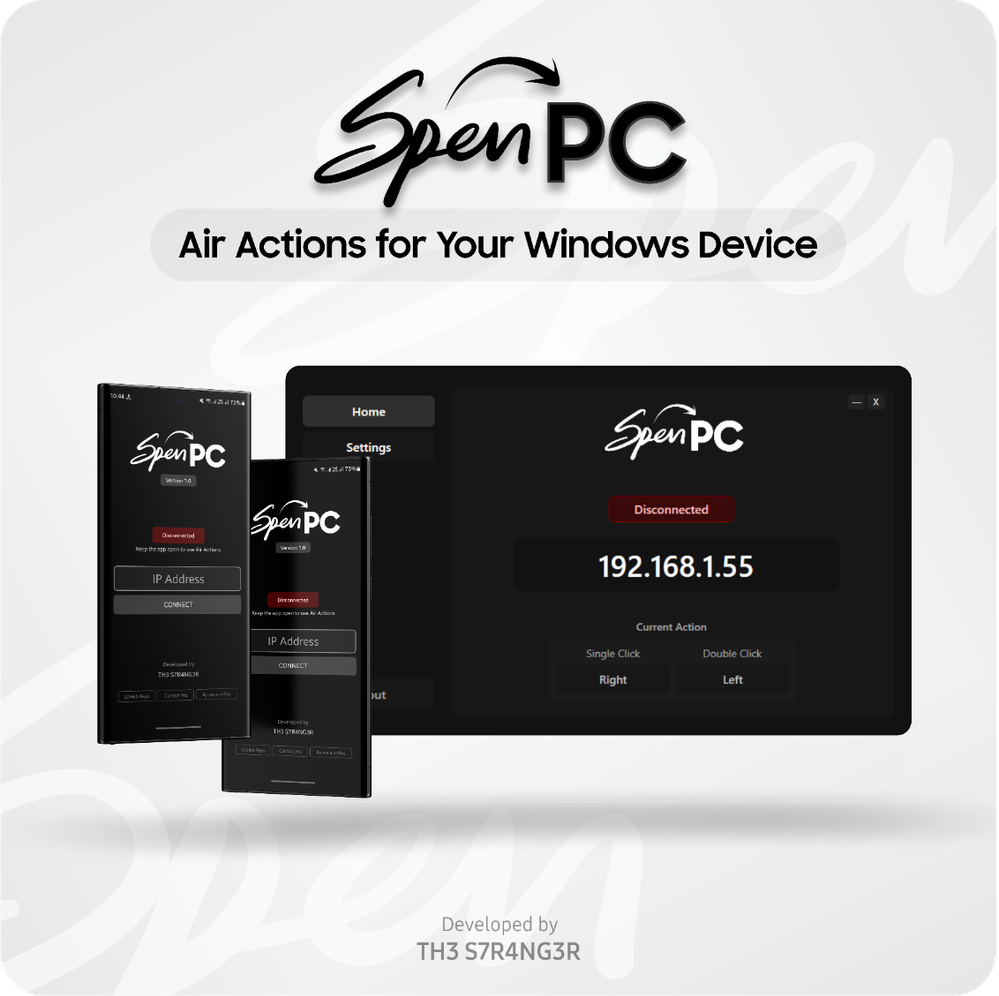
SPEN To PC: Air Actions for Your Windows Device
A free and open-source application designed to seamlessly integrate Samsung S Pen’s Air Actions with Windows devices. This allows Galaxy users to control their computer remotely using Bluetooth-enabled SPen gestures and actions.
It’s compatible with following SPen enabled devices:
- Fully Compatible: Note9 or Newer, S22 Ultra or newer Ultra models, Tab S6 or newer
- Partially Compatible (Require an SPen Pro): S21 Ultra, Z Fold 3, Z Fold 4, Z Fold 5, Tab S7 FE, Tab S9 FE
- Not Compatible with Tab S6 Lite
Read more about it and try it out from here: https://github.com/th3-s7r4ng3r/SPEN-To-PC-WindowsApp/wiki
If you have an Air Action compatible device, give it a try. Just need to install the apps in the above link and connect both devices to the same network, and that’s all. Your friends got a device? Then share this with them to try. And let me know your thoughts!
PS: If anyone got a spare Note 10 or above model for few days? I need one to add motion Air gestures (swiping and rotation actions) support to the app. If you wonder what about the Tab S7+ got from Samsung, yes it’s compatible with this but the SPen battery is dead, can’t use Air Actions anymore. So, if anyone got a device or a Tab S7 pen, please let me know. Thanks!
Lankan_Maximus
Active Level 3
12-30-2023 03:45 PM
in
VinuraGallage
Active Level 6
12-30-2023 03:46 PM
in
0 likes
AkashMadusanka
Expert Level 2
12-30-2023 06:28 PM
in
Are you an old boy of Bandaranayake College ?
VinuraGallage
Active Level 6
12-30-2023 06:52 PM
in
AkashMadusanka
Expert Level 2
12-30-2023 07:01 PM
in
VinuraGallage
Active Level 6
12-30-2023 07:09 PM
in
Good luck with your exams too!
nicko1
Active Level 1
01-16-2024 04:01 PM
in
status is connected but S pen does not work.
_Then scroll down, Click on the SPEN To PC icon, and enable it._ where can i find this settings exactly?
thanks in advance.
0 likes
VinuraGallage
Active Level 6
01-16-2024 04:45 PM
in
0 likes
nicko1
Active Level 1
01-16-2024 05:23 PM
in
now it works perfectly. thanks
VinuraGallage
Active Level 6
01-16-2024 09:35 PM
in
0 likes
naver23
Beginner Level 3
05-10-2025 10:35 AM
in
Like coding custom tools to solve problems, NSFAS applications demand innovation turning obstacles (funding gaps) into opportunities. Your tech hustle mirrors what students do to secure their education.